
Current Standard System
PIKO SmartControl WLAN 55821
Compact 2 A DCC Basic Set with a colour display, wireless handheld controller and expansion options using additional controllers and boosters.

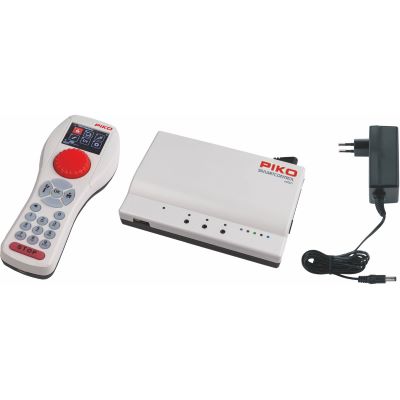
PIKO SmartControl WLAN combines an ergonomic wireless handheld controller with a compact DCC command station. Discover how the Basic Set, SmartController, SmartBooster and new G-SmartControl system work and which solution suits your gauge and layout size.
PIKO SmartControl WLAN is a digital control system for locomotives and accessory decoders using the DCC format. The Basic Set consists of the SmartBox WLAN, SmartController WLAN, a power supply and a quick-start guide. The handheld controller communicates wirelessly with the command station, allowing you to move freely around the layout during operation.
Speed and direction are controlled with a sensitive rotary knob. Locomotives, functions and settings can be selected on the colour display. Up to 69 locomotive functions can be operated. This is particularly helpful for modern sound locomotives with numerous lighting, sound and shunting functions.
The standard Basic Set supplies a maximum of 2 amps to the track. This is sufficient for many small and medium-sized layouts with several H0, TT or N locomotives. The decisive factor is not the number of vehicles stored in the controller but the simultaneous current consumption of motors, sound, lighting and other loads.
As the layout grows, a SmartBooster 3A can divide it into additional power districts. Booster districts are electrically isolated and each receives its own short-circuit monitoring. A derailed vehicle will therefore not necessarily shut down the entire model railway.
In the current system, WLAN primarily refers to the wireless connection used by the dedicated SmartController. Anyone who specifically wants to operate the railway with their own smartphone or tablet should check the desired app and its compatibility separately before purchasing.
Compact 2 A DCC Basic Set with a colour display, wireless handheld controller and expansion options using additional controllers and boosters.
These sets include a digital train, track, SmartBox, SmartController and power supply. RailCom Plus-compatible vehicles can register automatically in suitable sets.
Independent Gauge G system with 5 A, an adjustable voltage range from 16 to 22 volts, a programming track and powerful large-scale boosters.
Earlier DCC system with a wired handheld controller. Accessories and connections should not be combined with the current SmartControl WLAN system without checking compatibility.
The original SmartControl generation used an Android-based handheld controller. It differs technically from the current SmartController WLAN.
Supplementary programming device for compatible PIKO decoders, sound projects and individual settings. It does not replace the central layout control system.
| Feature | SmartControl WLAN 55821 | G-SmartControl WLAN 35055 | Practical Recommendation |
|---|---|---|---|
| Digital format | DCC | DCC with RailCom and RailCom Plus | Check the decoder format before purchasing |
| Output current | Maximum 2 A | Maximum 5 A | Plan according to actual current consumption |
| Track voltage | Suitable for the 16 V power supply | Adjustable between 16 and 22 V | Adapt the voltage to the gauge |
| Handheld controller | SmartController WLAN 55823 | G-SmartController WLAN 35051 | Do not confuse the controllers |
| Locomotive functions | Up to 69 functions | Up to 69 functions | Ideal for sound and lighting functions |
| Additional power | SmartBooster 3A 55827 | G-SmartBooster 5A 35052 | Create separate booster districts |
| Typical gauges | Z, N, TT, H0e, H0m, H0 and 0e | Gauge G and other large-scale DCC applications | Consider output and voltage together |
Speed and direction can be adjusted with one hand. The stop button switches off the track voltage in a hazardous situation.
Locomotive names, addresses and function assignments make it easier to switch between several digital vehicles.
Extensive sound decoders can be controlled with lighting, horns, couplers, shunting mode and many additional functions.
Several operators can take control of different locomotives. This is useful for families, shunting operation and modular layouts.
The SmartBooster supplies an electrically isolated section while the command station continues to generate all digital commands.
Compatible decoders can be programmed, tested and provided with individual settings or sound projects.
Small locomotives usually require little current. The 2 A Basic Set therefore provides sufficient reserves for many compact layouts.
SmartControl WLAN 55821 with DCC-compatible decoders.
Check the permitted track voltage of small vehicles and decoders.
The system is particularly suitable for DCC two-rail layouts. Starter sets provide a complete introduction with a train, track, command station and handheld controller.
Basic Set, H0 SmartControl starter set or Basic Set with a booster.
Include sound locomotives and illuminated coaches in the power calculation.
Large motors, smoke generators and sound increase the power requirement. The new 5 A G-SmartControl system with adjustable voltage is intended for garden railways.
G-SmartControl WLAN 35055 and G-SmartBooster 35052.
Plan suitable cable cross-sections, weather protection and several track feed points.
Connect the SmartBox to the track with the specified connecting cable. Check older feeder tracks for interference-suppression components beforehand.
Only use a power supply that is suitable for the system and model railway gauge.
Insert or charge the rechargeable battery and connect the handheld controller to the SmartBox.
Select an existing locomotive address or allow a RailCom Plus-compatible vehicle to register automatically.
First test the lighting, direction, stop button and additional functions with a single vehicle.
Add further controllers, turnout decoders and boosters only after successful basic operation.
The current system is primarily operated with the dedicated SmartController WLAN. Check any desired apps separately.
SmartControl, SmartControl Light and SmartControl WLAN use different components and connections.
Sound, interior lighting and several moving locomotives may make an additional booster district necessary.
Electrical isolation points must be installed exactly according to the applicable manufacturer instructions.
Smaller gauges are particularly sensitive to unnecessarily high track voltage.
On larger layouts, turnouts, signals and lighting should receive a suitable separate power supply.
This selection includes central system components, digital H0 starter sets and powerful Gauge G accessories. For individual devices, check the required additional components on the respective product page.
Command stations, additional control devices, boosters and workshop equipment for DCC layouts in various gauges.
DCC Basic Set with SmartBox, wireless controller and power supply.
View Product →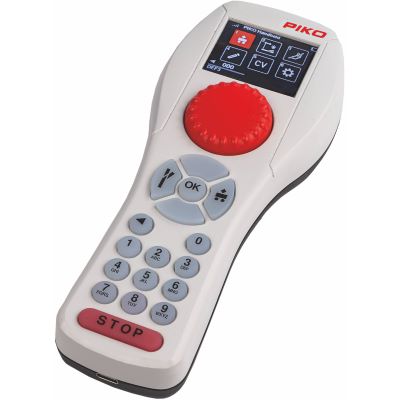
Ergonomic wireless controller for an additional operating position.
View Product →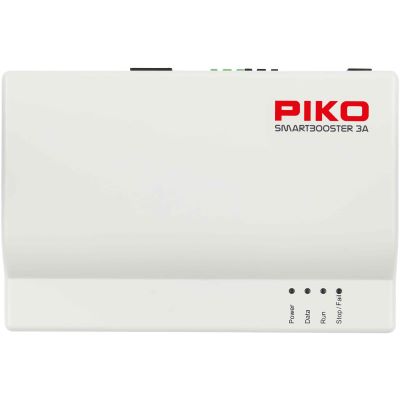
Supplies an additional electrically isolated layout section.
View Product →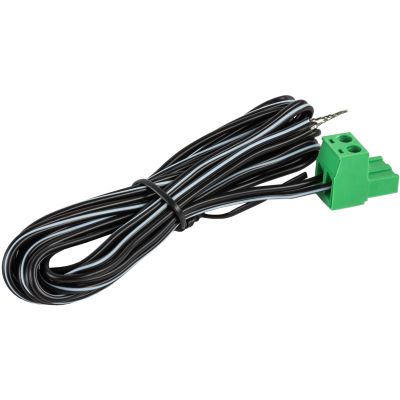
Connects SmartControl components securely to the model railway track.
View Product →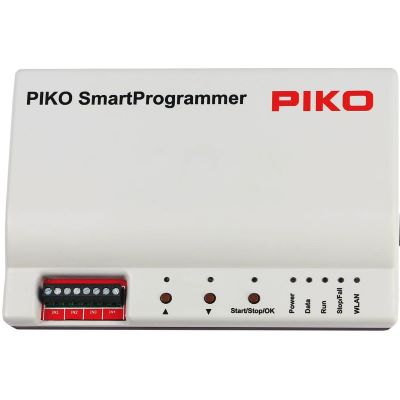
Edits compatible decoders, settings and sound projects.
View Product →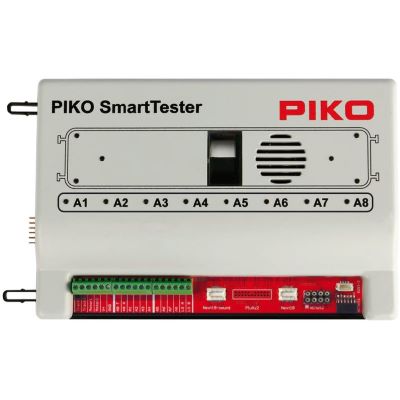
Tests motor, lighting and sound functions before installation.
View Product →Complete digital sets with a train, PIKO A Track, SmartBox, handheld controller and power supply.
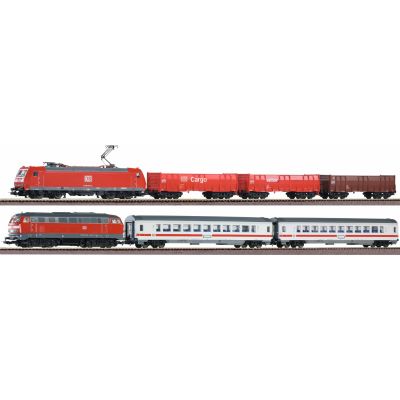
Passenger and freight trains for varied digital operation.
View Product →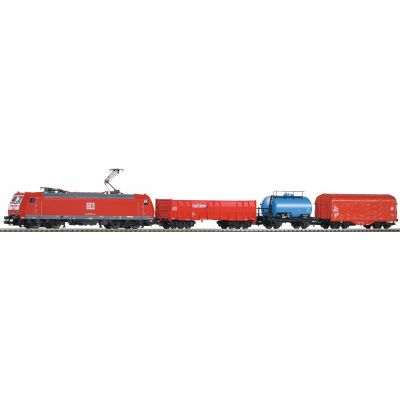
Digital electric locomotive, three freight wagons and a large track oval.
View Product →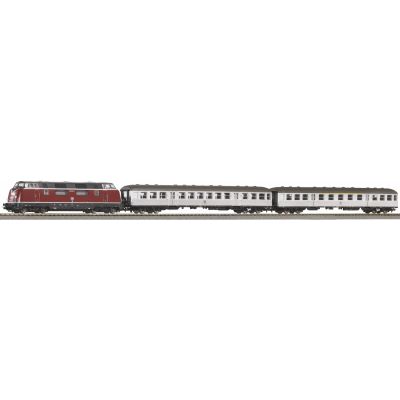
Diesel locomotive and two passenger coaches with ballasted track.
View Product →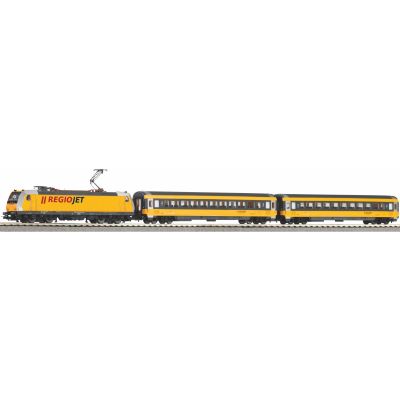
Yellow passenger train with wireless control and ballasted track.
View Product →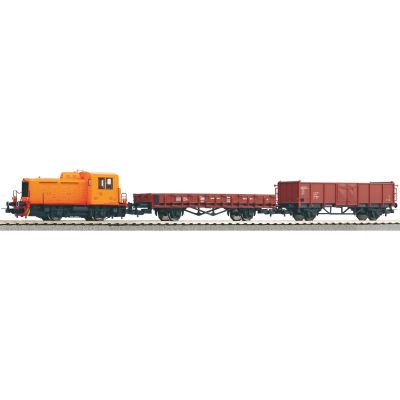
Compact diesel locomotive and freight wagons for DR shunting scenes.
View Product →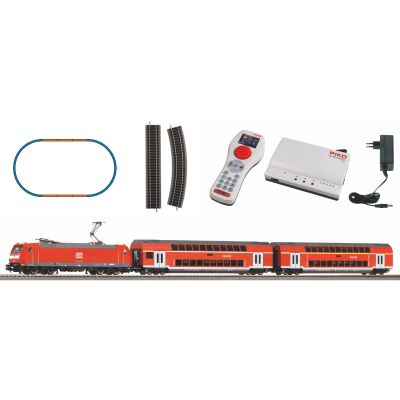
Class 146 and two double-decker coaches in DB AG livery.
View Product →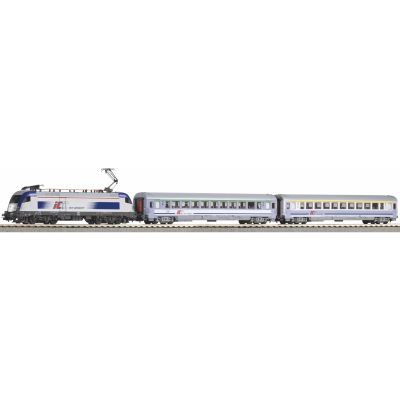
Taurus locomotive and two matching passenger coaches.
View Product →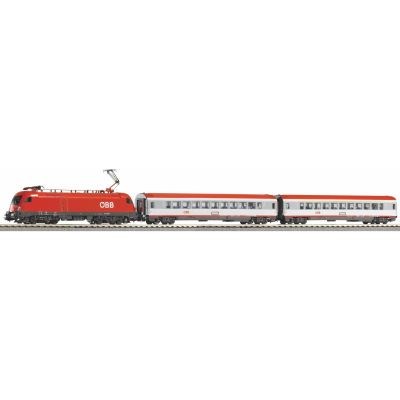
Digital Taurus passenger train with ballasted PIKO A Track.
View Product →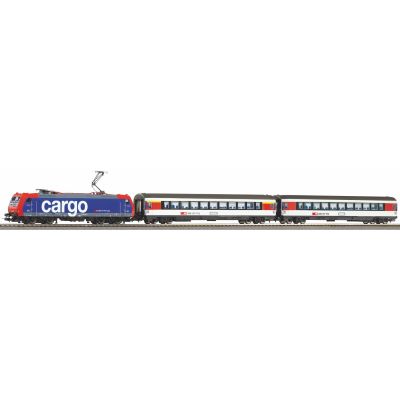
Electric locomotive and two passenger coaches for Swiss operation.
View Product →Powerful wireless control, boosters and weather-resistant turnout decoders for large vehicles and long routes.
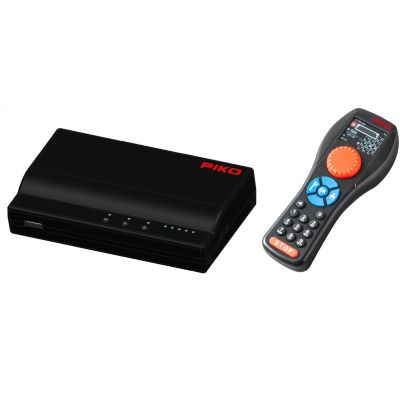
5 A DCC system with controller, power supply and programming track.
View Product →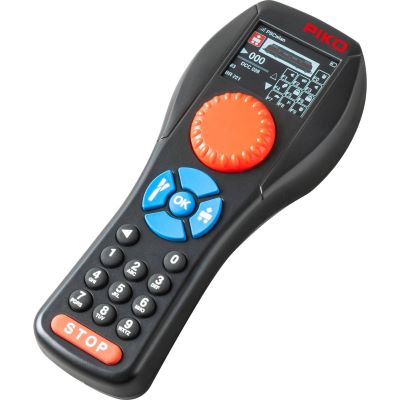
Wireless operating position for the new G-SmartControl system.
View Product →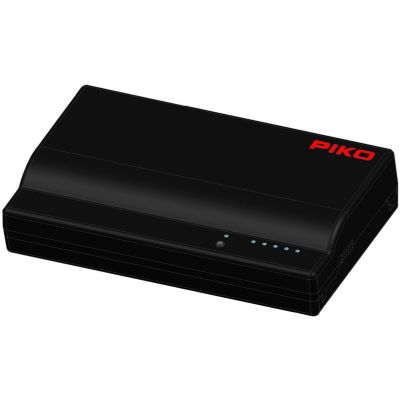
Additional 5 A power district with its own 100 VA power supply.
View Product →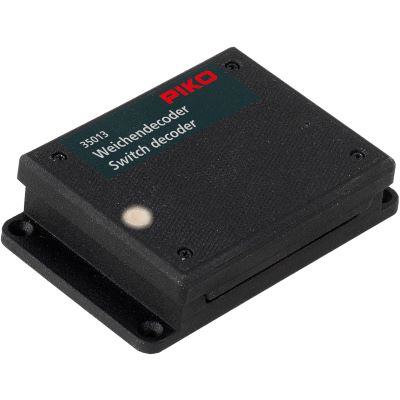
Splash-resistant DCC decoder for garden railway turnouts.
View Product →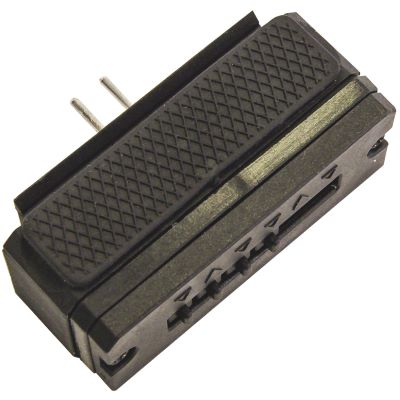
Splash-resistant single-channel decoder requiring only short wiring.
View Product →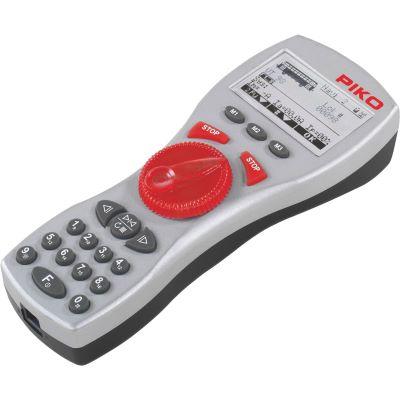
Wireless and wired controller for compatible earlier PIKO Gauge G systems.
View Product →The system is suitable for DCC beginners, returning hobbyists and model railway enthusiasts who prefer a wireless handheld controller with a traditional rotary knob. It can grow gradually with additional controllers and boosters.
The current SmartControl WLAN is a DCC system. A locomotive with a multiprotocol decoder can operate when the decoder supports DCC. This does not provide native mfx registration.
Two amps are often sufficient for several small or medium-sized H0 locomotives. Sound, smoke generators and many illuminated coaches can, however, reach the limit quickly.
The system can be expanded with additional compatible SmartControllers. This provides up to four operating positions for driving together.
The current system is mainly operated with the dedicated SmartController WLAN. Any desired smartphone app and its support should be checked explicitly before purchasing.
It supplies additional power to an isolated layout section. The driving and switching commands continue to come from the SmartBox.
Compatible decoders can register automatically with a compatible command station and transmit vehicle information. Not every DCC decoder supports this function.
PIKO describes the system as open and suitable for combination with compatible LocoNet components. The connections, adapters and firmware versions must be checked for the specific configuration.
SmartControl Light belongs to an earlier system generation with different components. Its controller, command station and expansions are not automatically interchangeable with the current WLAN system.
The 5 A G-SmartControl WLAN with adjustable track voltage from 16 to 22 volts and a compatible 5 A booster is intended for Gauge G. Suitable cable cross-sections and weather protection remain important.
Further guides cover digital protocols, decoders, track voltage, boosters, feedback, wiring and layout construction.