1. Determine the operating mode
Check whether the command station has an integrated access point, operates as a Wi-Fi client or only provides a LAN connection.





LAN reliably connects the digital command station to a router or computer. Wi-Fi connects handheld controllers, smartphones and tablets to the layout wirelessly. This guide explains which connection is best for each task, when an access point is required and how to create a stable model railway network.
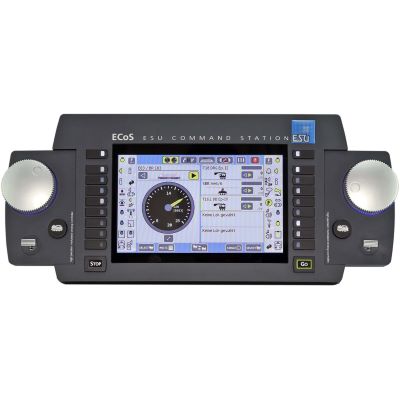
A digital command station generates the track signal, processes driving commands and manages locomotives, turnouts, signals and feedback modules. Wi-Fi and LAN do not transmit these commands directly to the locomotive decoder. Instead, they connect controllers, computers and other network components to the command station.
LAN stands for Local Area Network and, in the model railway sector, usually refers to a wired Ethernet connection with an RJ45 connector. LAN can connect a command station to a router, computer, access point or another compatible command station.
Wi-Fi is the wireless version of a local network. A Wi-Fi handheld controller, smartphone or tablet connects wirelessly to an access point. The access point may be integrated into the command station or provided by a separate router connected by LAN cable.
Wi-Fi and LAN are initially only transmission paths between the controller and the command station. The command station determines whether DCC, mfx, Motorola or Selectrix is transmitted to the track. A smartphone therefore cannot control every locomotive simply because it has a Wi-Fi connection. The command station must support the decoder and its protocol.
A stationary command station can be connected particularly reliably to a router by cable. The router then provides Wi-Fi for mobile devices. This principle is used by Z21 systems and when connecting an ESU ECoS to an access point.
Command stations such as the YaMoRC YD7010, Uhlenbrock DAISY II WLAN and ESU CabControl can provide their own wireless network. This is practical for portable layouts, clubs and exhibitions because an existing home network is not required.
LAN is generally the stable foundation for stationary connections. Wi-Fi is used wherever controllers need to move freely around the layout.
Both connection types have their advantages. A well-designed setup often uses LAN for the fixed infrastructure and Wi-Fi for mobile control.
| Feature | LAN | Wi-Fi | Practical recommendation |
|---|---|---|---|
| Connection | Network cable between the command station, router or computer. | Wireless connection between the access point and mobile device. | Use cables for stationary devices whenever possible. |
| Freedom of movement | The controller remains tied to the cable and connection point. | Free movement along the layout. | Use Wi-Fi for handheld controllers, smartphones and tablets. |
| Susceptibility to interference | Largely unaffected by wireless networks and building structure. | Range can be reduced by walls, metal or other networks. | Connect the command station and PC by LAN where possible. |
| Setup | Connect the cable and check the network settings. | Select the network name, password and operating mode. | Preconfigured sets make getting started easier. |
| Mobile control | Only indirectly through a connected Wi-Fi router. | Direct connection to an app or wireless handheld controller. | Use a dedicated model railway Wi-Fi network at exhibitions. |
| Computer operation | Very suitable for control software, updates and backups. | Possible, but more dependent on wireless signal quality. | Connect an automation PC permanently by cable. |
Connect the digital command station by LAN to a centrally positioned router or access point. Handheld controllers, smartphones and tablets use Wi-Fi. This keeps the fixed data connection stable while retaining mobile control.
The decisive factor is whether the command station creates its own Wi-Fi network or requires an external router. The following steps provide a practical foundation.
Check whether the command station has an integrated access point, operates as a Wi-Fi client or only provides a LAN connection.
The wireless access point should be positioned as openly and centrally as possible, rather than beneath a metal frame or behind large scenery.
Connect the command station and router with a network cable and check the status indicators before connecting mobile devices.
The router usually assigns an address automatically. A fixed assignment can make maintenance easier on permanently installed layouts.
Select the model railway Wi-Fi network on the controller and enter the corresponding password. Then select the command station.
Test driving commands, direction changes, functions and the stop button before operating several trains at the same time.
A traditional Wi-Fi handheld controller combines a physical rotary knob and function buttons with wireless freedom of movement. Examples include the Märklin Mobile Station WLAN, Roco WLANMAUS, ESU Mobile Control Pro, PIKO SmartController WLAN and Uhlenbrock DAISY II WLAN.
Smartphones and tablets are particularly suitable for graphical locomotive lists, track diagrams and cab views. A compatible app or supported network protocol is required. An arbitrary app cannot automatically control every digital command station.
Software connected by LAN can evaluate train positions, feedback modules, blocks and routes. This enables staging-yard control, timetable operation, shuttle trains and partially automated operation. The command station remains responsible for the track signal and safe power shutdown.
A home network allows computers, tablets and the command station to communicate conveniently. A separate model railway network is clearer and independent of changes to the internet router. A dedicated access point is particularly useful for portable layouts and exhibitions.
Many systems allow several Wi-Fi handheld controllers or apps to be used. Before operating together, locomotive assignments, access rights and the function of the central stop button should be clearly defined.
A stationary emergency stop and easily accessible shutdown controls remain advisable even when the layout is controlled entirely by Wi-Fi.
Wi-Fi and LAN operate independently of the model railway scale. Track voltage, output current and booster power must nevertheless be suitable for the size of the vehicles.
| Scale | Network use | Key performance consideration | Typical solution |
|---|---|---|---|
| Z scale | Apps, handheld controllers and PCs can be used just as with larger scales. | Particularly low track voltage and very small decoders. | Command station with adjustable output voltage. |
| N scale | Wi-Fi controllers and computer control are easy to use. | Low track voltage and limited total current. | Compact DCC command station with adjustable voltage. |
| TT scale | Equally suitable for mobile control and automation. | Allow for the current consumption of several sound locomotives. | Expandable command station with approximately two to three amperes. |
| H0, H0e and H0m | The widest choice of apps, command stations and handheld controllers. | Consider the AC or DC system, number of locomotives and illuminated coaches. | Multi-protocol or DCC command station with a booster option. |
| 0 scale | Wi-Fi makes it easier to walk alongside the train. | Higher motor, sound and function current. | Powerful command station with adjustable voltage. |
| 1 scale | Mobile controllers are particularly useful on large layouts. | Several large vehicles require powerful boosters. | Command station with separate booster districts. |
| G scale and IIm | Wi-Fi enables direct control from anywhere in the garden. | High voltage, high driving current and long cables. | Garden railway control with five amperes or expansion boosters. |
A good router position, a unique network name and clear documentation are more important than an unnecessarily complicated configuration.
A distinctive name prevents confusion with neighbouring networks, club routers or a second model railway system.
Use the latest encryption supported by the system and replace easy-to-guess default passwords.
Metal frames, radiators, thick walls and enclosed cabinets can significantly reduce wireless coverage.
Record the addresses of the command station, router, computer and feedback servers. This speeds up troubleshooting, updates and device replacement.
Back up locomotive lists and configurations before updating firmware, apps or control software.
Switch off a handheld controller as a test and check how the command station and a moving locomotive react to the lost connection.
The selection includes scale-independent command stations, mobile Wi-Fi handheld controllers, router and access-point solutions, and starter systems for H0 and G scale. Also check the supported digital formats, output current, track voltage and bus connections.
These command stations form the fixed network base. Some create their own Wi-Fi network, while others connect to a router by LAN.
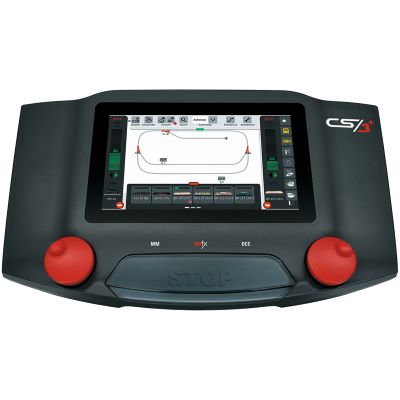
Multi-protocol command station with touchscreen, network connection and multi-device capability.
View product →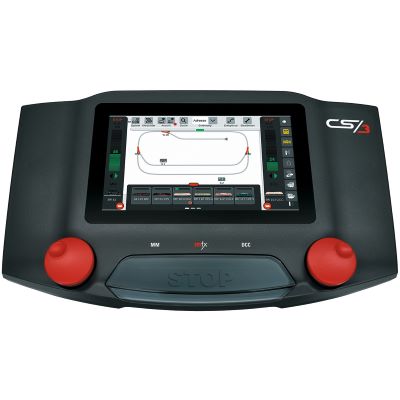
Touchscreen control for mfx, DCC and Motorola with network features.
View product →
Powerful multi-protocol command station with Ethernet and PC connectivity.
View product →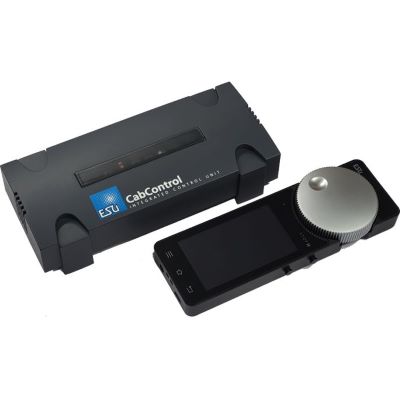
DCC system with integrated access point, LAN and Mobile Control.
View product →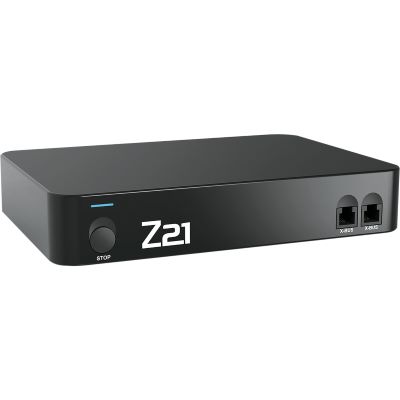
Open network command station for apps, WLANMAUS and computer control.
View product →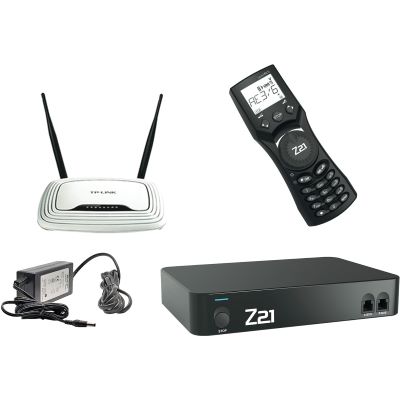
Z21, WLANMAUS and a preconfigured router in one system package.
View product →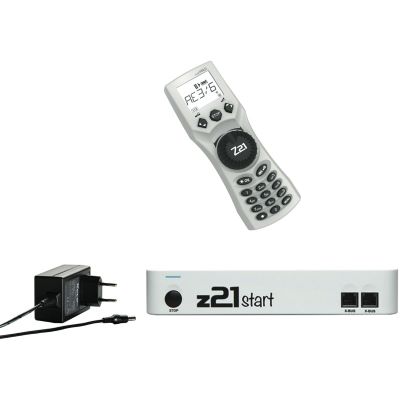
Entry-level command station with multiMAUS and upgradeable Wi-Fi capability.
View product →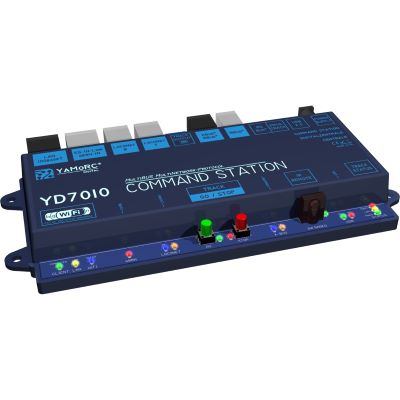
Compact command station with access point, Ethernet and several network protocols.
View product →
Multi-protocol command station with touchscreen, network and RailCom detector.
View product →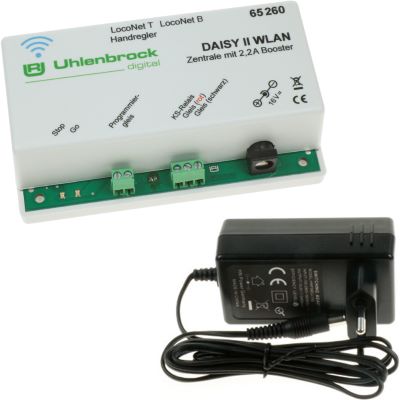
Compact DCC command station with its own wireless network and web server.
View product →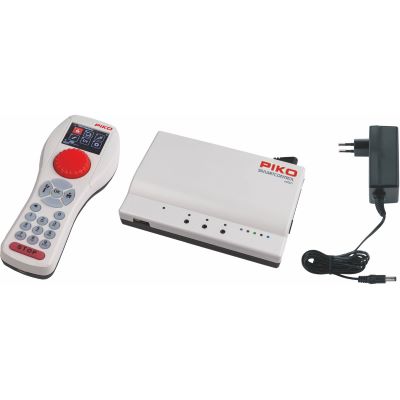
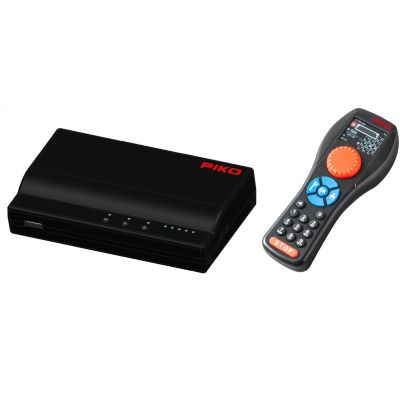
Base station and ergonomic wireless handheld controller for digital layouts.
View product →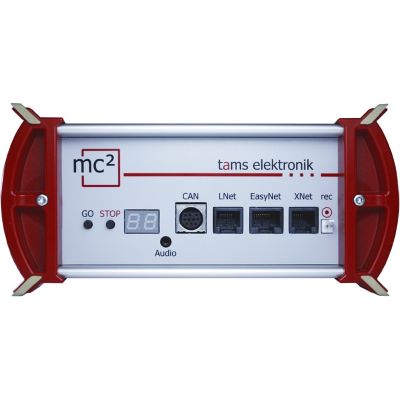
Powerful command station with Ethernet, multiple bus systems and RailCom.
View product →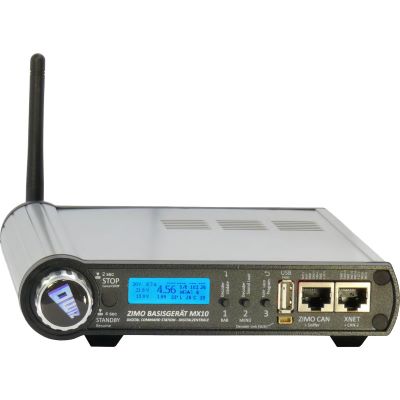
Powerful base unit with Ethernet, USB, CAN and radio technology.
View product →These components add mobile control to existing command stations, connect them to a home network or provide additional controllers.
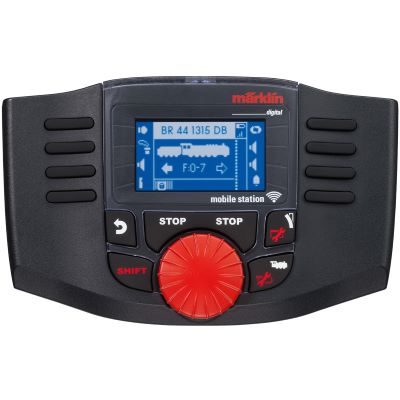
Wireless handheld controller for a Central Station or WLAN receiver box.
View product →
Connects several Mobile Stations WLAN to a connection box or CS3.
View product →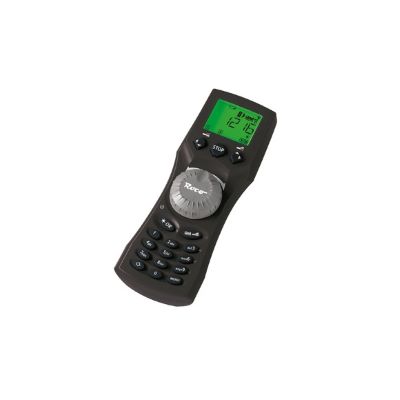
Wireless rotary controller for locomotives, functions, turnouts and routes.
View product →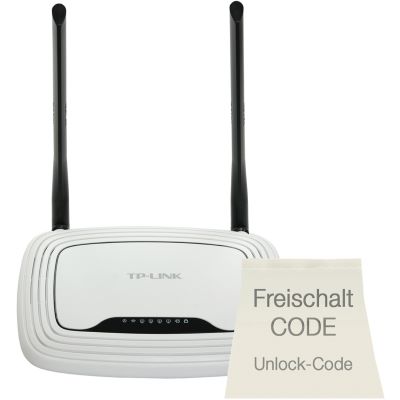
Preconfigured router and activation code for app and WLANMAUS operation.
View product →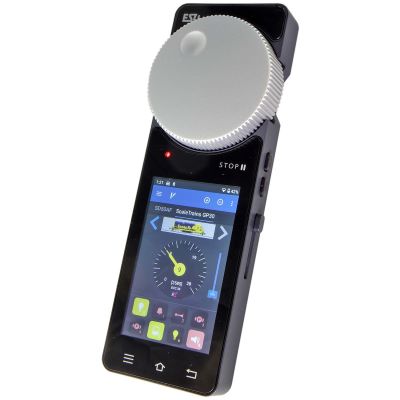
Android handheld controller with touchscreen, rotary knob and Wi-Fi.
View product →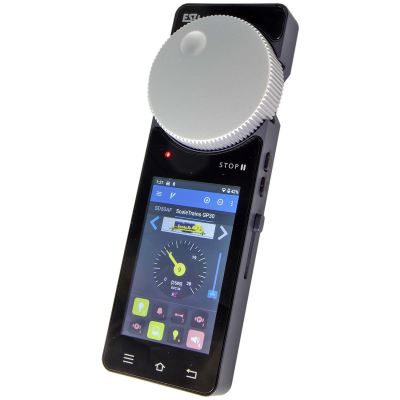
Handheld controller and access point for a dedicated model railway Wi-Fi network.
View product →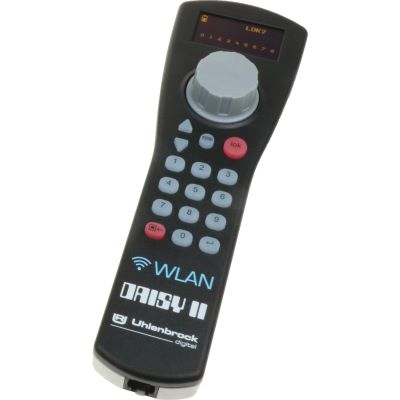
Mobile controller for various network protocols and command stations.
View product →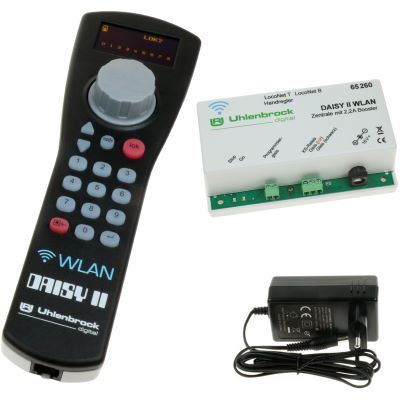
Command station, handheld controller and power supply for wireless operation.
View product →
Additional driving controls and track-diagram functions for LocoNet command stations.
View product →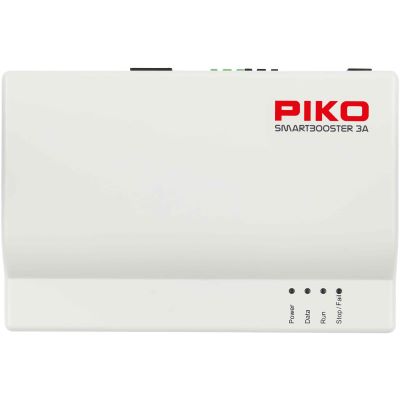
Adds another three amperes of power to the SmartControl WLAN system.
View product →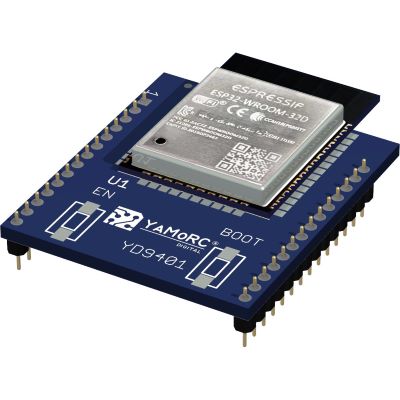
Modernises the network functions of an existing Digikeijs DR5000.
View product →Complete sets are suitable for getting started immediately because the vehicles, track, power supply and network control are coordinated.
The most important answers about internet access, routers, Wi-Fi handheld controllers, smartphone control, range and layout automation.
An internet connection is often not required for operation within a local network. Internet access may nevertheless be needed for app downloads, activation, firmware updates or additional online services.
Wi-Fi is a standardised networking technology. Other handheld controllers use proprietary radio systems, Bluetooth or additional radio master units and are therefore not automatically Wi-Fi compatible.
An app can technically perform many tasks. A physical handheld controller, however, provides a tactile rotary knob and can often be operated without constantly looking at the screen.
Many LAN command stations can be connected directly or through a router. A router usually makes it easier to manage several devices while retaining simultaneous connections to tablets and smartphones.
Possible causes include a weak signal, wireless interference, an unfavourably positioned router, incorrect login details or changing IP addresses.
A repeater can eliminate gaps in wireless coverage. It should be positioned where it still has a good connection to the router. On stationary layouts, an additional wired access point is often more stable.
Only if the system explicitly supports multi-device or client operation. Connecting devices to the same network cable does not automatically make command stations from different systems compatible.
The command station usually continues operating, but it no longer receives new commands from the affected controller. The behaviour of moving trains should therefore be tested before regular operation.
A separate network is clearer and independent of changes to the home internet router. It should nevertheless use a strong password and the latest encryption supported by the equipment.
A permanently operating layout computer is generally best connected by LAN. Wi-Fi remains useful for mobile controllers and tablets that are only used occasionally.
Further information from the manufacturers: Z21 network system, ESU Mobile Control Pro, ESU CabControl and Uhlenbrock Intellibox 3.
The central model railway guide covers scales, digital systems, layout planning, vehicles, track, scenery construction and maintenance.