Control
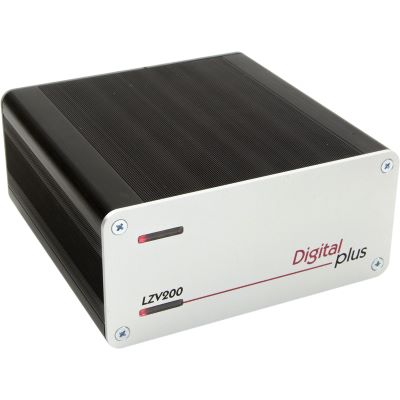
The LZV200 Generates the DCC Commands
The command station manages locomotive addresses, speed steps, functions, multiple-unit consists, electromagnetic accessories and programming commands.

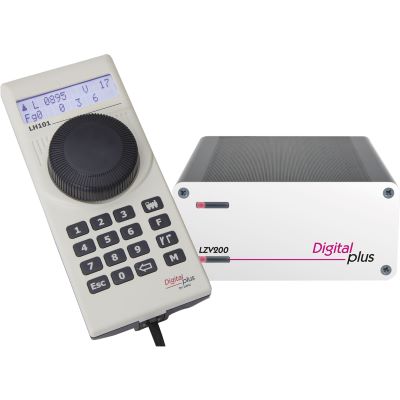
Lenz Digital plus combines a powerful DCC command station with precise handheld controllers, XpressNet, feedback, computer control and automatic braking. This guide explains SET101, LZV200, LH101, RailCom and ABC for small and large gauges.
Lenz Digital plus is a modular control system for DCC model railways. Each digitised locomotive receives its own address and can therefore accelerate, brake, change direction and operate lighting, sound or coupling functions independently of other vehicles on the same track.
The current system foundation is the LZV200. It combines the digital command station and power amplifier in one housing and supplies a maximum of 5 amps. Locomotive decoders can be configured on a separate programming track or during operation using Programming on Main.
The command station is operated through XpressNet. The wired LH101 handheld controller has a display, a finely adjustable rotary controller and buttons for locomotive functions, turnouts and system settings. The LH101-R provides the same basic capabilities using a wireless connection to the LTM101 receiver.
SET101 combines the LZV200 and LH101. SET101-R adds the wireless handheld controller and suitable receiver. For a particularly straightforward introduction, the Starter Digital Set manages fewer vehicles and functions but can be assembled quickly and operated easily.
Lenz Digital uses DCC. Vehicles that only support Motorola or mfx therefore require a decoder that also understands DCC. The system is particularly interesting for two-rail layouts but can also be used in other layout concepts with suitable DCC decoders and correct wiring.
The command station manages locomotive addresses, speed steps, functions, multiple-unit consists, electromagnetic accessories and programming commands.
The rotary controller and display enable precise shunting, quick locomotive changes and the operation of turnouts and routes.
Additional controllers and connection sockets can be distributed around the layout without connecting every device directly to the command station.
Occupancy states are detected using current sensors or contacts and transmitted to the command station, handheld controller or control software.
Turnouts, signals and other electrical accessories receive their own digital addresses and can be operated from the handheld controller or computer.
BM1, BM2 and BM3 create defined braking sections for ABC-compatible decoders without switching off the entire track section.
| Feature | Starter Digital Set | SET101 | SET101-R |
|---|---|---|---|
| Target users | Beginners and small layouts | Ambitious home layouts | Large layouts and mobile operation |
| Command station | Compact starter command station | LZV200 | LZV200 |
| Handheld controller | Starter handheld controller | Wired LH101 | LH101-R with radio receiver |
| Locomotive management | Up to four locomotives | Addresses up to 9,999 | Addresses up to 9,999 |
| Locomotive functions | Up to ten functions | Up to 68 functions | Up to 68 functions |
| Accessories | Up to ten turnouts or signals | Up to 2,048 addresses | Up to 2,048 addresses |
| Expansion | Limited; two controllers possible | XpressNet, feedback and amplifiers | XpressNet, radio, feedback and amplifiers |
Compatible decoders can return their address or other information through the track. The LZV200 has a global RailCom receiver for its power district.
An ABC-compatible decoder detects the section, brakes using the configured braking distance and stops before the signal. Its functions remain available.
Compatible Gold decoders can use an energy-storage module to bridge brief contact problems caused by dirty track or turnout frogs.
The compact module is suitable for one braking section and allows trains travelling in the opposite direction to pass without stopping.
The module processes signal aspects and enables more complex braking and control tasks than a simple BM1 section.
One module is used for each block. The BM3K adds electrically isolated feedback for use with reverse loops.
Small motors require little current and can be sensitive to excessive track voltage. Compact decoders and a low setting that complies with the vehicle instructions are essential.
Starter Set or SET101 with small DCC decoders and short detection sections.
Avoid unnecessarily high voltage and an oversized cut-off threshold.
Digital plus provides particularly extensive possibilities in these gauges. Multiple-train operation, XpressNet, turnout decoders, ABC braking sections and computer control can be combined modularly.
SET101 or SET101-R with LS101, LS150, LR101 and ABC modules.
Include sound locomotives, interior lighting and accessories in the power calculation.
Large motors, sound, lighting and remote-controlled couplings require greater reserves. The LZV200's 5 A output and high-capacity feedback modules must be combined with sufficiently large cable cross-sections.
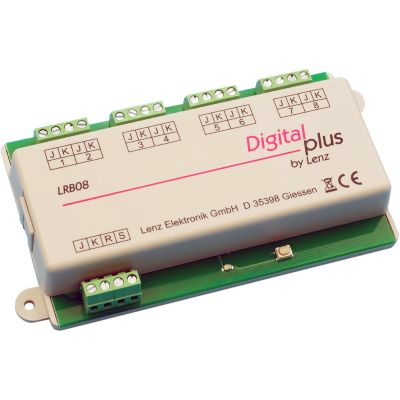
LZV200, wireless controller, LRB08 and clearly separated power districts.
Provide several track feeds and short, adequately dimensioned cables.
Choose the power supply, track voltage and maximum output current to suit the gauge and wiring.
The two LZV200 outputs must not be connected electrically by accident.
Connect the LH101 through XpressNet or pair the LH101-R and LTM101 according to the instructions.
Test one locomotive first, followed by further vehicles, functions and multiple-unit consists.
Test addresses and track sections individually and document them permanently on a layout plan.
Configure the braking distance at low speed first and commission block sections gradually.
Vehicles require a DCC-compatible decoder. A locomotive that only supports mfx or Motorola cannot be added automatically.
High currents require adequate cable cross-sections, short runs and frequent track feeds.
XpressNet connects control devices. The R/S bus transmits feedback from monitored layout sections.
Automatic braking only works with decoders that support the asymmetrical DCC braking signal.
The LAN/USB interface provides the connection. The operating interface and available functions depend on the software used.
The LK200, BM3 and BM3K must be considered as one electrical concept with correctly positioned isolation points.
This selection contains 20 central system components. For sets and individual devices, check the required package contents and compatibility with the gauge, decoder fleet and existing wiring.
Digital sets, handheld controllers, wireless technology and network components for small to sophisticated DCC layouts.
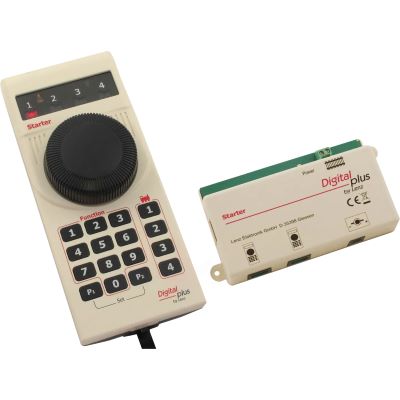
Compact set for four locomotives and the first digital turnouts.
View Product →
LZV200 and LH101 as a powerful XpressNet system foundation.
View Product →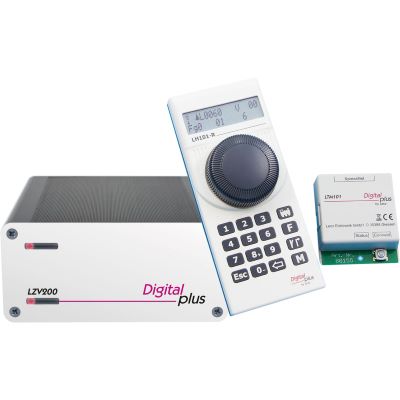
LZV200, wireless controller and receiver for freedom of movement.
View Product →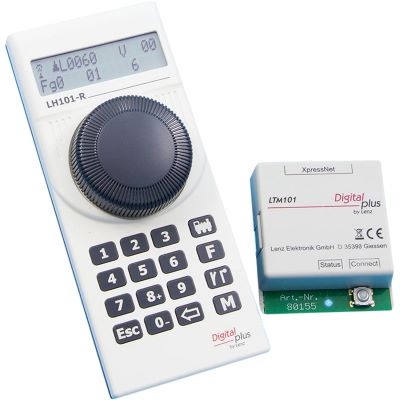
Wireless controller and receiver for an existing Lenz command station.
View Product →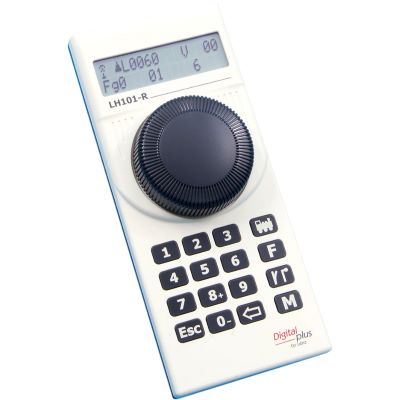
Additional wireless operating position for an existing LTM101.
View Product →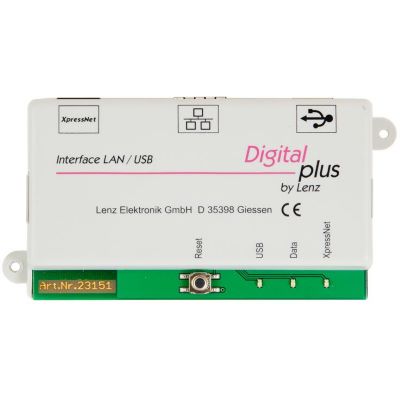
Connects XpressNet to a PC, home network and compatible software.
View Product →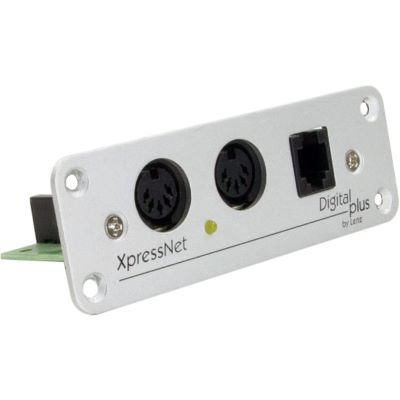
Additional XpressNet sockets for controllers around the layout.
View Product →Modules for turnouts, signals, track monitoring and safe polarity reversal on two-rail layouts.
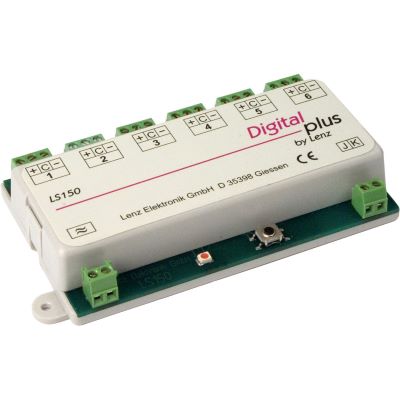
Digital operation of six turnouts, signals or mechanisms.
View Product →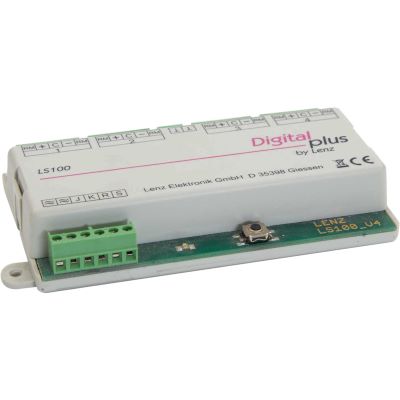
Four outputs and feedback of the turnout or signal position.
View Product →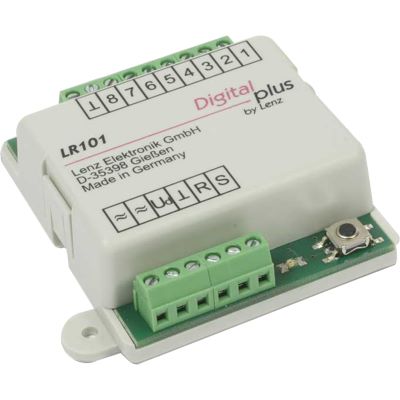
Eight inputs for contacts and external occupancy detectors.
View Product →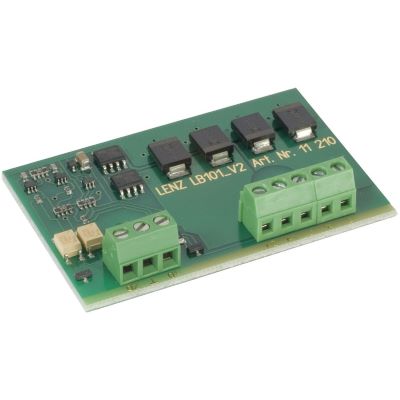
Monitors two track sections and operates together with the LR101.
View Product →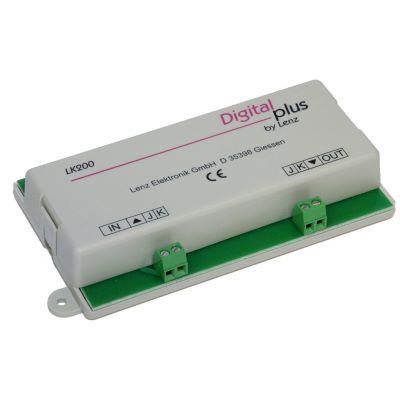
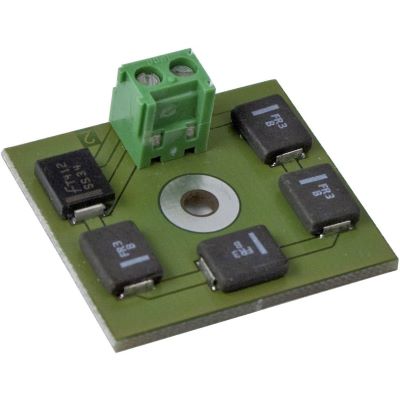
Polarity-reversal module for reverse loops, track triangles and turntables.
View Product →Braking modules and decoders for precise stopping, block operation and reliable running.
Compact ABC module for stopping and unrestricted opposite-direction travel.
View Product →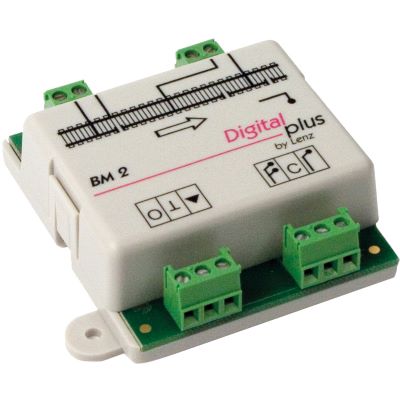
Advanced ABC control for stop, proceed and reduced-speed aspects.
View Product →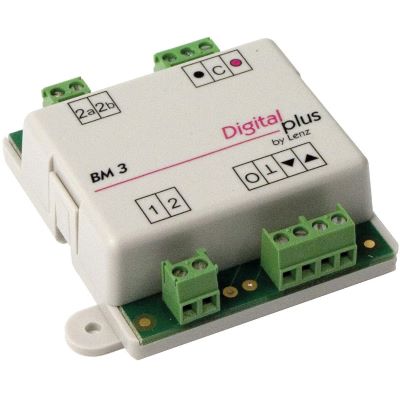
Connects block sections and controls suitable colour-light signals.
View Product →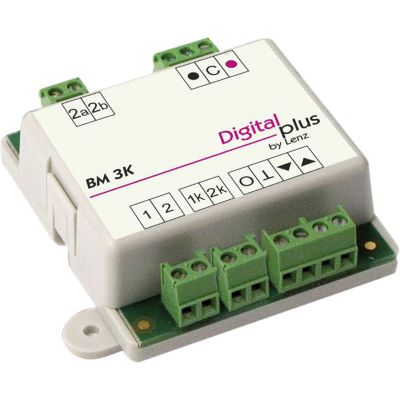
Electrically isolated block feedback for operation with the LK200.
View Product →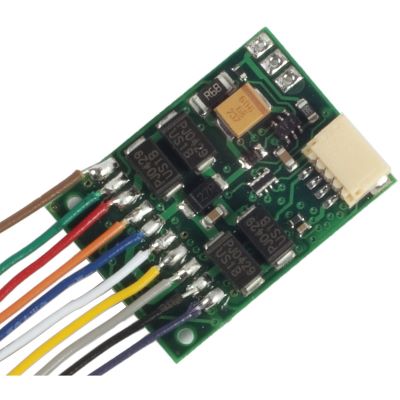
H0 locomotive decoder with RailCom, ABC, USP and an NEM 652 plug.
View Product →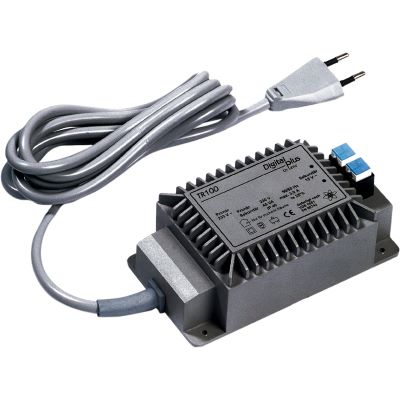
15 V transformer for compatible digital and accessory components.
View Product →Command station and feedback technology for vehicles with higher current consumption, sound and remote-controlled functions.
The LZV200 combines the command station and amplifier. SET101 adds the LH101 handheld controller and the other components included in the set. Check the package contents to determine the appropriate power supply.
SET101 uses the wired LH101. SET101-R includes the wireless LH101-R handheld controller and the LTM101 radio receiver for unrestricted movement.
Lenz Digital plus uses DCC. A vehicle can be used when its decoder supports DCC in addition to mfx and is addressed using DCC.
The system supports digital addresses up to 9,999. The number of vehicles that can operate simultaneously is nevertheless limited by their actual current consumption.
Yes. Numerous control devices can be used with equal authority through XpressNet. LA152 adapters can provide connection sockets around the layout.
Several suitable LH101-R controllers can operate through one radio receiver. On large layouts, test the wireless coverage at the actual installation location.
The LAN/USB interface can connect the system to a network using compatible software. The specific mobile control interface depends on the program used.
Conventional feedback modules report the state of a track section. RailCom additionally allows compatible decoders to return data such as a vehicle address through the track.
No. The decoder must explicitly support ABC. Compatible decoders can provide constant braking distances, stops at signals and unrestricted travel in the opposite direction.
BM1 is intended for simple braking sections, BM2 for signal-dependent sequences and BM3 for automatic block sections. BM3K adds block sections inside reverse loops.
Occupancy detectors are required for staging yards, block operation, train tracking and computer control. Each monitored section must be isolated electrically in the appropriate way.
Yes. The LZV200 supplies up to 5 amps. Gauge 0 also requires adequately sized cables, frequent track feeds and feedback modules with a suitable current capacity.
Further guides cover digital decoders, command stations, feedback, wiring, gauges, track planning and layout construction.