Control Method 1
Manufacturer App
A purpose-built app can provide a locomotive library, function icons, an interlocking panel and, in some cases, driver’s cab views. The best-known example is the Z21 App for Android and iOS devices.





Control your model railway by app, web browser or local Wi-Fi. This guide explains the differences between the Z21, YaMoRC, DAISY II WLAN, Intellibox, tams mc² and other digital systems for gauges Z, N, TT, H0, 0, 1 and G.
The digital command station continues to generate all driving and switching commands. The smartphone merely replaces part of the user interface. Speed, direction, lighting, sound and other locomotive functions are selected on the display. Depending on the system, turnouts, signals, routes and track-diagram control panels can also be operated.
The smartphone and command station communicate through a local network. Some command stations have an integrated Wi-Fi access point. Others are connected to a router by network cable. An internet connection is usually not required during normal railway operation. It may, however, be needed to install an app, activate features, perform updates or download additional content.
Smartphone control is generally independent of the model railway gauge. The decisive factors remain the digital protocol supported by the locomotive decoders, the track voltage and the available output. DCC is widely used on two-rail and many large-scale layouts. Märklin vehicles often use mfx, mfx+ or Motorola. A suitable command station must at least be able to transmit the protocol used by the existing vehicles.
A smartphone does not have to replace a conventional handheld controller completely. Many model railway enthusiasts use a phone for the track diagram, turnouts and locomotive selection, while speed and direction are controlled with a physical rotary knob. Good systems therefore allow several control devices to be used simultaneously.
A purpose-built app can provide a locomotive library, function icons, an interlocking panel and, in some cases, driver’s cab views. The best-known example is the Z21 App for Android and iOS devices.
The smartphone opens the user interface through a local network address. A separate app is not required, so operation remains largely independent of the device’s operating system.
Command stations that support Z21, WiThrottle or LocoNet-over-TCP can connect to various apps, Wi-Fi handheld controllers and computer programs.
| System | Mobile Control | Protocols | Network | Particularly Suitable For |
|---|---|---|---|---|
| Roco Z21 | Z21 App, WLANMAUS and additional controllers | DCC and Motorola | LAN, Wi-Fi router and several system buses | App control, interlocking and automation |
| YaMoRC YD7010 | Z21-compatible apps, WiThrottle and handheld controllers | DCC with RailCom cut-out | Wi-Fi access point, LAN and USB | Open DCC layouts and computer control |
| DAISY II WLAN | Smartphone, tablet and Wi-Fi handheld controller | DCC | Integrated access point or home network | Compact layouts and LocoNet expansion |
| Intellibox 3 | Smartphone, tablet and several mobile devices | DCC, mfx, Motorola and Selectrix | Wi-Fi, LAN, USB and LocoNet | Multiprotocol and large layouts |
| tams mc² | Browser on a smartphone, tablet or computer | DCC, Motorola, m3 and RailCom | LAN through a router or direct connection | App-independent and modular layouts |
| Märklin CS3 | Touchscreen, network and mobile additions | mfx, mfx+, Motorola and DCC | LAN, CAN and Wi-Fi through the network | Märklin H0 and Gauge 1 |
| Roco Z21 XL | Z21 App and Wi-Fi control devices | DCC | Wi-Fi router and Z-CAN | Gauges 0, 1, II and G |
Small vehicles generally require little current. A suitable track voltage, sensitive speed control and reliable short-circuit protection are particularly important.
Z21, YaMoRC YD7010, DAISY II WLAN and tams mc².
Set the track voltage according to the specifications of the vehicle and decoder manufacturers.
These gauges offer the largest choice. DCC systems can be combined across manufacturers. Märklin H0 layouts must additionally take mfx and Motorola into account.
Z21, Intellibox 3, tams mc², DAISY II WLAN and Central Station 3.
Combine a smartphone for the track diagram and locomotive selection with a handheld controller for shunting.
Large vehicles, multiple motors, smoke and sound increase current demand. Mobile control is particularly convenient on extensive layouts.
Z21 XL, ZIMO MX10, PIKO G SmartControl and Massoth DiMAX.
Plan the power supply, cable cross-sections and booster districts separately from the choice of app.
Connect the track, programming track and specified power supply according to the instructions.
Configure either the command station’s own access point or a connection to the existing router.
Connect the smartphone to the correct Wi-Fi network and permit access to devices on the local network.
Launch the manufacturer’s app or open the command station’s local address in a web browser.
Enter the address, protocol, function icons, image and preferred number of speed steps.
Before operating the layout, check how the track power and all moving trains can be stopped immediately.
The selection includes command stations that can be controlled directly by smartphone, as well as supplementary Wi-Fi handheld controllers and large-scale systems. For individual devices, check the required components on the respective product page.
Network-enabled DCC systems for app control, browser operation, feedback and subsequent computer control.
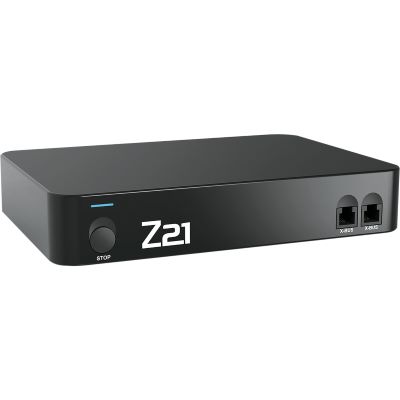
Network command station for the Z21 App, WLANMAUS, feedback modules and computer control.
View Product →
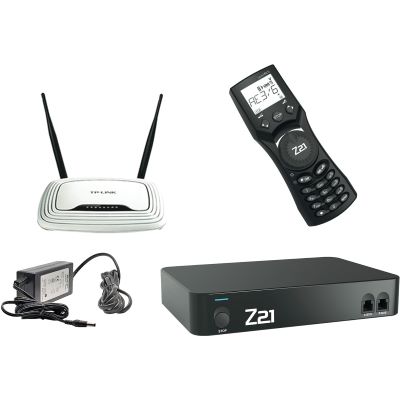
Z21, WLANMAUS, router and power supply as a coordinated complete system.
View Product →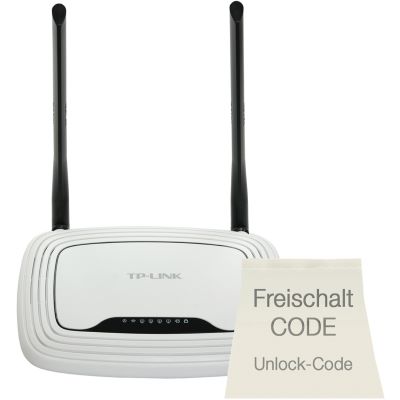
Router and activation for smartphone control of an existing z21 start.
View Product →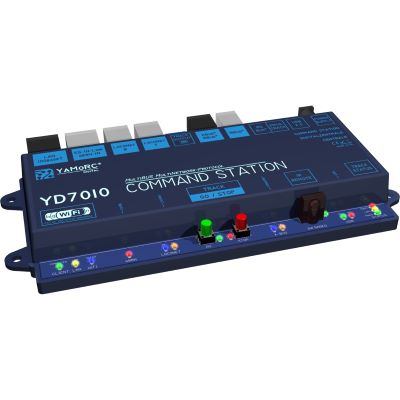
Wi-Fi access point, LAN, USB and several network protocols that can be used simultaneously.
View Product →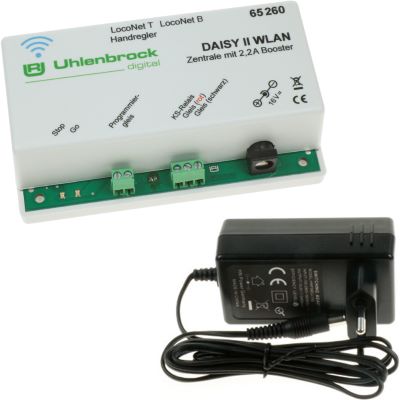
DCC command station with its own Wi-Fi network, web server and LocoNet connection.
View Product →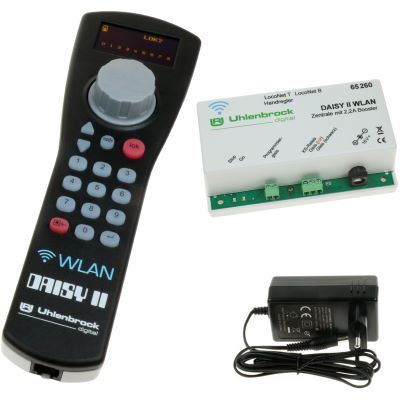
Wi-Fi command station and physical throttle for flexible parallel control.
View Product →
Two throttles, touchscreen, Wi-Fi, LAN and extensive LocoNet expansion options.
View Product →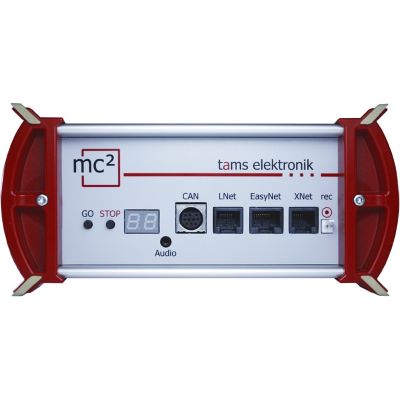
Browser-based control with versatile bus connections and adjustable output.
View Product →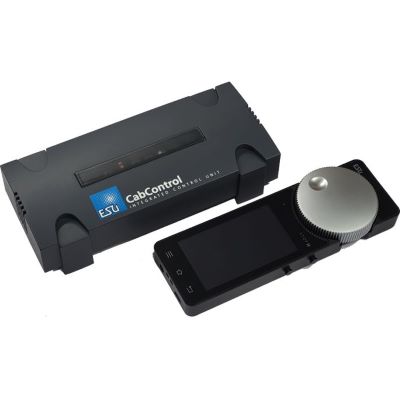
DCC command station with touchscreen handheld controller and ergonomic rotary knob.
View Product →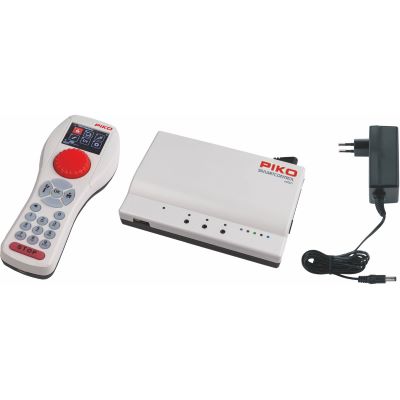
Wi-Fi system with a physical rotary controller for home DCC layouts.
View Product →Multiprotocol command stations and Wi-Fi controllers for Märklin layouts, several operators and convenient shunting.
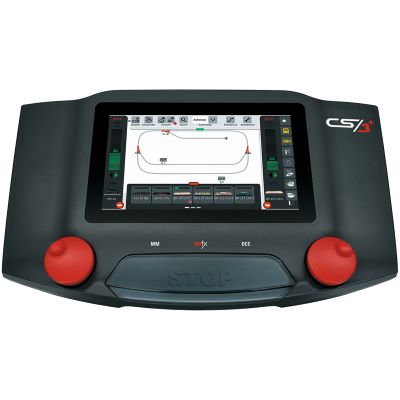
Touchscreen, network, feedback and extensive Märklin system integration.
View Product →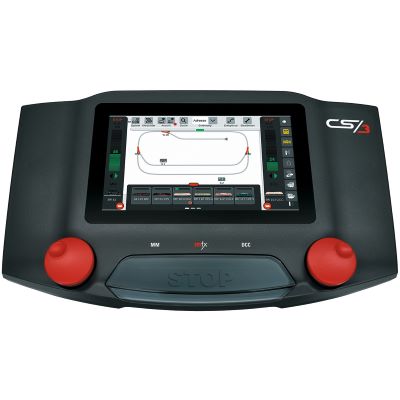
Central control of vehicles, routes and electromagnetic accessories.
View Product →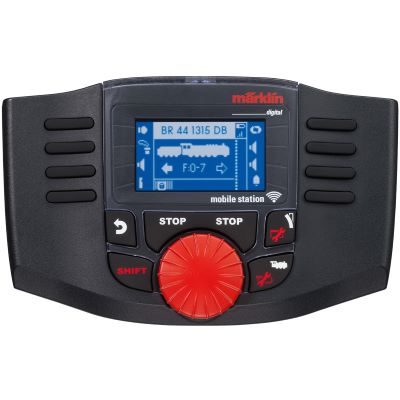
Physical throttle for mobile operation of compatible Märklin systems.
View Product →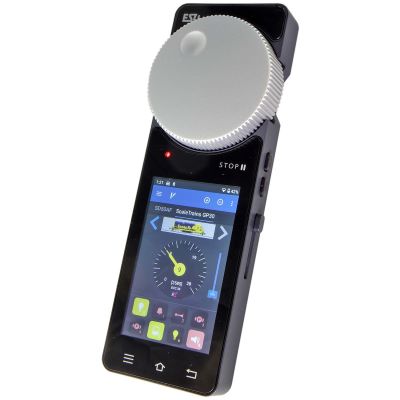
Touchscreen and motorised rotary knob for supported network-enabled command stations.
View Product →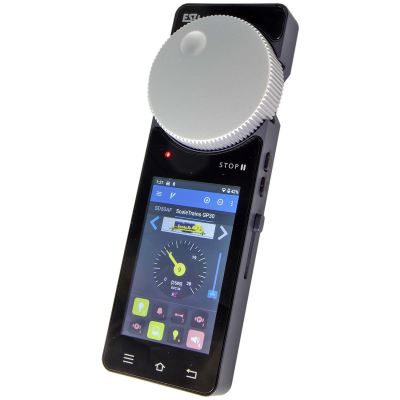
Mobile control device for large layouts and several command station systems.
View Product →High-output DCC systems and wireless controllers for large-scale layouts and garden railways.
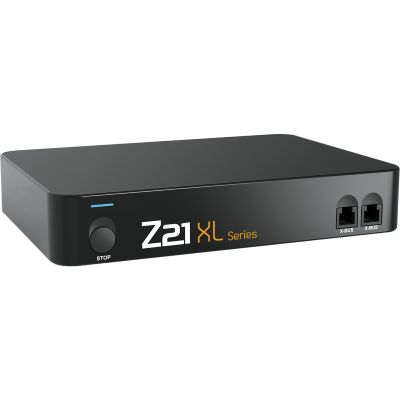
Z21 App control and six amps of output for gauges 0, 1, II and G.
View Product →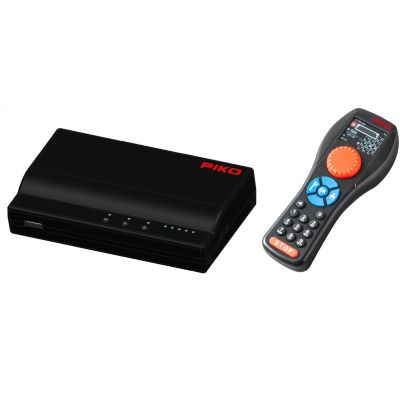
Wireless DCC complete set with five amps of output for Gauge G.
View Product →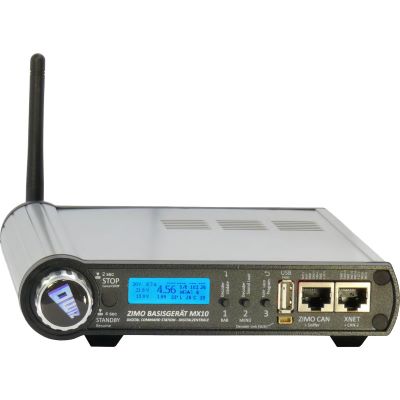
Two separate track outputs and extensive network and bus connections.
View Product →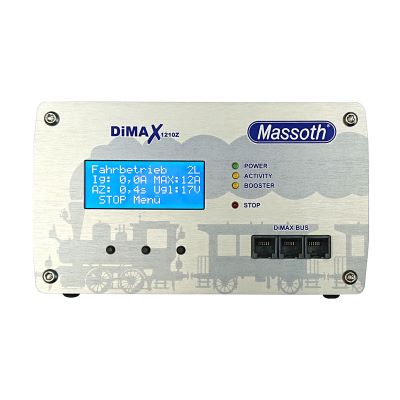
Large-scale command station with adjustable voltage and current limiting.
View Product →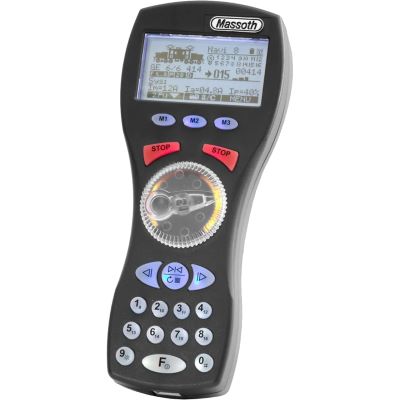
Wireless controller for free movement along an extensive garden railway.
View Product →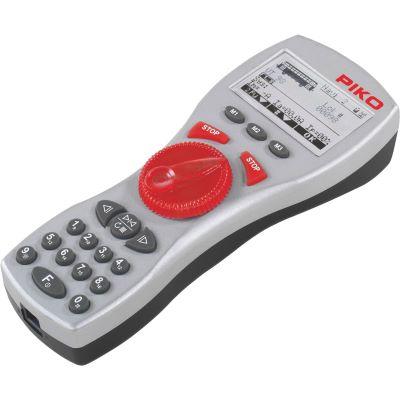
Handheld controller for wired and wireless large-scale railway operation.
View Product →Yes. The actual control process normally takes place within the local network. Internet access is often only required for downloading the app, installing updates, activating features or obtaining additional content.
A tablet provides more space for a track diagram and routes. A smartphone is lighter and easier to carry while walking around the layout. Many users combine both devices.
Many command stations permit several control devices to be used in parallel. The permitted number and available functions depend on the command station, app and network protocol.
The command station will normally remain switched on but will no longer receive new commands from the smartphone. A physical stop button or an additional handheld controller therefore improves operating safety.
A z21 start can be upgraded for use with the Z21 App by adding the appropriate Wi-Fi package and the required activation.
These command stations support various network protocols. Suitable apps and handheld controllers include those that support Z21, WiThrottle or LocoNet-over-TCP. The manufacturer’s current compatibility list should always be consulted.
Yes, provided that suitable accessory decoders have been installed and configured in the app or control interface. For a track diagram, turnouts and signals are assigned to their corresponding positions.
Some apps can operate simple routes. A fully monitored staging yard additionally requires feedback modules, separate detection sections and, in many cases, model railway control software.
Yes. Mobile control is particularly convenient on extensive layouts. However, the command station must provide sufficient output, while Wi-Fi coverage, cable cross-sections and weather protection must be planned separately.
The main model railway guide covers gauges, digital decoders, wiring, track planning, feedback, scenery and maintenance.