Blank Sound Decoder
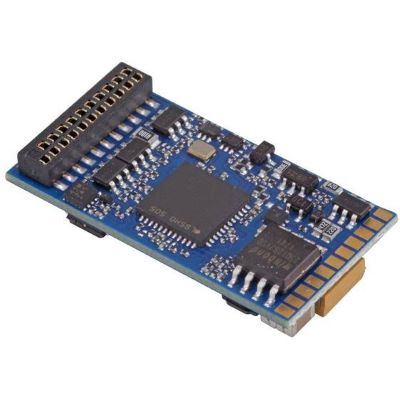
The sound memory does not yet contain a suitable vehicle sound. This is useful for individual conversions where the project, interface and loudspeaker are selected separately.

Steam exhaust beats, diesel engines, fans, transformers, compressors, horns, whistles, door sounds and braking effects are not created from one audio file. A modern locomotive project combines many sounds with speed, load, function buttons and vehicle functions.
The Sound Project Workshop shows how the decoder family, sound project, programmer, firmware, loudspeaker, function mapping and vehicle must work together – from a blank decoder to the completed test run.
A sound project is a complete digital vehicle project. It contains not only individual noises, but also rules defining when a sound starts, how it changes with speed or motor load and which function button triggers a particular action.
A diesel-locomotive project can contain a starting sequence, idle, several power stages, fans, compressor, horn and braking sounds. On a steam locomotive, exhaust beats must follow wheel speed. Electric-locomotive projects can link fans, switching gear, transformers or traction converters with the operating state.
A complete project can also contain function mapping , lighting assignments, volume settings, braking functions and sometimes vehicle-specific motor or speed values. Replacing the project can therefore change more than the audible engine sound.
The most important rule is: the project format and decoder must be compatible. An ESU LokSound project cannot simply be written to a PIKO SmartDecoder or ZIMO decoder. Even within the same manufacturer, the correct decoder family and generation must be checked.
In a factory-digitised locomotive, sound, function mapping, motor settings, lighting outputs and auxiliary functions can be closely linked. Check the vehicle instructions, decoder family and available backup options before replacing the project.
The sound memory does not yet contain a suitable vehicle sound. This is useful for individual conversions where the project, interface and loudspeaker are selected separately.
Sound, function buttons and often additional settings are already prepared for a particular locomotive class. Compare the product number and vehicle variant carefully.
The decoder manufacturer and vehicle manufacturer may differ. The project and vehicle-board logic are often tailored to the exact production model.
Some manufacturer software allows custom announcements and audio components. They must be processed and integrated into the sound logic of the relevant decoder platform.
The assistant identifies the typical programming route for the selected decoder family. The project planner stores the vehicle, decoder, project and programmer exclusively in the local browser.
Select the decoder family and starting configuration.
Do not transfer a project yet. Check the manufacturer, decoder family, generation, interface and vehicle documentation.
Useful when managing several vehicles and multiple decoder platforms.
This planner only documents your project. It does not transmit CVs or sound data to a decoder.
Steam, diesel or electric sound sequences react to speed, load and sometimes additional operating conditions. Transitions between idle and load are particularly important for convincing sound.
Horns, whistles, bells, compressors, couplers, doors and braking effects are stored as individual sound functions or sound slots.
Pumps, valves, fans or station announcements can be triggered automatically according to time, stationary operation or another operating state.
A project can define which function buttons trigger sound, lighting, shunting mode, momentum functions or physical AUX outputs.
Some vehicle-specific projects also contain settings for motor control, speed, acceleration or braking sequences.
Master volume, individual sound channels, equaliser settings, audio output, loudspeaker and sound enclosure all influence the audible result.
Determine the manufacturer, family, generation, firmware and interface.
Compare locomotive class, engine, version and required sound variant.
Update the programmer software and device firmware where required.
Save the project, locomotive address, mapping and important decoder settings.
Check impedance, power rating, installation space and sound enclosure.
Connect only the vehicle or a compatible testing board being programmed.
Review mapping, lighting, volume and vehicle parameters before writing.
Start the writing process and do not interrupt it until the programming software reports successful completion.
Test the driving sound, horn, lighting and direction individually at a moderate master volume.
Adjust function mapping, motor control, acceleration, braking and individual volume levels afterwards.
A different sound project cannot compensate for an unsuitable loudspeaker. Particularly in small vehicles, the acoustic installation often influences the result more strongly than the decoder's maximum possible volume.
The loudspeaker impedance must fall within the range specified for the audio output of the exact decoder. An unsuitable impedance can cause low volume, distortion or excessive loading of the audio stage.
The loudspeaker and decoder audio output must be compatible. Maximum volume is neither automatically realistic nor automatically technically sensible.
A sealed enclosure separates the front and rear of the loudspeaker diaphragm and reduces acoustic cancellation.
Sound openings, vehicle floors, resonances and the distance from the motor or gearbox influence volume and tonal character.
A prototypical sound is often more convincing when the volume remains well below the technically possible maximum.
Horn, brakes, compressor and driving sound should be balanced. One excessively loud function can dominate the complete project.
Project files are not freely interchangeable. Always open the product world of the decoder actually installed in the vehicle rather than relying only on the vehicle brand.
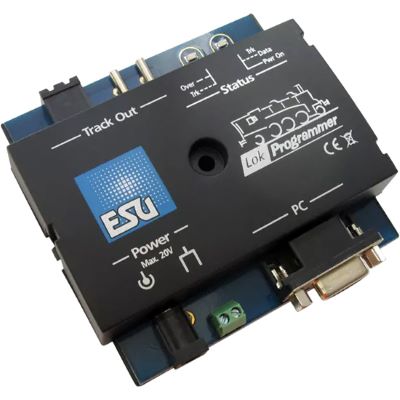
Edit compatible LokSound projects, firmware, function mapping and decoder settings on a computer.
View Product →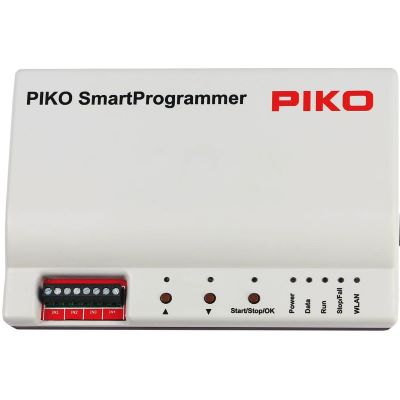
Configure compatible PIKO locomotive projects, sound, decoder parameters and function assignments.
View Product →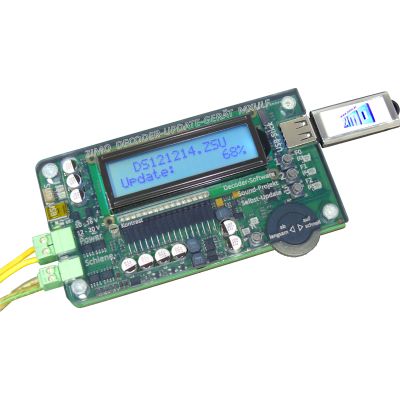
Load compatible ZIMO sound projects, update decoders and edit CV settings for supported decoder families.
View Product →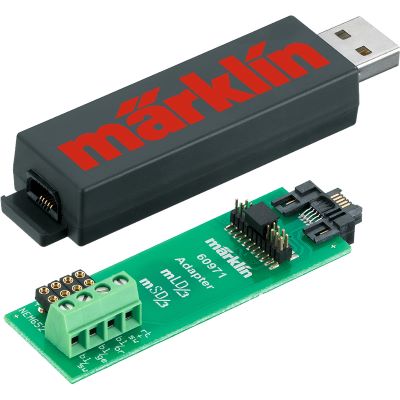
PC programmer for compatible Märklin mLD3 and mSD3 retrofit decoder projects using the Märklin Decoder Tool.
View Product →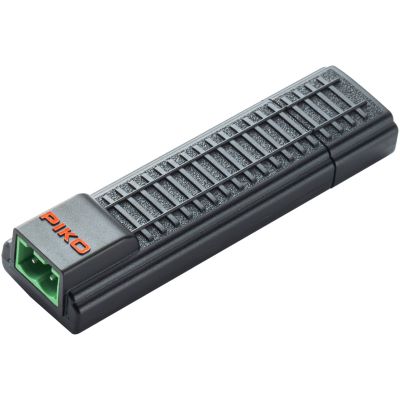
Compact USB programming interface for compatible SmartDecoder XP projects and configuration work.
View Product →
Multi-protocol 21MTC sound decoder supplied for individual compatible LokSound projects.
View Product →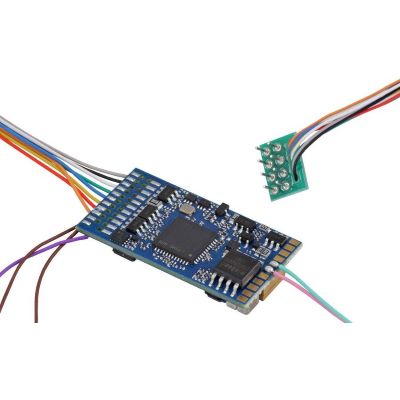
Blank sound decoder for conventional eight-pin digital conversions using a compatible custom sound project.
View Product →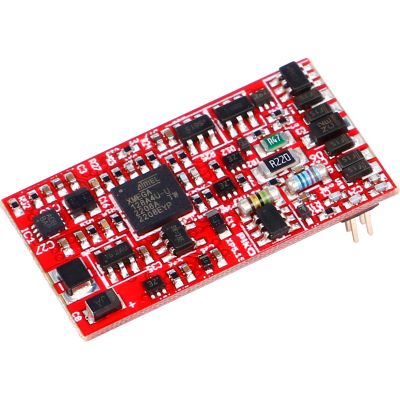
Blank SmartDecoder XP sound decoder for compatible individual PIKO sound projects.
View Product →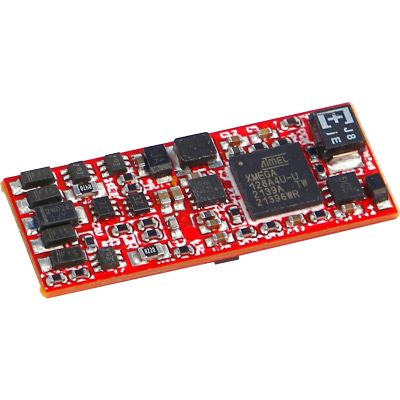
Compact blank sound solution for vehicles with a Next18 interface and compatible PIKO projects.
View Product →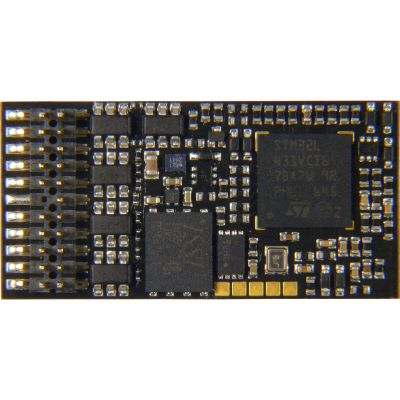
ZIMO sound decoder with PluX22 interface for compatible ZPP projects and extensive vehicle functions.
View Product →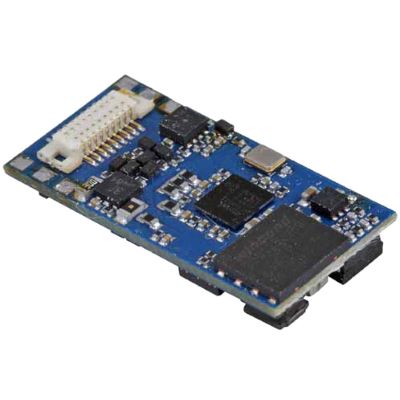
Compact multi-protocol sound decoder for smaller vehicles and restricted installation spaces.
View Product →| Gauge World | Typical Sound Technology | Special Challenge |
|---|---|---|
| Z Gauge | nano and specialised sound decoders | extremely limited space for the decoder and loudspeaker |
| N Gauge | Next18, NEM 651, nano solutions | loudspeaker enclosure and heat generation in a small body |
| TT / TTe | Next18, PluX16, PluX22 | fitting decoder, loudspeaker and vehicle circuit board into limited space |
| H0 | NEM 652, 21MTC, PluX22, Next18 | numerous vehicle circuit boards and function-output configurations |
| H0e / H0m / H0f | micro and nano sound decoders | limited space despite 1:87 scale |
| Gauge 0 | L decoders, ZIMO MS and other high-output sound decoders | higher motor power and sometimes several loudspeakers |
| Gauge 1 / G / IIm | XL and large-scale decoders | high audio output, outdoor operation and many auxiliary functions |
Compare the manufacturer, decoder family, generation and project format. A project from another system cannot simply be substituted.
Check the programming track, electrical contacts, power supply, USB connection and programmer firmware.
Check the power supply and data cables. Prevent the computer from entering a power-saving state during a long writing operation.
Check the sound-start button, master volume, loudspeaker connection and function mapping.
Reduce the volume and check the loudspeaker impedance, sound enclosure and free movement of the diaphragm.
Tune the motor control, speed curve, acceleration and project-specific driving-sound logic together.
The new project may have loaded its own default assignments. Compare the function mapping with the saved configuration.
Certain coded projects can require a loading code matched to the decoder ID. Follow the instructions supplied with the project.
Stop operation immediately. Check impedance, wiring, short circuits, audio output and motor current.
Product Radar searches current English sound-decoder pages, loudspeakers, digital modules and relevant manufacturer ranges. Every discovered product detail page is checked before display. Products with a recognised archive notice are excluded, smaller images are normalised to the 400-pixel shop version and delivery or stock information is deliberately not shown on the product cards.
Live checking will begin when you approach this section.
A correctly loaded project is only the foundation. Motor control, acceleration and braking, function mapping, lighting and individual volume levels should then be tuned so that movement and sound genuinely match one another.
No. The manufacturer, decoder family, generation and project format must be compatible. Manufacturer-specific sound formats are not freely interchangeable.
A compatible manufacturer-specific programmer or sound-loading system is normally required for complete sound projects. A digital command station is generally used for CV values, volume settings and function assignments rather than transferring a complete sound project.
This depends on the decoder and manufacturer. Decoder parameters can often be saved, but the complete sound data cannot always be read from protected or factory-installed projects.
The duration depends on the project size, decoder, programmer and transfer method. Never interrupt the writing process simply because it appears to be taking a long time.
Some manufacturer software allows custom announcements or audio components to be used. The audio must be processed and integrated into the project format and sound logic of the relevant decoder system.
Yes. A complete project can include function-button assignments, sound slots, lighting outputs, motor settings, speed values and other vehicle parameters.
Check the master volume, individual channel volumes, loudspeaker impedance, sound enclosure, installation position and sound openings.
Possible causes include excessive volume, unsuitable impedance, an obstructed diaphragm or an unsuitable sound enclosure.
Certain coded ZIMO sound projects can require an activation code matched to the decoder ID before the project can be used.
Yes, provided that a compatible testing or adapter board is used. The interface, power supply and output assignment must match the decoder.
This depends on the programming system and testing procedure. A compatible loudspeaker must be connected correctly for the subsequent sound test.
The project may remain incomplete. Restart the programming system, detect the decoder again and follow the manufacturer's recovery procedure.
The comprehensive Model Railway Guide covers decoders, programmers, loudspeakers, function mapping, digital command stations, motor control, lighting and many other topics.