



Mixed Decoders
Use Several Digital Formats Together
Different locomotive decoders can be managed centrally without replacing the entire existing vehicle fleet.


The Intellibox 3 controls DCC, mfx, Motorola and Selectrix vehicles on two-rail and three-rail layouts. Two throttles, a touchscreen, a 4 A booster, LocoNet, Wi-Fi and extensive automation functions provide a versatile system foundation for small and large model railway layouts.
The Intellibox 3 combines a command station, booster, throttle, programmer, control panel, feedback monitor and computer interface in one device. Its two throttles provide direct access to two locomotives. The colour touchscreen displays locomotive names, function symbols, turnouts, signals and other operating information.
Locomotive and function decoders can use DCC, mfx, Motorola and Selectrix. Turnout and switching decoders are addressed using DCC or Motorola. The command station is therefore particularly interesting when older Märklin vehicles, modern DCC locomotives and accessory decoders from different manufacturers are operated on the same layout.
The integrated booster provides an adjustable output current of up to 4 amps. This allows the cut-off threshold to be adapted to small gauges or higher power requirements. Large layouts should still be divided into several booster districts so that a short circuit does not stop the entire railway.
The Intellibox processes up to 9,999 decoder addresses and up to 128 speed steps. A RailCom receiver, routes, a model clock, LISSY and MARCo functions and DirectDrive support sophisticated operating sequences and automated layouts.
USB and Wi-Fi allow the command station to communicate with computers, smartphones, tablets and compatible control software. Backups and updates can be managed through the intended storage and network interfaces.
Different locomotive decoders can be managed centrally without replacing the entire existing vehicle fleet.
The two throttles make train crossings, shunting and the parallel operation of several locomotives easier.
Handheld controllers, boosters, feedback modules and switching modules are connected along the layout through one shared network.
Many LocoNet components from earlier Intellibox generations can continue to be used after their compatibility has been checked.
Occupied tracks, train numbers and switching commands can be used for staging yards, block operation and operating sequences.
Additional fixed or mobile operating positions provide more freedom of movement and distribute tasks during layout operation.
| Feature | Intellibox 3 | IB-Control 3 | DAISY II WLAN |
|---|---|---|---|
| Device type | Complete multiprotocol command station | Additional LocoNet control device | Compact DCC command station |
| Digital formats | DCC, mfx, Motorola and Selectrix | Depends on the connected command station | DCC |
| Throttles | Two integrated throttles | Two additional throttles | Mobile Wi-Fi handheld controller |
| Track output | Integrated booster up to 4 A | No independent track output | Compact DCC output stage |
| Network | USB, Wi-Fi and LocoNet | LocoNet | Wi-Fi and LocoNet |
| Recommendation | Mixed and growing layouts | Additional fixed operating position | Mobile DCC introduction |
Mobile and stationary control devices receive data and operating power through the network.
Output stages can be placed around the layout and supply clearly separated track sections.
LocoNet feedback modules transmit states to the command station without long individual cable runs.
Timetable operation, staging yards and block control can be automated using compatible programs.
Wi-Fi handheld controllers and compatible apps provide mobile operating positions along the model railway layout.
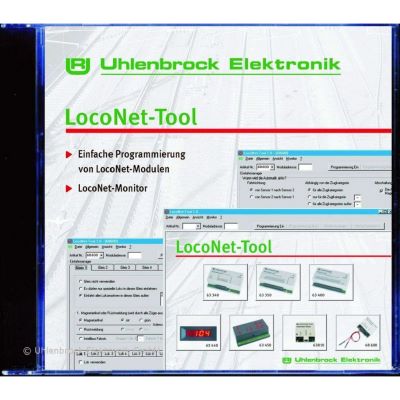
The LocoNet Tool simplifies programming, backups and troubleshooting in extensive module installations.
Small locomotives require little current and an appropriate short-circuit cut-off. The adjustable output current protects sensitive vehicles better than an unnecessarily high power limit.
Intellibox 3, DAISY II, Power 40 and compact feedback modules.
Adapt the track voltage and booster output to the vehicle and decoder.
The range of supported protocols is particularly useful in H0. DCC, Motorola and mfx vehicles can operate together, while LocoNet handles expansion with control panels and feedback.
Intellibox 3, IB-Control 3, DAISY II and LocoNet modules.
Where possible, power accessories separately from the track supply.
Large motors, sound, smoke and lighting require greater power reserves. The layout should be divided into several output and short-circuit districts.
Intellibox 3, Power 70 or Power 40 LN and LocoNet distributors.
Plan cable cross-sections, track feeds and isolation points carefully.
Use a suitable power supply and document the track connections clearly.
Adapt the current limit to the gauge, wiring and expected consumption.
Check the digital format, address, speed steps, name and function symbols.
Operate every address individually before adding it to the control panel.
Record the addresses and LNCVs of every module permanently on the layout plan.
Back up the command station and module configuration after successful setup.
Several booster districts improve operating reliability and troubleshooting.
The additional device always requires a LocoNet-compatible digital command station.
Handheld controllers, boosters and power supplies must be connected to the intended bus.
Duplicate addresses make feedback, routes and later maintenance more difficult.
Metal frames, walls and long distances can interfere with wireless connections.
Firmware, connector assignments and supported functions must be compatible.
This selection contains 22 components for central control, mobile throttles, LocoNet expansion, feedback, power and decoder programming.
Solutions for multiprotocol operation, mobile DCC control and several operators.
Touchscreen, two throttles, 4 A, Wi-Fi and LocoNet.
View Product →
Two additional throttles, locomotive database and route control.
View Product →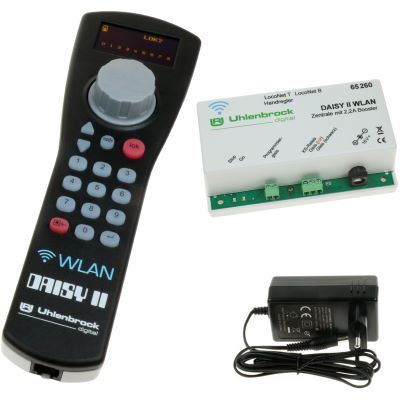
DCC command station, Wi-Fi controller and power supply as a coordinated set.
View Product →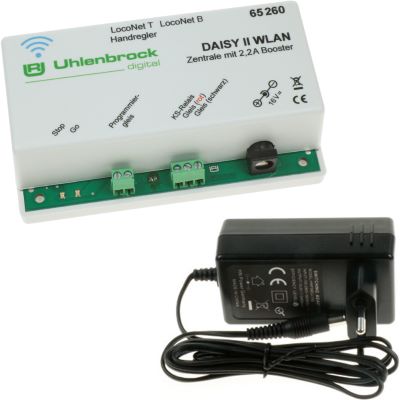
Integrated Wi-Fi for handheld controllers, smartphones and computer control.
View Product →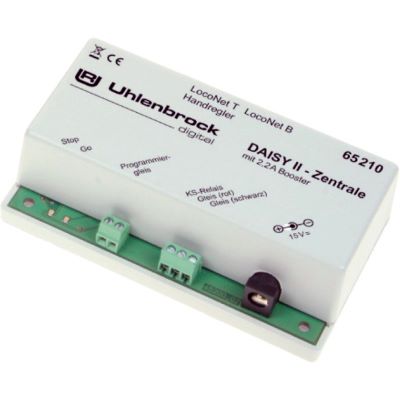
2.2 A command station with programming track, RailCom and LocoNet.
View Product →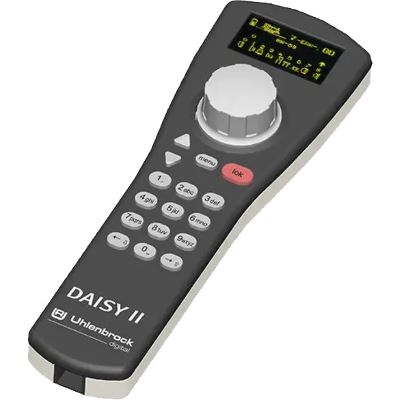
Continuous rotary controller, display and direct locomotive function control.
View Product →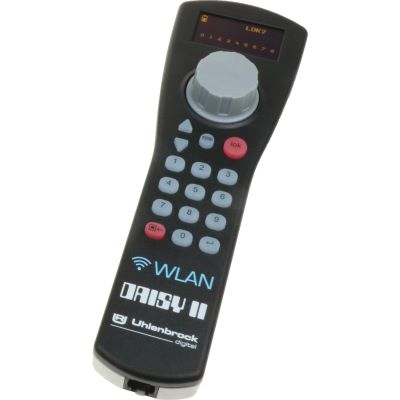
Supports LocoNet over TCP, WiThrottle and the Z21 network protocol.
View Product →
Adds Wi-Fi to a compatible DAISY II handheld controller.
View Product →Power expansions and LocoNet infrastructure for medium-sized, large and modular layouts.
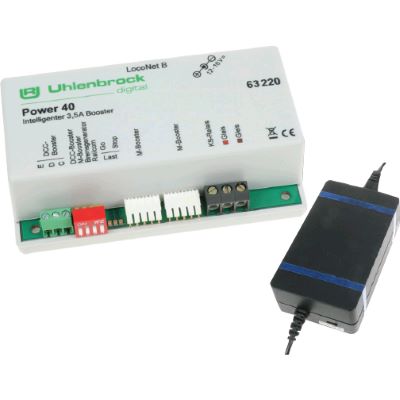
3.5 A, adjustable voltage and LocoNet connection.
View Product →
6.8 A for Gauge 0, Gauge 1 and IIm/G.
View Product →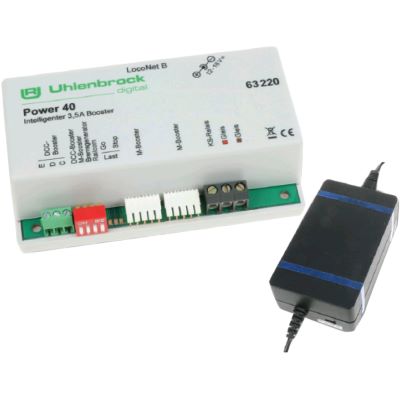
4 A, galvanic isolation and integrated reverse-loop control.
View Product →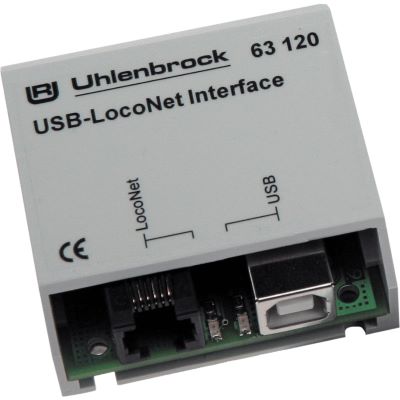
Connects LocoNet to a PC, software and programming tools.
View Product →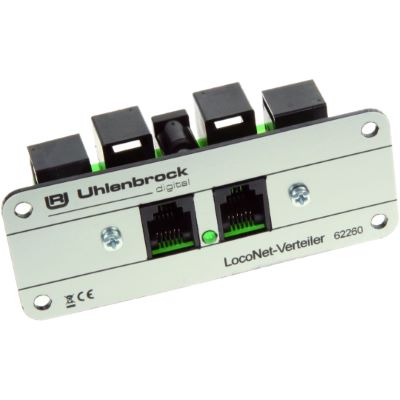
Six connections for controllers, modules and distributed wiring.
View Product →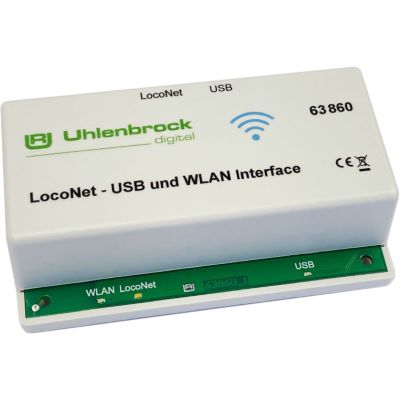
Web server, WiThrottle, Z21 protocol and LocoNet over TCP.
View Product →Modules for occupied tracks, turnouts, signals, lighting and slow-moving mechanisms.
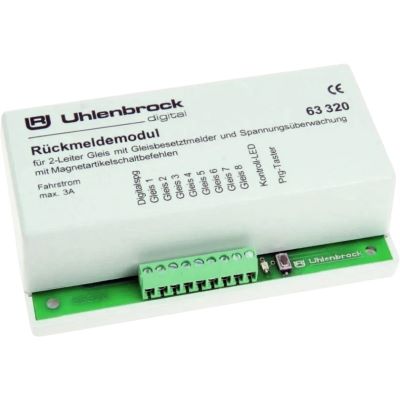
Monitors eight track sections and transmits their states through LocoNet.
View Product →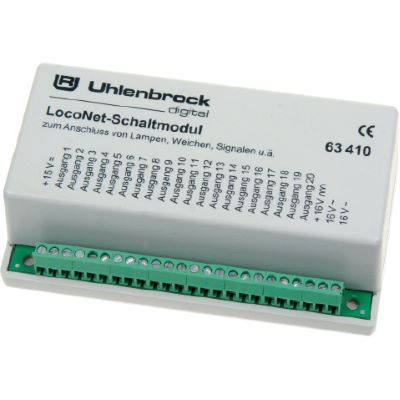
Twenty outputs for turnouts, colour-light signals or lighting.
View Product →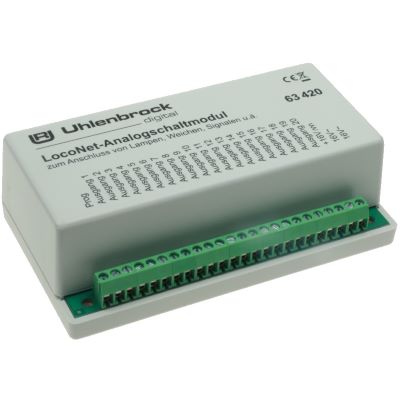
Operates turnouts, colour-light signals and electrical loads from a control panel.
View Product →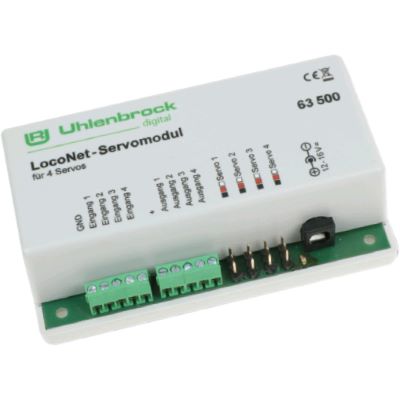
Controls four servos with adjustable positions and speeds.
View Product →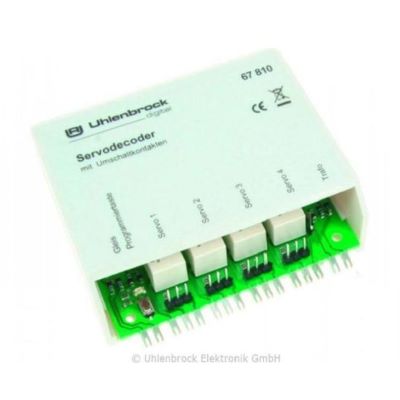
Creates slow movements for turnouts, gates, signals and barriers.
View Product →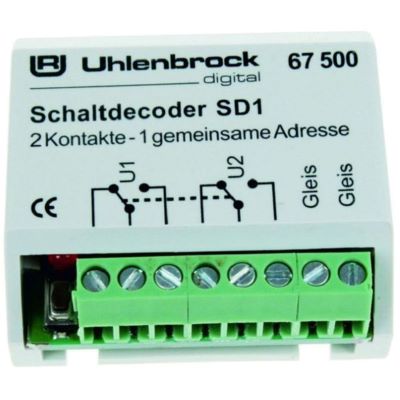
Operates electromagnetic accessories or potential-free outputs using two addresses.
View Product →Software and testing equipment for configuring LocoNet modules and checking digital decoders.
It controls locomotive and function decoders using DCC, mfx, Motorola and Selectrix. Turnout and switching decoders are addressed using DCC or Motorola.
Yes. The command station is suitable for three-rail and two-rail layouts. Depending on their decoders, Märklin vehicles can be controlled using Motorola, mfx or DCC.
Yes. DCC locomotives, turnout decoders, feedback modules and boosters can be combined into a complete two-rail system.
The integrated booster provides an adjustable output current of up to 4 amps. The setting must suit the gauge and wiring.
Yes. The Intellibox 3 has Wi-Fi. Compatible DAISY II Wi-Fi devices or a LocoNet Wi-Fi interface can also be used.
The Intellibox 3 is a complete command station with an integrated booster and track output. The IB-Control 3 is an additional LocoNet operating device and requires a compatible command station.
Many LocoNet controllers and modules can continue to be used. Check the firmware, connection type and supported functions before connecting them.
A booster becomes useful when the current demand increases or when the station, staging yard and main line should have separate short-circuit districts.
The LocoNet feedback module 63320 monitors current-consuming vehicles in eight separate two-rail track sections.
The command station can generate the digital commands required for large gauges. For their high current demand, the layout should be divided into districts using powerful boosters such as the Power 70.
Further guides cover digital protocols, decoders, feedback, boosters, Wi-Fi, wiring, track planning and layout construction.