1
Switch on the digital controller
Connect the Mobile Station or Central Station to the layout through a suitable track box or approved power supply.

An mfx locomotive registers automatically with a compatible controller. The locomotive name, icon and functions are then available without manual address entry. This guide explains how the system works and what you should consider before buying.
mfx is a digital communication protocol for locomotives, railcars and other controllable model railway vehicles. Its main convenience is that a vehicle with an mfx decoder can transmit its identity to a compatible digital command station. Normally, you do not have to search for an unused locomotive address or program numerous decoder settings before operation.
When a new mfx locomotive is placed on a powered track, a Mobile Station or Central Station detects the decoder. After registration, the locomotive appears in the vehicle list. Depending on the model, its name, locomotive icon and available lighting, sound or coupling functions are displayed.
mfx is neither a gauge nor a track system. The protocol defines how the controller and decoder communicate with one another. Factory-installed mfx equipment is nevertheless particularly common on Märklin H0 and Gauge 1 models.
With a conventional address-based digital system, the user must know which address is assigned to a decoder. mfx simplifies this step. The system identifies the vehicle, creates a unique internal assignment and makes the reported functions directly available for selection.
For automatic detection to work, the vehicle, decoder, digital command station, track connection and power supply must be technically compatible.
Connect the Mobile Station or Central Station to the layout through a suitable track box or approved power supply.
The wheels must make reliable contact with the rails. On the Märklin H0 system, the centre pickup shoe must also rest securely on the contact studs.
The command station starts detection. The mfx decoder responds with its unique identifier and the stored vehicle information.
The controller creates an entry in the locomotive list. Manually assigning a traditional digital address is not required during normal mfx operation.
Depending on the equipment, lights, running sounds, whistles, horns, smoke, cab lighting or a digital coupling are displayed as selectable icons.
Test the direction of travel, headlights, volume, available functions and smooth braking at low speed before regular operation.
Leave the locomotive on a securely powered section of track until the process is complete. Interrupting the power supply can prevent successful registration.
The protocols differ in how locomotives are identified, configured and controlled. Modern command stations and decoders often support more than one format.
| Designation | Core function | Typical operation | Important when buying |
|---|---|---|---|
| mfx | Bidirectional Märklin protocol with automatic locomotive registration. | The vehicle reports its identity and available functions to the command station. | The controller must explicitly support mfx for automatic registration. |
| mfx+ | Extends mfx with World of Operation and virtual cab features. | More prototypical control with virtual operating supplies on suitable Central Station controllers. | The full range of features depends on the locomotive, command station and installed software version. |
| Motorola / fx | Established older Märklin digital format using address-based control. | The locomotive is selected through a predefined digital address. | The available number of functions may be more limited than with modern protocols. |
| DCC | Widely used cross-manufacturer digital protocol. | Vehicle addresses and decoder settings are frequently managed through CV values. | An mfx locomotive can use DCC only when its installed decoder also supports DCC. |
Many modern command stations and decoders support multiple protocols. The exact product description is always decisive. A DCC-only command station cannot use the special automatic mfx registration functions.
A digital protocol does not have its own physical scale. In practice, however, manufacturers’ ranges, power requirements, decoder availability and compatible controllers determine the gauges in which mfx is regularly used.
| Gauge | Typical track gauge | Prevalence of mfx | Practical assessment |
|---|---|---|---|
| Z Gauge | 6.5 mm | Not commonly used in the regular Märklin Z range. | Z vehicles are predominantly operated in analogue mode. Digital conversions generally require specialist solutions. |
| N Gauge | 9 mm | Uncommon; DCC and, to some extent, Selectrix are more widespread. | Decoder dimensions and current capacity are especially important in small vehicles. |
| TT Gauge | 12 mm | Only rarely encountered. | DCC is normally the more obvious choice for TT layouts. |
| H0 Gauge | 16.5 mm | Very high among digital Märklin three-rail AC vehicles. | The widest choice of mfx locomotives, starter sets, command stations and retrofit components. |
| H0e and H0m | 9 mm or 12 mm | Atypical. | DCC is generally more widespread among narrow-gauge models. |
| 0 Gauge | 32 mm | Technically possible, but uncommon as factory equipment. | The decoder, current capacity, motor output and sound equipment must suit the larger vehicle. |
| Gauge 1 | 45 mm | Regularly used in the Märklin Gauge 1 range. | Large models offer plenty of space for mfx, DCC, sound, smoke, servo drives and extensive lighting functions. |
| G and Gauge II | 45 mm or 64 mm | Not the standard format for garden railways. | DCC large-scale systems and high-current decoders are generally more common. |
H0 AC or DC, two-rail or centre-conductor operation and mfx or DCC are different technical questions. The H0 AC or H0 DC guide explains the differences between the vehicle and track systems.
You need a vehicle with an mfx or mfx+ decoder and a suitable controller. Typical examples include the Märklin Mobile Station, Central Station 3 and Central Station 3 plus. The track connection, power supply and electrical vehicle system must also be compatible.
The Mobile Station is suitable for compact layouts, starter sets and direct handheld operation. A rotary controller, display and function buttons provide straightforward locomotive control. The unit normally requires a compatible track box and power supply.
A Central Station is designed for larger layouts and more demanding control tasks. Depending on the model, it offers a touchscreen, track diagrams, routes, network functions, expansion options and management of many locomotives, turnouts, signals and feedback modules.
Suitable Central Station models can also display the extended mfx+ virtual cab and World of Operation functions.
Check the vehicle’s gauge, electrical system, minimum radius and required supply voltage. A Märklin H0 centre-conductor locomotive cannot simply be used on a two-rail layout without a suitable technical conversion.
Check whether the locomotive is intended for Märklin three-rail AC, two-rail DC or multi-system operation.
The power supply and booster output must be suitable for the number of vehicles and accessories in operation.
Dirty rails, wheels or pickup shoes can interrupt registration and cause unreliable running.
Many problems are caused by poor electrical contact, an unsuitable controller, a disabled protocol or previously stored locomotive data.
Place the locomotive by itself on a short, clean and reliably powered track section. Restart the controller and allow sufficient time for registration.
Delete the obsolete or incomplete entry from the locomotive list. Then repeat detection and assign a clear name.
Check whether mfx is active and whether the controller and decoder support the full function range. A software update may be required.
Test the remaining function buttons and check the function mapping. Some sounds are available only after the main operating sound has been activated.
Clean the wheels, pickup shoe and track. Interrupted power can prevent the decoder from completing communication with the command station.
A DCC-only command station cannot perform mfx registration. It can control the locomotive through DCC only when the installed decoder explicitly supports DCC.
The following selection includes mfx and mfx+ vehicles as well as compatible controllers. Before ordering, check the product page for the electrical system, minimum radius, decoder formats, sound equipment and required accessories.
The Märklin H0 range offers a particularly large choice, including historical steam locomotives, diesel locomotives, modern electric locomotives and collector’s models.
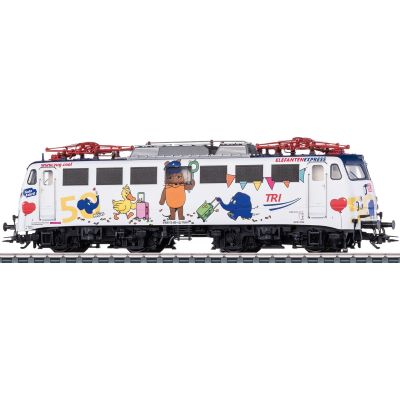
Colourful Era VI model with mfx+, sound and digitally controllable functions.
View product →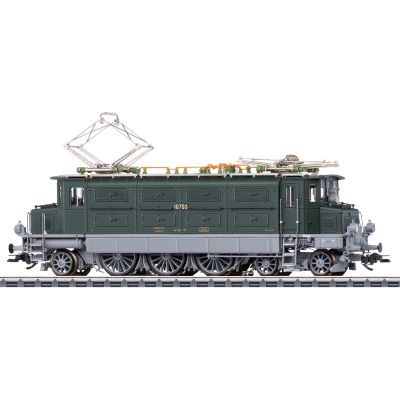
Swiss electric locomotive with a weathered finish and extensive lighting and sound functions.
View product →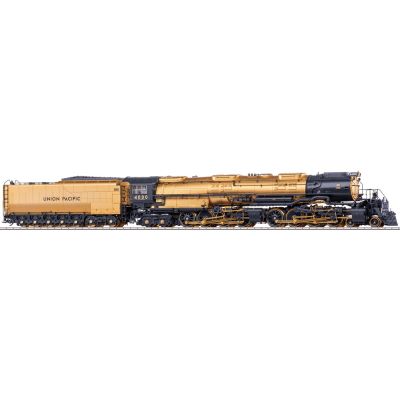
Large Union Pacific collector’s model with an mfx+ World of Operation decoder and numerous operating sounds.
View product →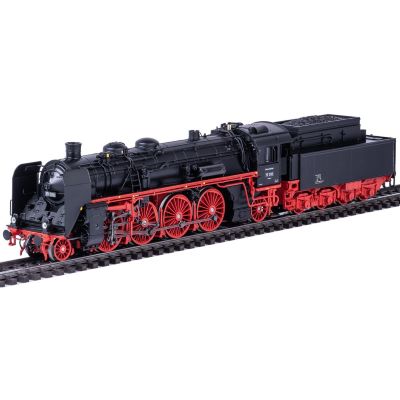
Saxon express steam locomotive with mfx+, smoke, lighting and sound equipment.
View product →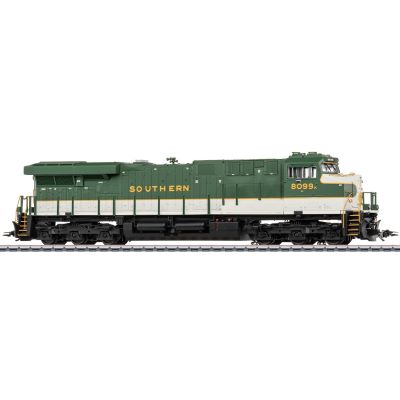
Heavy American freight locomotive with dynamic smoke and mfx+ digital technology.
View product →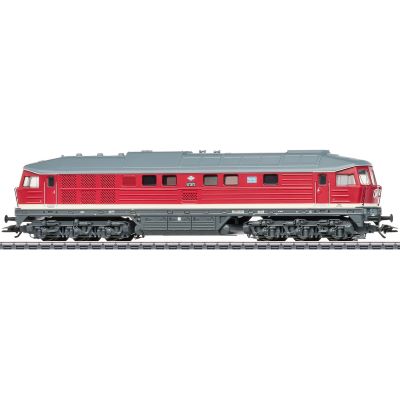
Distinctive Ludmilla with an mfx/DCC decoder, sound and simulated exhaust output.
View product →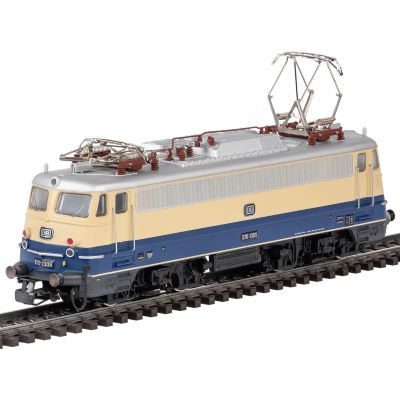
Retro-style Era III metal model with modern mfx control.
View product →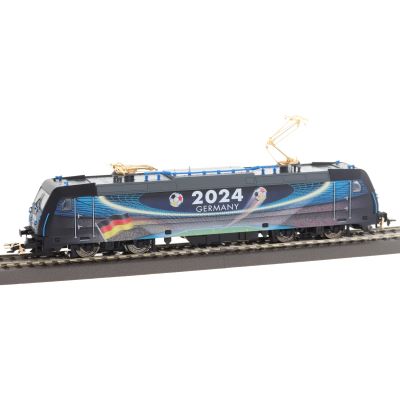
Limited Class 185.2 model with a distinctive design and mfx sound decoder.
View product →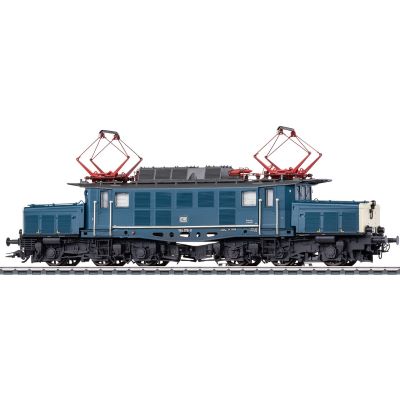
Heavy DB freight locomotive with mfx+, sound and separately controllable lighting functions.
View product →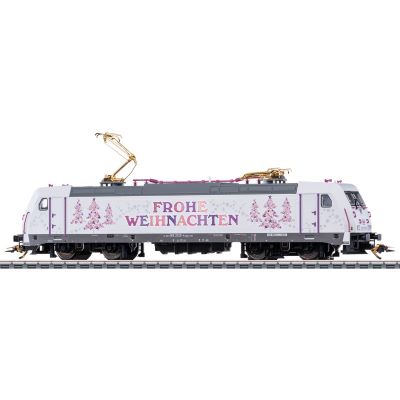
Festively decorated Class 185.2 with lighting, sound and Christmas melodies.
View product →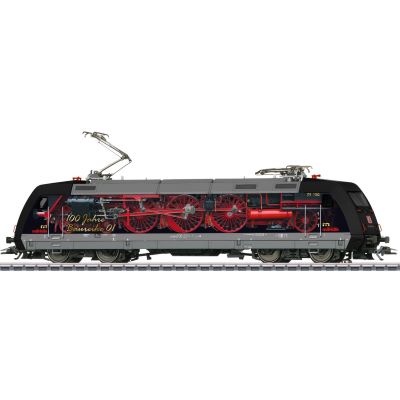
Modern advertising locomotive with mfx+, sound and extensive digital equipment.
View product →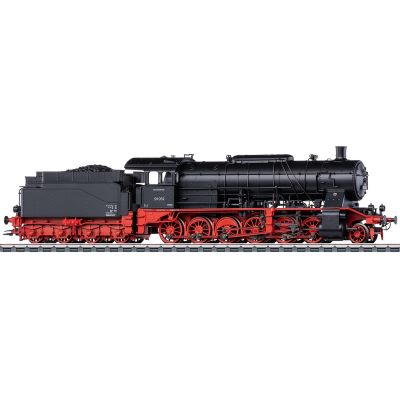
Heavy Deutsche Bundesbahn steam locomotive with mfx+, buffer storage and sound functions.
View product →Gauge 1 models provide plenty of space for sound, smoke, servo drives, cab lighting and other digitally controllable functions.
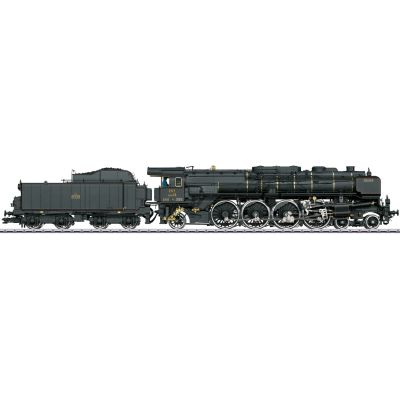
Large-scale model with mfx, smoke, sound and numerous moving details.
View product →
Metal model of the distinctive “Iron” locomotive with extensive mfx functions.
View product →
Large DR express locomotive with mfx+, sound, smoke and lighting functions.
View product →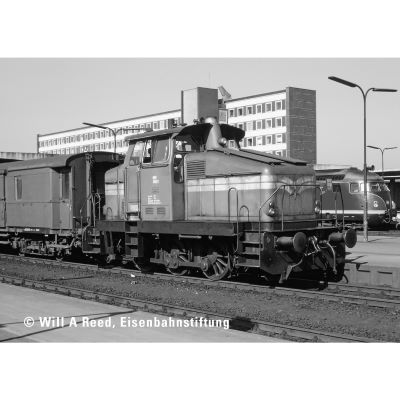
Compact private railway locomotive with a metal body, mfx and digitally controlled Telex couplings.
View product →These controllers provide the user interface for mfx vehicles and manage locomotive lists and functions. Depending on the device, they can also control turnouts, signals and routes.
Compact handheld controller for mfx, DCC and Motorola with support for up to 32 locomotive functions.
View product →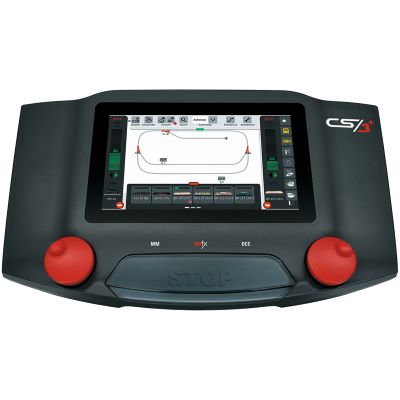
Expandable multi-protocol command station with touchscreen, booster and feedback connection.
View product →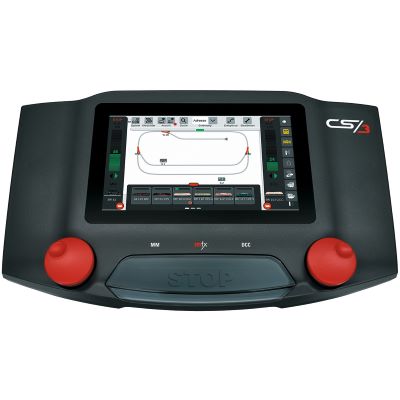
Touchscreen command station for locomotives, solenoid accessories, routes and layout control.
View product →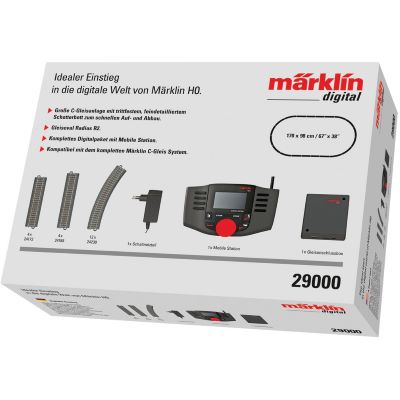
Basic equipment with a Mobile Station, track box, power supply and C Track oval.
View product →The most important answers about track systems, controllers, decoder compatibility, analogue operation and mfx+ are summarised below.
No. “Digital” is the general term. mfx is one of several protocols through which a digital command station sends instructions to a decoder.
No. Märklin K Track and suitable Gauge 1 tracks can also be used. The vehicle, electrical system, connection and command station must be technically compatible.
Only when the installed decoder also supports DCC. A DCC-only command station cannot use automatic mfx registration.
No. Older models may use Motorola, Delta or another decoder format. Check the product description, operating instructions or decoder specifications.
mfx+ adds World of Operation and virtual cab features. Suitable command stations can simulate supplies such as fuel, coal, water or sand and provide more prototypical operating procedures.
Yes. The system distinguishes compatible decoders through unique internal identifiers. Different display names are nevertheless helpful for clear operation.
Many modern models automatically detect analogue operation, but this depends on the installed decoder and vehicle. Digital sound and additional functions may be limited during analogue operation.
Possible reasons include poor electrical contact, many vehicles on the layout, previously stored entries or a brief interruption to the power supply.
Further reading: Digital model railway and DCC explained simply .
The central model railway guide covers gauges, layout planning, track systems, digital technology, vehicles, scenery and maintenance.