Beginner type 1
Simply run trains without a network
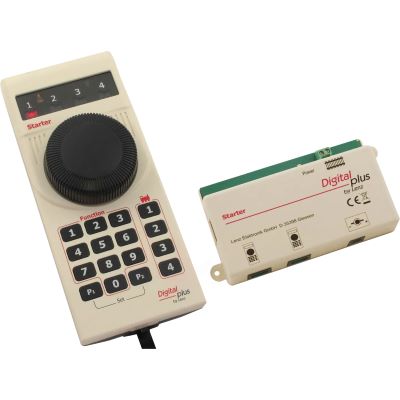
The focus is on a compact handheld controller, a small number of buttons and a complete connection set. Lenz Starter Digital is particularly suitable for manageable DCC layouts.








Which beginner command station suits DCC, mfx, H0 centre-conductor, two-rail operation, smartphone control or a garden railway? This guide explains the most important decisions clearly and presents suitable systems for every scale.
A digital command station converts your operating inputs into digital signals and transmits them through the track to the locomotive decoders. This allows several locomotives to run independently on the same track. Lights, sound, shunting mode and other functions can be controlled separately for each vehicle.
A set that is as complete as possible is recommended for beginners. It should contain the command station, a suitable power supply and at least one handheld controller. This avoids unplanned additional purchases and makes the first installation easier. A separate programming-track connection, understandable menus and an easily accessible stop button are especially helpful in everyday operation.
The digital protocol is the most important factor. Many two-rail layouts in Z, N, TT, H0, H0e, H0m, 0 and 0e use DCC. Märklin vehicles frequently use mfx or Motorola. Some command stations understand several protocols and are therefore suitable for mixed vehicle fleets.
The scale does not directly determine the protocol, but it does influence the track voltage and power requirement. Small locomotives normally require little current. Gauge 1 and Gauge G vehicles may have several motors, sound, lighting and smoke generators that require considerably more power.
Select the answers that best describe your planned model railway. The recommendation is calculated exclusively in your browser.
The focus is on a compact handheld controller, a small number of buttons and a complete connection set. Lenz Starter Digital is particularly suitable for manageable DCC layouts.
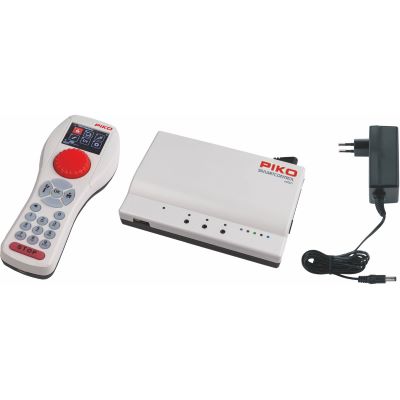
PIKO SmartControl WLAN and DAISY II WLAN combine a physical rotary controller with wireless freedom of movement.
A network command station such as the Z21 or YaMoRC is suitable when apps, computer programs and later feedback are important.
The Mobile Station offers a straightforward introduction to mfx, Motorola and DCC. A suitable track box is required for operation.
ESU CabControl, Lenz SET101 and Z21 offer greater power and expandability when the layout is intended to grow from the outset.
Gauge G layouts require substantial cables and more current. PIKO G SmartControl and Massoth DiMAX are designed for these requirements.
| System | Protocol | Operation | Suitable introduction | Expansion |
|---|---|---|---|---|
| Lenz Starter Digital | DCC | Wired handheld controller | Small layout and simple train operation | Second Starter handheld controller |
| PIKO SmartControl WLAN | DCC | Wi-Fi handheld controller | Mobile operation without a fixed cable | SmartBooster and accessories |
| Uhlenbrock DAISY II WLAN | DCC | Wi-Fi handheld controller and mobile device | DCC with future LocoNet expansion | LocoNet and additional controllers |
| Roco Z21 | DCC | App, WLANMAUS and computer | Networking and later automation | Feedback modules, boosters and software |
| Märklin Mobile Station | mfx, Motorola and DCC | Wired handheld controller | Märklin H0 and mfx vehicles | Second controller or Central Station |
| ESU CabControl | DCC | Wireless Wi-Fi controller | Powerful DCC layout | Networking and RailCom |
| PIKO G SmartControl | DCC | Wi-Fi handheld controller | Gauge G and garden railways | Large-scale accessories and boosters |
Small vehicles normally require little current. An appropriate track voltage and sensitive speed control are more important than a very high output.
Lenz Starter, DAISY II, YaMoRC and Roco Z21.
Observe the permitted voltage specified by the vehicle and decoder manufacturers.
DCC is especially widespread in these scales. Compact command stations are sufficient for many home layouts and can be supplemented with boosters when the power requirement grows.
PIKO SmartControl, Lenz, DAISY II, Z21 and ESU CabControl.
Plan separate detection sections during track construction if feedback will be added later.
DCC is the most common choice for H0 DC. Almost all beginner command stations presented here can control locomotives from different manufacturers, provided that a compatible DCC decoder is installed.
Lenz, PIKO, Uhlenbrock, Roco, YaMoRC and ESU.
The locomotive brand is less important than the decoder protocol.
The Mobile Station provides a straightforward introduction for Märklin layouts. It supports mfx, Motorola and DCC and offers convenient vehicle registration for compatible mfx locomotives.
Märklin Mobile Station or a multi-protocol command station.
A suitable track box is required for the Mobile Station.
Larger vehicles can consume more current. Lenz SET101, Z21, ESU CabControl and ECoS provide greater power reserves than particularly compact beginner systems.
A powerful DCC command station with adjustable voltage.
Include sound, smoke and lighting in the power calculation.
Long cable runs and large vehicles require a powerful supply, large cable cross-sections and reliable short-circuit protection.
PIKO G SmartControl or a Massoth DiMAX system.
Install the command station and power supply in a dry, well-ventilated location.
A handheld controller frequently also requires a track box, command station, receiver, power supply or router.
The track system and installed decoder are decisive. A Roco or PIKO locomotive can operate with many DCC command stations.
Large layouts should be divided into manageable power and booster districts.
Non-digital vehicles may only be used when the selected system explicitly permits this.
Clear electrical isolation protects other locomotive decoders from unintended changes.
The prices and connections of boosters, feedback modules and additional controllers influence the long-term system costs.
Check the required scope of delivery on the product page when purchasing individual controllers or command stations. Some devices require a separate track box, power supply, receiver or an existing command station.
Complete sets and expandable command stations for cross-manufacturer DCC operation.
A compact set for locomotives, functions and the first digitally controlled turnouts.
View product →
Wireless operation with an ergonomic rotary controller and expandable SmartBox.
View product →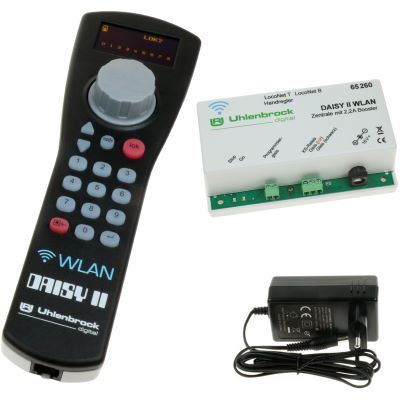
A DCC command station with a Wi-Fi controller, power supply and LocoNet connectivity.
View product →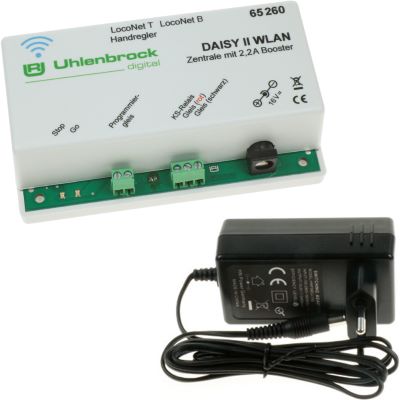
A compact network command station for Wi-Fi controllers, smartphones and tablets.
View product →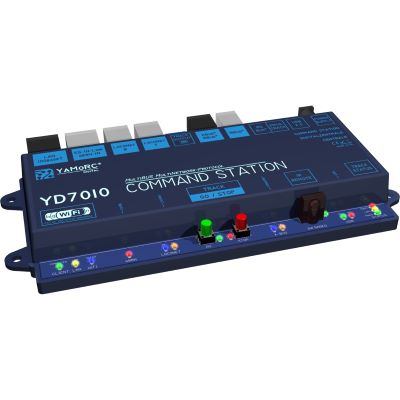
A DCC command station with Wi-Fi, LAN and USB for apps and computer control.
View product →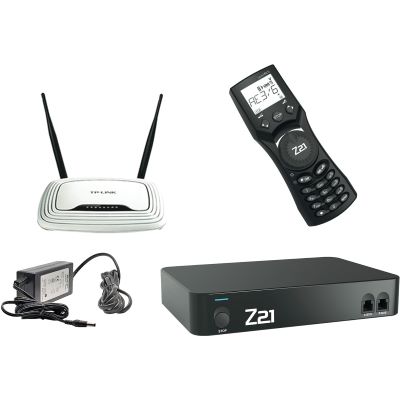
A network command station with WLANMAUS, router and numerous interfaces.
View product →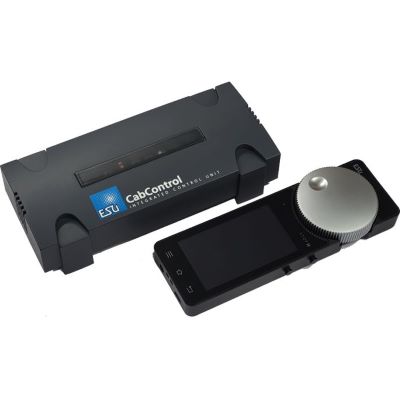
A DCC system with a powerful command station and mobile Wi-Fi speed controller.
View product →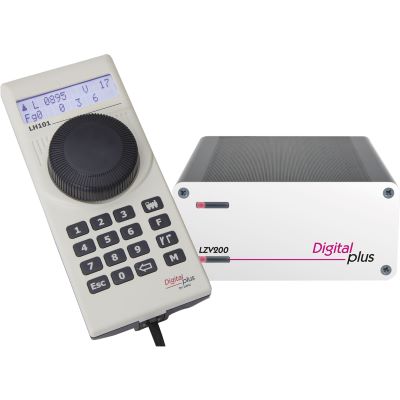
A powerful DCC system for ambitious beginners and growing layouts.
View product →Controllers and command stations for mfx, Motorola, DCC and mixed decoder fleets.
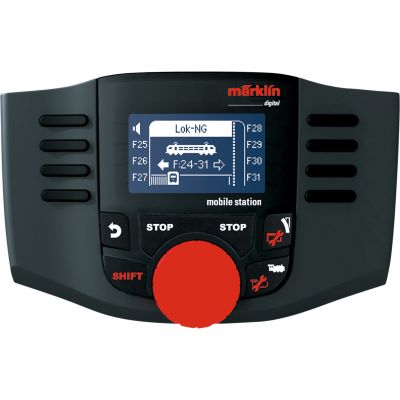
A straightforward handheld controller for locomotives, functions and accessories.
View product →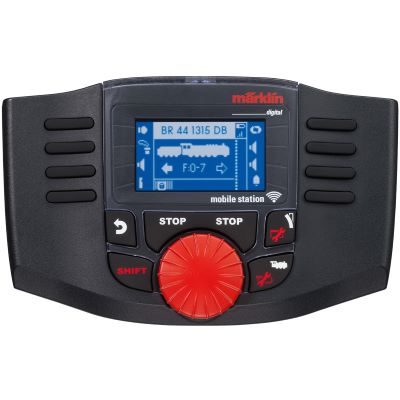
A mobile controller for compatible Märklin network components.
View product →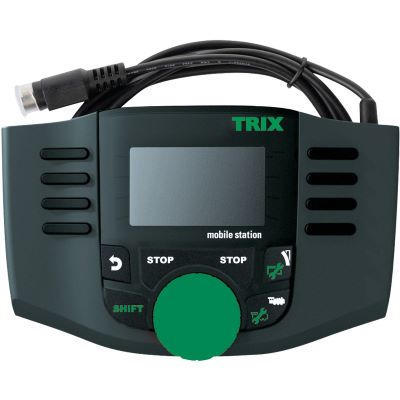
A compact handheld controller for compatible DCC and mfx vehicles.
View product →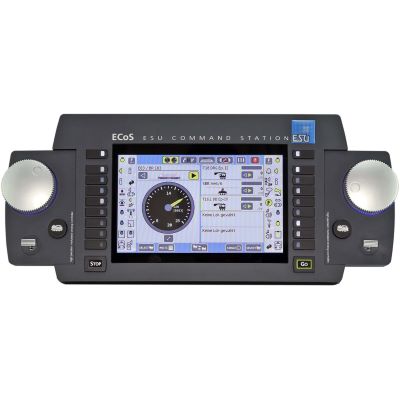
A touchscreen command station for DCC, Motorola, Selectrix and M4.
View product →
A command station with two speed controllers and broad protocol support.
View product →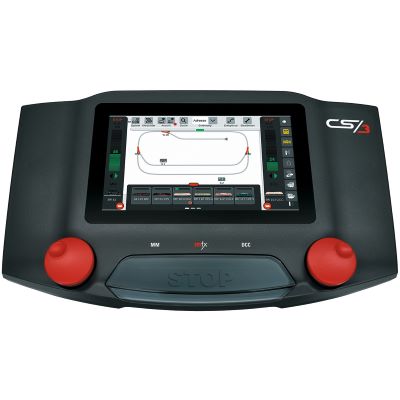
A touchscreen command station for extensive Märklin digital layouts.
View product →Additional operating positions for running trains, shunting and controlling accessories together.
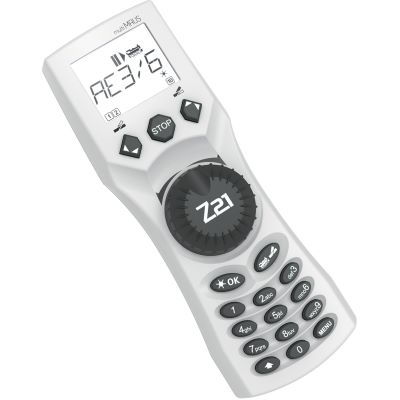
Direct operation of locomotives, functions and turnouts.
View product →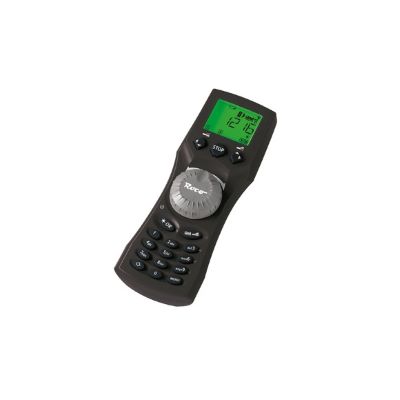
A mobile handheld controller for compatible Z21 networks.
View product →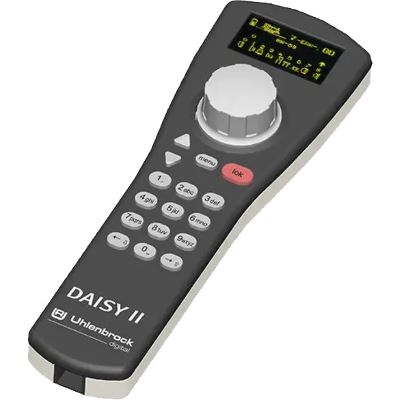
An ergonomic controller for DAISY and LocoNet systems.
View product →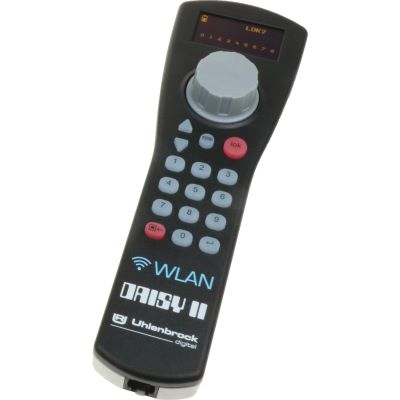
A wireless controller for several supported network command stations.
View product →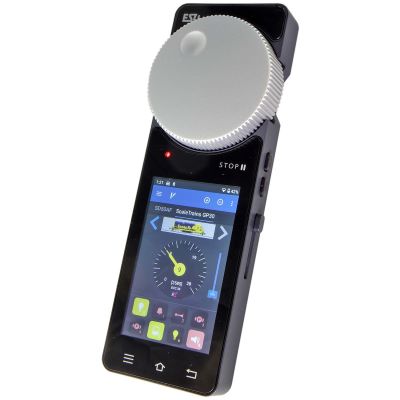
A wireless controller for several supported network command stations.
View product →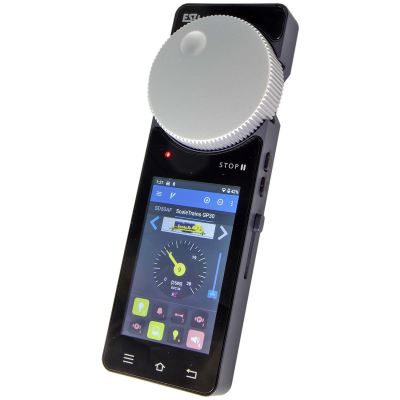
A mobile operating device with a touchscreen and physical speed controller.
View product →Powerful large-scale control systems and mobile handheld controllers for garden railways.
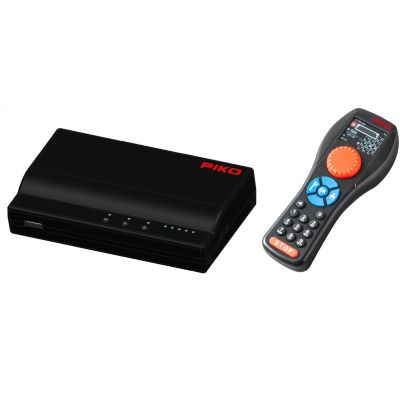
Wireless five-ampere DCC control for Gauge G.
View product →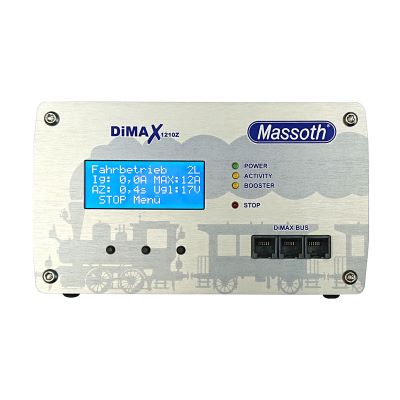
A powerful command station for large garden railways and several vehicles.
View product →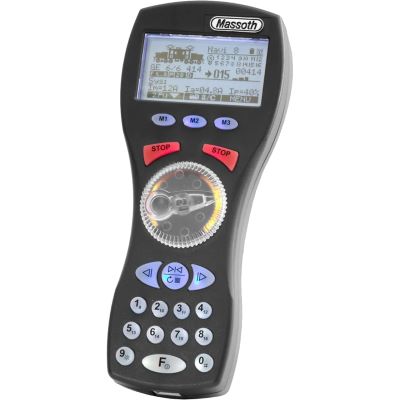
A mobile handheld controller for convenient operation alongside the route.
View product →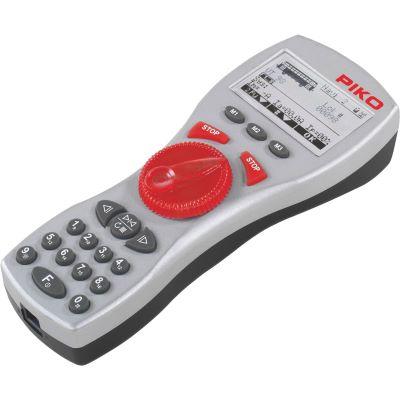
A handheld controller for wired and wireless large-scale operation.
View product →Complete sets containing a command station, power supply and handheld controller are particularly straightforward. Suitable DCC options include Lenz Starter, PIKO SmartControl WLAN and DAISY II. Märklin beginners frequently use a Mobile Station with a suitable track box.
mfx provides automatic registration for compatible Märklin locomotives. DCC is widely supported across manufacturers and offers a large choice of command stations and decoders. Both systems are easy to operate after a short familiarisation period.
Yes. The existing locomotives require suitable decoders. The track and turnouts can frequently continue to be used. Depending on the system, old interference-suppression capacitors in the connecting track must be removed or the connecting track must be replaced with a suitable version.
Two amperes are often sufficient for a small number of H0, TT or N locomotives running at the same time. Illuminated coaches, sound, smoke generators and other consumers increase the power requirement.
No. Many beginners prefer a physical rotary controller. Smartphones and tablets provide an additional operating option, but they are not required for digital model railway operation.
Yes. Turnouts can initially be operated in analogue form and later upgraded with suitable turnout decoders. The command station and decoder must support the same accessory-control protocol.
Yes, provided that the track system, wheelsets and digital decoders are compatible. On a DCC layout, DCC locomotives from different brands can, for example, be controlled together.
A larger command station is worthwhile for numerous vehicles, feedback, a hidden staging yard, computer control or several operators. A simpler system may be clearer and more economical for a small layout.
The main model railway guide covers scales, power systems, track planning, wiring, decoders, layout construction, scenery and maintenance.