

Vehicle Management
Register mfx Locomotives Automatically
Compatible vehicles appear in the locomotive list with their names and functions. DCC and Motorola locomotives can be created manually.

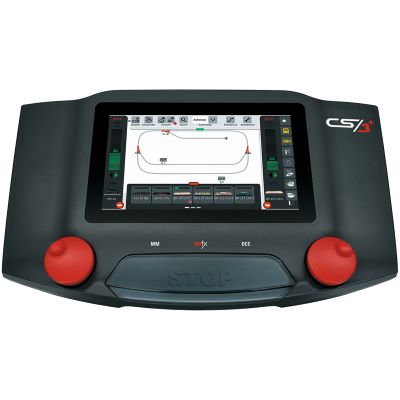
The Märklin Central Station combines convenient mfx operation, DCC, a track-diagram control panel, routes, feedback and networking in one powerful digital command station. Find out which version suits your layout and which accessories are actually required.
The Central Station 3 combines a digital command station, throttle, track-diagram control panel and layout computer in one housing. Two throttles allow two locomotives to be controlled directly. Vehicles, functions, turnouts, signals and routes are created and operated on the colour touchscreen.
It supports mfx, mfx+, Märklin Motorola and DCC. Compatible mfx locomotives register automatically and transmit their names and available functions. Older Motorola and DCC vehicles can be created and programmed using their digital addresses.
Track diagrams can be created for complex layouts, electromagnetic accessories can be linked and automatic sequences can be configured. Feedback contacts report train positions or switching states to the command station. This makes shuttle-train operation, staging-yard control and protected routes possible.
The Central Station contains a booster but requires a separate, approved switched-mode power supply. On large layouts, the track supply is divided into several booster districts. Accessories, lighting and turnout decoders should, where possible, be powered by a separate supply.
Both versions use the same basic operating philosophy. The decision mainly depends on feedback connections, system expansion and multi-device operation.
| Feature | Central Station 3 – 60226 | Central Station 3 Plus – 60216 | Recommendation |
|---|---|---|---|
| Digital formats | mfx, mfx+, Motorola and DCC | mfx, mfx+, Motorola and DCC | Identical on both versions |
| Operation | Touchscreen and two throttles | Touchscreen and two throttles | No significant difference |
| Locomotive functions | Up to 32 functions | Up to 32 functions | Suitable for modern sound locomotives |
| Feedback | Through Link s88 60883 | Direct s88 connection provided | CS3 Plus for extensive feedback |
| Multi-device operation | Suitable as the main central control unit | More flexible in expanded system networks | CS3 Plus for several Central Stations |
| Track output | Depends on the approved power supply | Depends on the approved power supply | Use boosters instead of oversizing |
| Target user | Medium to large individual layout | Complex layout with feedback and expansion | Choose according to connection requirements |
Compatible vehicles appear in the locomotive list with their names and functions. DCC and Motorola locomotives can be created manually.
Electromagnetic accessories are arranged graphically and operated directly on the touchscreen.
Turnout positions, feedback contacts and locomotive commands can be combined into recurring sequences.
s88 AC is particularly suitable for contact tracks in a centre-conductor system. s88 DC uses current sensors on two-rail layouts.
The station, staging yard and main line can each be assigned separate power districts.
Mobile Station, Mobile Station WLAN and compatible network controllers provide additional operating positions.
This is where the Central Station offers the closest integration with the Märklin ecosystem. mfx vehicles register conveniently, while older Motorola and compatible DCC decoders can also be added.
CS3, CS3 Plus, s88 AC, m83, m84 and Mobile Station.
Only use the power supply intended for H0 operation.
DCC vehicles can generally also be controlled. The Central Station is less common in these gauges but can be an interesting solution for layouts with a mixed digital system.
CS3, s88 DC, DCC accessory decoders and adapted booster districts.
The track voltage and current must suit the smaller gauge.
Large motors, sound, lighting and smoke generators increase the power requirement. More powerful supplies, larger cable cross-sections and clearly separated booster districts are needed.
CS3 Plus, 60175 Booster and an approved 100 VA power supply.
Do not use high-output power supplies for H0 without proper approval.
Use only approved components and clearly separate the main track from the programming track.
Before making major changes, create a data backup on a suitable storage device.
Allow mfx locomotives to register and carefully enter DCC or Motorola addresses.
Test turnouts, signals and decoder addresses individually before combining them.
Label every contact clearly and check its indication on the Central Station.
Test simple sequences first and then add further conditions or locomotive commands.
Before purchasing power supplies, feedback modules or handheld controllers, check their exact compatibility with the Central Station, model railway gauge and existing wiring.
System components for mfx locomotives, C Track turnouts, lighting and stationary electrical accessories.
Multiprotocol command station with a direct s88 connection.
View Product →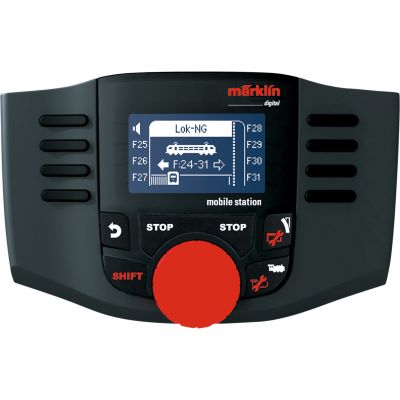
Handheld controller for locomotives and electromagnetic accessories.
View Product →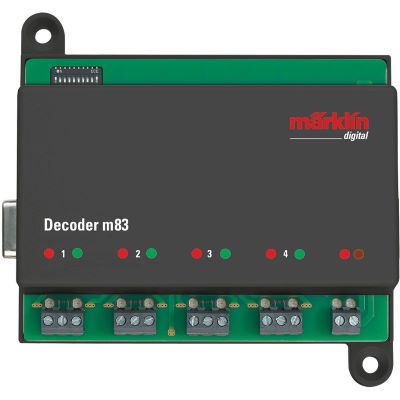
Operates turnouts, signals or individual electrical accessories.
View Product →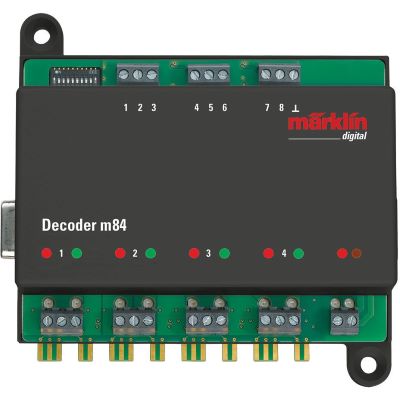
Relay outputs for lighting, motors and signals.
View Product →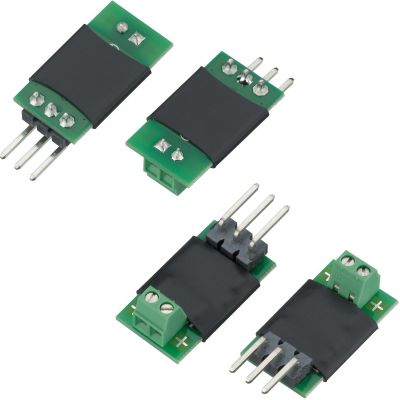
Expands the m83 for motor-driven turnout mechanisms.
View Product →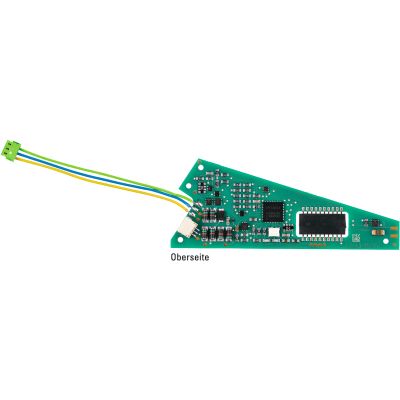
Concealed decoder for compatible C Track turnouts.
View Product →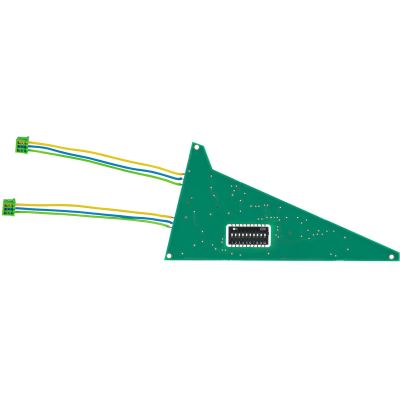
Digital decoder for the C Track three-way turnout.
View Product →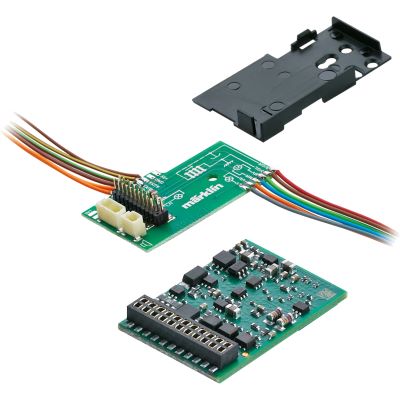
Multiprotocol locomotive decoder for H0 vehicles.
View Product →Command station and feedback technology for compatible DCC vehicles and two-rail occupancy detection.
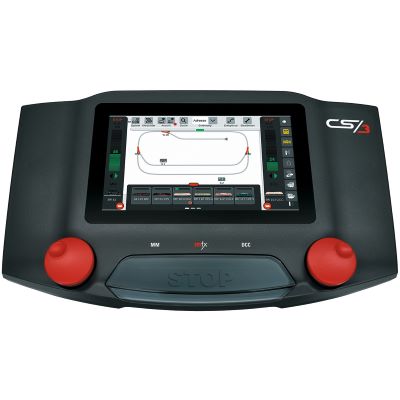
Controls mfx, Motorola and DCC vehicles.
View Product →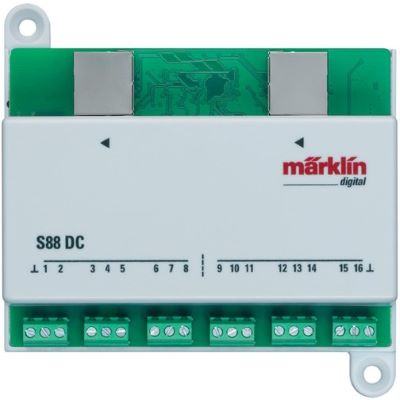
Sixteen current-sensing inputs for two-rail layouts.
View Product →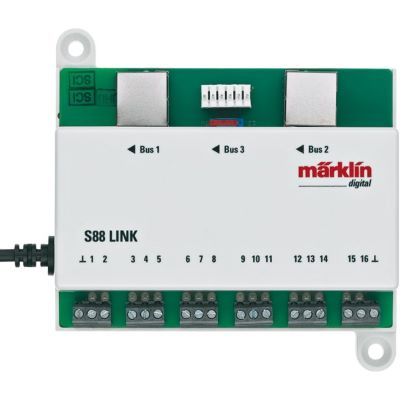
Integrates modern and older s88 modules.
View Product →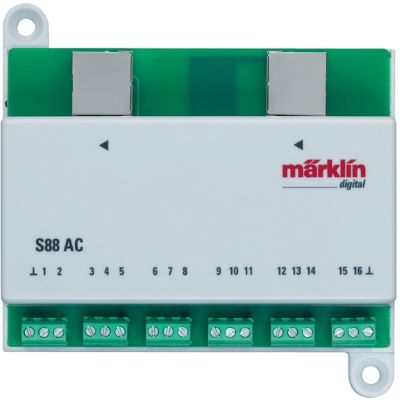
Sixteen inputs for contact tracks and switching contacts.
View Product →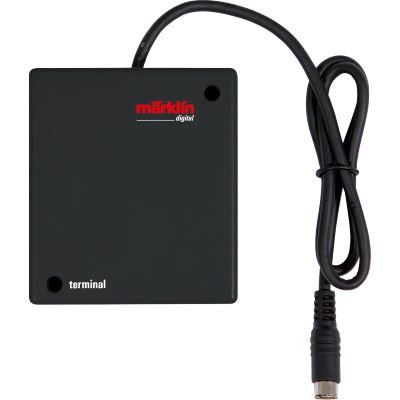
Distributes connections for controllers and peripheral devices.
View Product →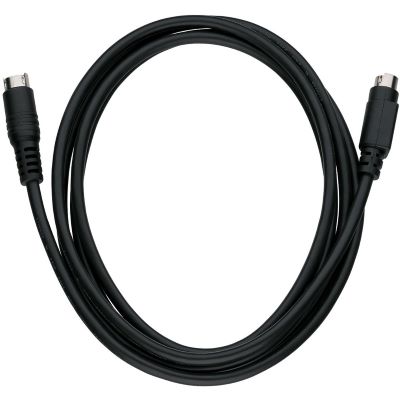
Connection cable for compatible command stations and terminals.
View Product →Power components for large vehicles, numerous simultaneously active electrical loads and separate booster districts.
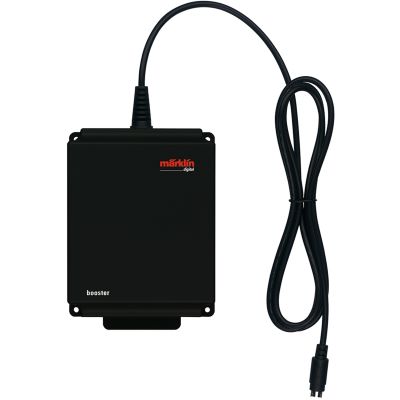
Supplies a separate layout or track district.
View Product →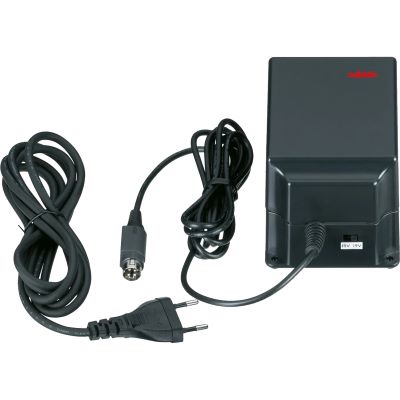
Powerful supply for approved applications.
View Product →
Switchable power supply for compatible devices.
View Product →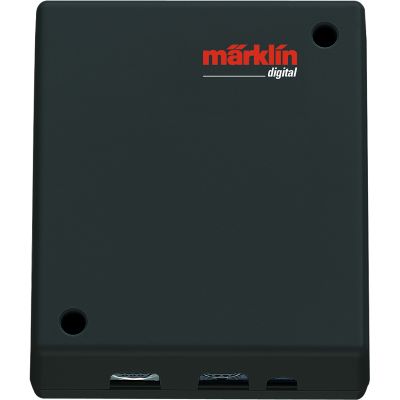
Connects compatible Mobile Stations to the track.
View Product →Mobile controllers and tools for additional control positions, decoder maintenance and Central Station configuration.
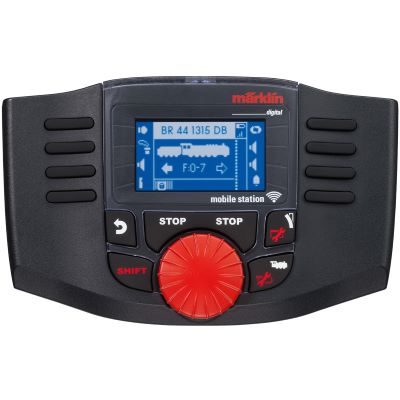
Mobile controller for compatible Märklin networks.
View Product →
Integrates wireless Märklin controllers into compatible systems.
View Product →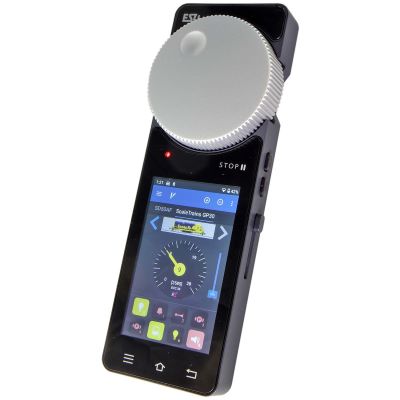
Mobile network controller for compatible CS3 systems.
View Product →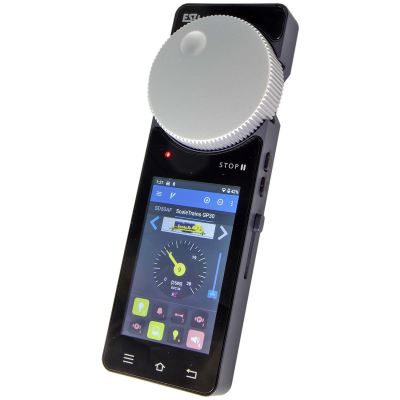
Mobile controller with its own access point.
View Product →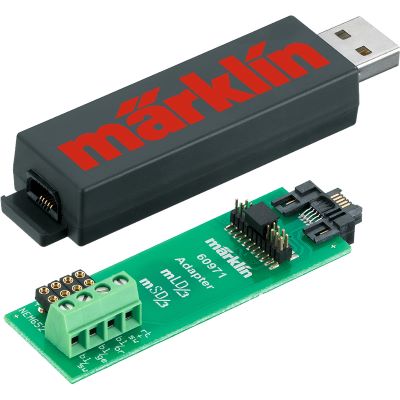
Programming tool for mLD3 and mSD3 decoders.
View Product →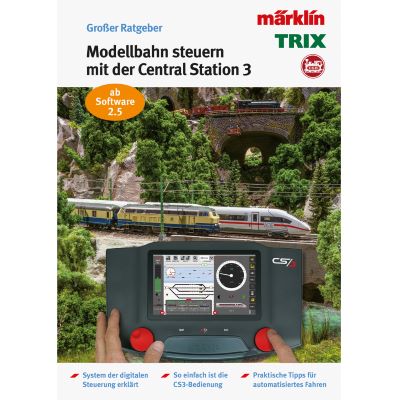
Instructions covering setup, track diagrams and automation.
View Product →The CS3 Plus has a direct connection for modern s88 feedback modules and is particularly suitable for expanded multi-device configurations. On the standard CS3, feedback is connected through Link s88.
The basic operation is easy to learn, although the range of functions is significantly larger than on a Mobile Station. It is worthwhile when turnouts, routes, feedback or several control positions are planned.
Yes. In addition to mfx, mfx+ and Motorola, the Central Station supports DCC. The track system, wheelsets, decoders and track voltage must nevertheless be suitable for the relevant gauge.
This depends on the Central Station model, the gauge and the required output. Different recommendations apply to H0 and Gauge 1. The current manufacturer specifications are decisive.
A booster is useful when the current demand exceeds the output of the command station or when the layout needs to be divided into separate power and short-circuit districts.
Yes. Compatible Mobile Stations can be used as additional handheld controllers. This allows several people to operate trains without constantly switching between locomotives on the main display.
Yes, provided that the Central Station and handheld controller are correctly integrated into a compatible Wi-Fi network. The MS WLAN provides a physical rotary controller without a fixed connection cable.
Separate detection sections and s88 feedback modules are required. Contact tracks are frequently used in centre-conductor systems, while current sensors are used on two-rail layouts.
Many older Motorola vehicles can be created manually using their addresses. Historical components may require additional adapters or an adapted system plan.
Routes, shuttle trains and event-dependent sequences are possible. Reliably configured decoders, feedback contacts and carefully tested conditions are required.
Further guides cover digital protocols, decoders, feedback, wiring, track planning and layout construction.