Modellbahn Keks
Welcome!
Our cookies offer you a fast, relaxed and full-featured shopping experience. Some are necessary to operate the website and its functions. Others help us to improve our services. If you agree to this, simply consent to the use of cookies for preferences, statistics and marketing by clicking on "OK". Alternatively, you can deactivate individual cookies under "Customise cookies" or all cookies, except those required for the function of our website, under "Reject all".
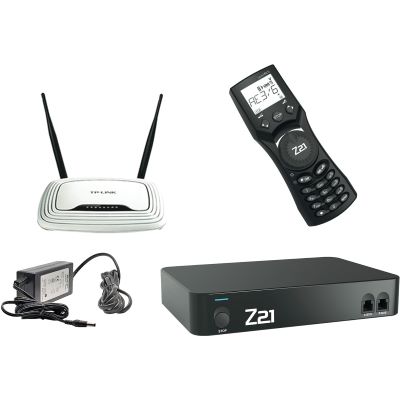
Black Roco Z21 digital command station with Wi-Fi router
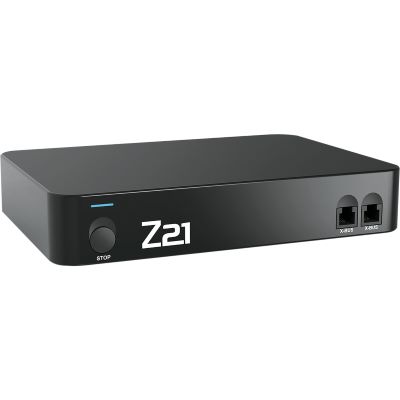
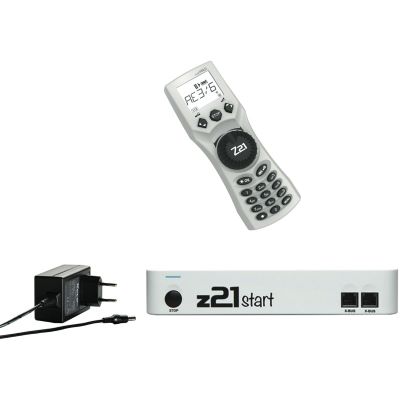
Distinguish the black Z21, white z21 and z21start correctly

Roco Z21 and z21: Differences & Buying Guide

Which Roco command station suits your model railway? This guide explains the differences between the Z21, z21, z21start and Z21 XL, shows the possibilities offered by the app, WLANMAUS and multiMAUS and helps you plan feedback, boosters and automation.

One system family for beginners and demanding layouts

What Do Z21, z21 and z21start Mean?

The different capitalisation is intentional. The black Z21 is the extensively equipped digital command station for model railway enthusiasts who require a separate programming track, adjustable track voltage, feedback through CAN or R-BUS, LocoNet components and a connection for older command stations.

The white z21 was mainly supplied with digital starter sets. Its network function is already activated, allowing smartphones, tablets and the WLANMAUS to be used directly through the supplied network. It is suitable for users who want uncomplicated digital control with an app.

The z21start is the compact entry-level version. It is frequently supplied in starter sets or basic digital sets together with a wired multiMAUS. Driving and programming work immediately. For app, WLANMAUS and PC network control, however, the network function must be activated with the appropriate Wi-Fi package or activation code.

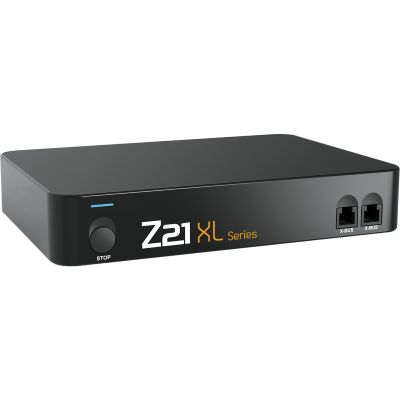
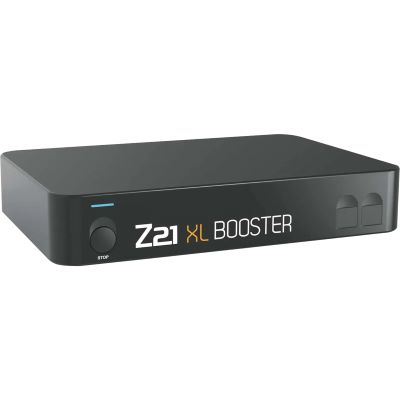
The Z21 XL is available for Gauges 0, 1, II and G. It uses the familiar Z21 operating environment, but its output stage supplies 6 amps at 20 volts. This makes it better suited to large motors, sound, smoke generators and illuminated large-scale trains.

From the first digital train to a large-scale layout

The Four Important Versions in the Z21 System Family

Entry-Level Solution

z21start and z21 START newGen

Compact DCC command station for starter sets and basic sets. The wired multiMAUS is the typical controller. Network functions on the z21start can be activated when required.

Ideal for small and medium-sized DCC layouts.
Starter Set with Network

White z21

The white z21 already has its LAN function activated. The app and WLANMAUS can therefore be used without an additional activation.

Ideal for app users with a digital starter set.
Professional Command Station

Black Z21

Adjustable track voltage, a separate programming track, CAN, LocoNet, R-BUS, X-BUS, a sniffer bus and extensive automation options.

Ideal for growing and automated layouts.
Large Gauges

Z21 XL Series

The XL command station combines app and WLANMAUS control with 6 amps of output. Additional XL boosters are connected through Z-CAN.

Ideal for Gauges 0, 1, II and G.
Complete Package

Z21 Professional Digital Set

Includes the black Z21, WLANMAUS, router and power supply. App, handheld controller and network are therefore available together immediately.

Ideal for starting with a complete system.
Existing z21start

Wi-Fi Package as an Upgrade

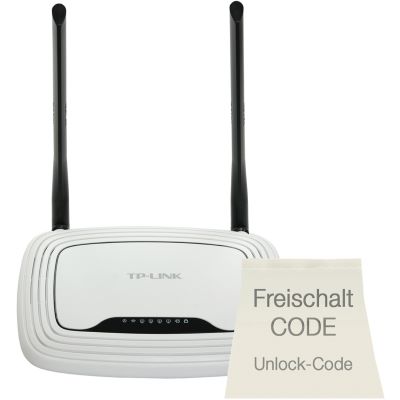
The router and activation unlock the network functions of a compatible z21start. The app, PC and WLANMAUS can then be integrated.

Ideal for upgrading an existing system.
Features and intended applications at a glance

Compare the Z21, z21start, White z21 and Z21 XL Directly

Feature z21start White z21 Black Z21 Z21 XL
Typical use Digital entry and starter sets Starter sets with app and Wi-Fi Large or demanding layouts Large model railway gauges
Network function Activation required Already activated Already activated Already activated
Smartphone and tablet After activation Immediately available Immediately available Immediately available
Programming track No separate output No separate output Separate output Designed for large-scale applications
Track voltage Determined by the power supply Determined by the power supply Adjustable 20 V with the supplied power source
Feedback R-BUS R-BUS R-BUS, CAN and LocoNet Z-CAN and large-scale extensions
Special connections X-BUS, R-BUS, B-BUS and LAN X-BUS, R-BUS, B-BUS and LAN Additional CAN, LocoNet and sniffer connections Z-CAN for XL boosters
Output power For small and medium-sized layouts For small and medium-sized layouts 3 A with a suitable power supply 6 A at 20 V
Important: The colour alone is not always sufficient to identify a used device reliably. Check the product number, included components and, in particular, whether a z21start has already been activated for network operation.
Three questions lead to the right version

Which Roco Z21 or z21 Suits Your Model Railway?

How would you like to control the layout?
How extensive will the layout be?
Which functions do you require?
Roco Brand World

Your Recommendation

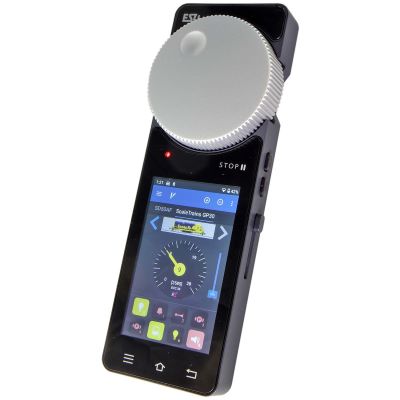
Combine a touchscreen and rotary controller effectively

The Z21 App, WLANMAUS and multiMAUS During Layout Operation

Mobile Interface

Z21 App for Locomotives and Track Diagrams

A smartphone or tablet displays locomotive images, functions, turnouts, signals and routes. A tablet provides a particularly clear view of an extensive track diagram.

Wireless Operation

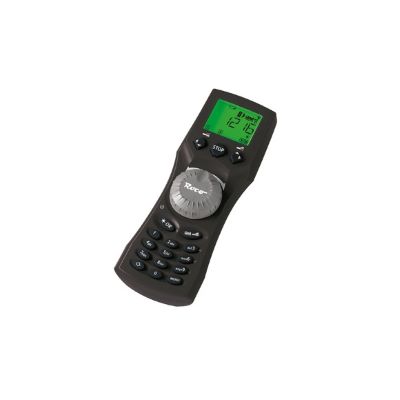
WLANMAUS for Freedom of Movement

The physical rotary controller enables precise shunting, while the Wi-Fi connection allows free movement along the layout.

Stable Wired Connection

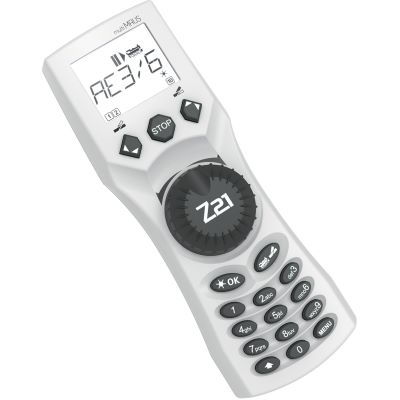
multiMAUS on the X-BUS

The wired multiMAUS does not require a wireless network and is a reliable throttle at a fixed operating position.

Computer Control

Use the Open LAN Interface

Model railway software can control routes, block operation and staging yards. Reliable feedback modules are additionally required.

Feedback

Plan R-BUS, CAN and RailCom

Track-occupancy detectors identify occupied sections. RailCom- compatible components can additionally transmit vehicle or decoder information to the command station.

Power Distribution

Use Booster Districts Instead of One Large Circuit

Stations, staging yards and main lines are better supplied separately. A short circuit will then not shut down the entire layout.

The controls are gauge-neutral, but the power is not

Choose a Roco Z21 or z21 According to Gauge

Gauges Z, N, Nm and TT

Small vehicles require little current but can be sensitive to excessive track voltage. The black Z21 with adjustable voltage is particularly interesting for demanding small-gauge layouts.

Suitable Versions

z21start for compact layouts and the black Z21 for precise system planning.

Pay Particular Attention To

Set the track voltage according to the decoder and vehicle specifications.

H0, H0e and H0m

The Z21 system family is particularly versatile in these gauges. Beginners can start with a z21start and multiMAUS. Large H0 layouts benefit from CAN, LocoNet, feedback and several boosters.

Suitable Versions

z21start, white z21, black Z21 and the Z21 Professional Digital Set.

Pay Particular Attention To

Separate accessory power from track power on larger layouts.

Gauge 0, Gauge 1, Gauge II and Gauge G

Large motors, sound, lighting and smoke generators create a significantly higher power demand. The Z21 XL provides 6 amps at 20 volts and can be expanded with XL boosters.

Suitable Versions

Z21 XL Series and Z21 XL Booster.

Pay Particular Attention To

Use large cable cross-sections, several feed points and secure electrical isolation points.

From unpacking to the first automatic route

Set Up a Z21 System in Six Steps

Step 1

Connect the Track and Power Supply

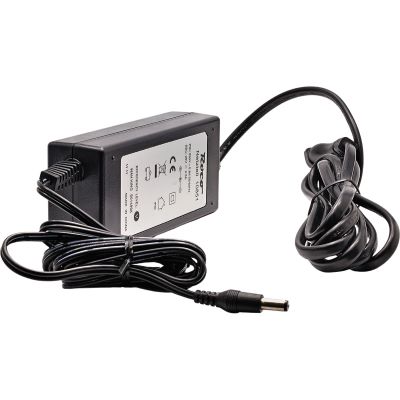
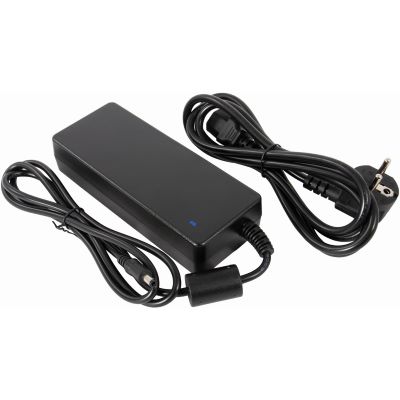
Use only a suitable power supply and remove unsuitable interference suppression capacitors from old feeder tracks.

Step 2

Test the Handheld Controller First

First check the direction, address, lighting and emergency stop with a single locomotive.

Step 3

Configure the Network Correctly

Connect the command station, router and smartphone to the same local network. A z21start must be activated beforehand.

Step 4

Create the Locomotives in the App

Enter the address, protocol, speed steps, function icons and a clearly identifiable vehicle image.

Step 5

Add Turnouts and Feedback Modules

Test accessory decoders individually first. Then label every feedback section and assign it in the software.

Step 6

Document Booster Boundaries

Mark isolation points, power supplies and booster districts on a layout plan so that later faults can be found quickly.

Avoid typical problems at an early stage

Common Mistakes When Changing to a Z21 or z21

Connecting a z21start to Wi-Fi Without Activation

A router alone does not activate the network function. The appropriate Wi-Fi package includes the router and activation.

Connecting the Main Track and Programming Track

On the black Z21, the two outputs must be electrically separated clearly so that several decoders are not changed accidentally.

Isolating Booster Districts on Only One Side

The required isolation points depend on the track system, feedback modules and manufacturer instructions.

Powering All Accessories from the Track Supply

Turnouts, signals and lighting can unnecessarily reduce the available output. An external supply provides additional reserves.

Confusing Wi-Fi with the Internet

Train operation works through the local network. Internet access is primarily required for activation, downloads or updates.

Copying Turnout Addresses Without Checking Them

Address counting may differ when changing from another DCC system. The Z21 Maintenance Tool provides suitable configuration options.

Command stations, controllers, feedback and power supplies

Products for the Roco Z21 and z21 by Gauge

The selection includes central system components and suitable extensions. Before purchasing power supplies, boosters or individual handheld controllers, check which additional components are required.

Z, N, TT, H0e, H0m and H0: Command Stations and Controllers

From an uncomplicated introduction to DCC to extensive network and computer control.

Answers before purchasing, activation and expansion

Frequently Asked Questions about the Roco Z21 and z21

What is the most important difference between the Z21 and z21?

The black Z21 provides more connections, adjustable track voltage and a separate programming track. The white z21 versions are more compact and are focused more strongly on starter sets and uncomplicated DCC operation.

Can the z21start be controlled by smartphone and tablet?

Yes. The network function must first be activated with the appropriate Wi-Fi package or activation code. The Z21 App can then be used through the local Wi-Fi network.

Is the white z21 already activated?

The white z21 was supplied with a fully activated network function. It should not be confused with the externally similar z21start.

Can I operate the Z21 without an internet connection?

Yes. Train operation takes place through the local network. Internet access is required, for example, for the initial activation of a z21start, app downloads or firmware updates.

Can the Z21 control Märklin Motorola locomotives?

In addition to DCC, the black Z21 supports Motorola. However, it does not provide complete mfx functionality as an mfx system command station.

Can I use the app, WLANMAUS and multiMAUS at the same time?

Yes. When the network function is activated, several control methods can be used in parallel. One person can operate the track diagram on a tablet while other users drive trains with handheld controllers.

When do I need the black Z21?

It is useful when a separate programming track, adjustable voltage, CAN feedback, LocoNet, a sniffer bus or particularly extensive automation is planned.

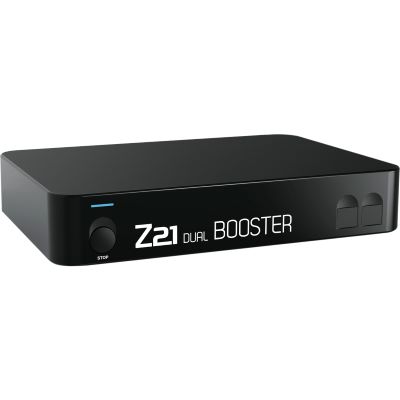
When is a Z21 Booster required?

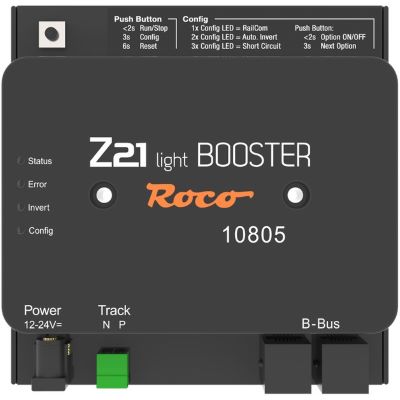
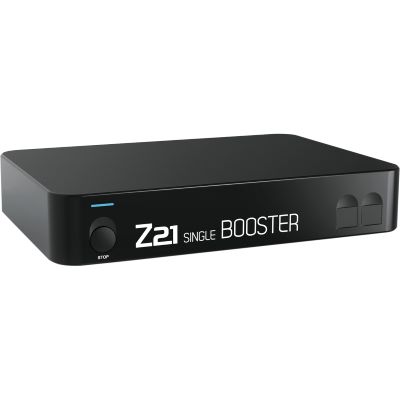
A booster is required when the current demand exceeds the output of the command station or when the layout needs to be divided into several power and short-circuit districts.

Which feedback modules are suitable for the Z21?

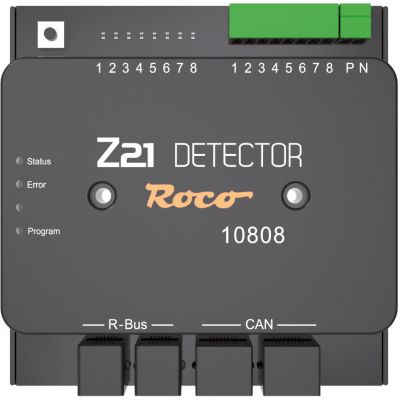
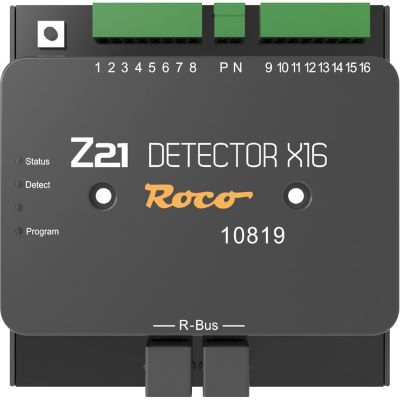
The Z21 Detector and Detector X16 are designed for the Z21 system family. Depending on the command station, additional R-BUS, CAN or LocoNet-compatible feedback modules can also be used.

Which Z21 is suitable for Gauge G?

The Z21 XL is intended for Gauge G, Gauge II, Gauge 1 and Gauge 0. It supplies six amps at 20 volts and can be expanded with Z21 XL Boosters for additional power districts.

Content status: 16 July 2026. Before connecting the system, consult the current instructions for the command station, power supply, booster, app, feedback modules and decoders. Firmware, app functions and compatible programs may change through updates.

Plan the Digital Model Railway as a Complete System

Further guides cover gauges, digital protocols, decoders, Wi-Fi, feedback, wiring, track planning and layout construction.

Go to the Main Guide