





Several Digital Formats
Mixed Vehicle Fleets
DCC, Motorola, Selectrix and M4 locomotives can be managed through one shared locomotive database.

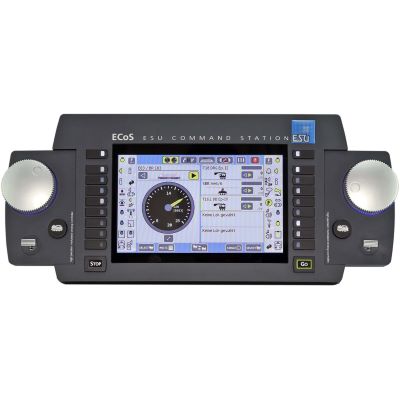
The ESU ECoS controls DCC, Motorola, Selectrix and M4-compatible vehicles using two motorised throttles and a large touchscreen. ECoSBoost, ECoSDetector, Mobile Control and SwitchPilot turn it into a complete digital model railway system.
The ECoS is a powerful digital command station for model railway enthusiasts who want to manage vehicles, turnouts, signals, routes and feedback through one shared interface. Two motorised rotary controllers allow two locomotives to be operated directly. The 7-inch colour screen displays locomotive lists, function buttons, electromagnetic accessories and track diagrams.
As a multiprotocol command station, the ECoS supports DCC, Märklin Motorola, Selectrix and M4. M4 is compatible with suitable mfx decoders and enables the automatic registration of corresponding locomotives. The ECoS is therefore particularly suitable for mixed vehicle fleets in which older and current decoders from different manufacturers are used together.
The integrated booster supplies up to 6 amps. The supplied 150 VA switched-mode power supply allows the output voltage to be adjusted between 15 and 21 volts. This setting is important because smaller gauges and sensitive decoders require a different track voltage from large vehicles with sound, lighting and smoke generators.
Decoders can be read and configured on a separate programming track. Normal operation on the main track can continue independently. The network connection can be used to connect the command station to a computer, router or compatible mobile control device.
ECoSlink connects boosters, feedback modules and other system components. An existing s88 feedback bus can also be used. ECoSniffer can receive commands from older DCC or Motorola control devices, meaning that a change of system does not always require every existing controller to be replaced immediately.
DCC, Motorola, Selectrix and M4 locomotives can be managed through one shared locomotive database.
The two motorised throttles are particularly practical for train crossings, shunting and multiple-train operation.
Electromagnetic accessories and routes are arranged on the touchscreen and operated directly from the track diagram.
ECoSDetector and s88 contacts report occupied sections and enable event-dependent routes.
Mobile Control combines touchscreen convenience with a rotary controller and freedom of movement along the layout.
The system can grow from a home layout into an extensive club or exhibition layout.
The ECoS focuses on maximum protocol flexibility and a fixed control interface. CabControl concentrates on DCC and wireless handheld operation.
| System | Digital Formats | Operation | Output and Connections | Typical Application |
|---|---|---|---|---|
| ECoS 2.5 | DCC, Motorola, Selectrix and M4 | Touchscreen and two motorised throttles | 6 A, 15–21 V and a separate programming track | Mixed vehicle fleets and central layout control |
| ECoS with Mobile Control | All formats provided by the ECoS | Stationary screen plus Wi-Fi handheld controller | ECoS output; Wi-Fi through a router or access point | Large layouts and several operators |
| CabControl | DCC, RailCom and RailComPlus | Mobile Control wireless handheld controller | Adjustable supply and integrated Wi-Fi | DCC layouts with fully mobile operation |
| ECoS with ECoSBoost | Depends on the connected command station | Configured directly through the ECoS | Additional 7 A power district | Large layouts and Gauges 0, 1 and G |
Stations, staging yards and main lines receive their own short-circuit districts and additional power reserves.
Up to 16 sections can be monitored. Suitable sections additionally enable RailCom train identification.
Contact tracks, reed contacts, push buttons and switches are connected directly to ECoSlink through 16 inputs.
Additional boosters, feedback modules and control devices can be connected clearly at different positions around the layout.
DCC and Motorola switching commands operate double-coil drives, lighting and other stationary electrical accessories.
Colour-light signals, semaphore signals, barriers and slow-moving turnout mechanisms can be configured individually.
Small vehicles require little current but can be sensitive to unnecessarily high track voltage. The adjustable ECoS power supply is therefore particularly useful.
ECoS 2.5, ECoSDetector, SwitchPilot and compact ESU decoders.
Set the voltage according to the vehicle and decoder instructions.
The ECoS demonstrates its multiprotocol strengths particularly well in H0. DCC, Motorola and M4 vehicles can be operated together. Several feedback options are available for staging yards.
ECoS, Mobile Control, ECoSDetector, SwitchPilot and SignalPilot.
Where possible, supply accessories from a separate power source.
Large motors, sound, smoke and illuminated coaches increase the current demand. The ECoS and ECoSBoost should be divided into clearly separated power districts.
ECoS 2.5, ECoSBoost, ECoSlink Terminal and large-scale decoders.
Plan cable cross-sections and short-circuit protection professionally.
Adapt the power supply and track voltage to the gauge and decoder fleet.
The two outputs must not be connected electrically by accident.
Register M4 vehicles and check DCC, Motorola or Selectrix addresses.
Give turnouts, signals and routes logical names and place them graphically.
Trigger every section and document it clearly on the layout plan.
Save a backup of the command station data after successful setup.
Several smaller booster districts are usually safer and easier to manage.
An appropriate setting protects motors, decoders and lighting.
Detection sections should be isolated electrically before the track is ballasted.
The router, access point and wireless coverage must suit the layout.
Sound projects and decoder firmware still require the LokProgrammer.
ECoSniffer, the L.Net Converter and ECoSlink perform different tasks.
This selection includes 24 components from the ESU system family. Before expanding the system, check compatibility with the ECoS version, firmware, gauge and existing wiring.
Multiprotocol control, Wi-Fi handheld controllers and system adapters for fixed and mobile operating positions.
Touchscreen, two throttles, 6 A and four digital formats.
View Product →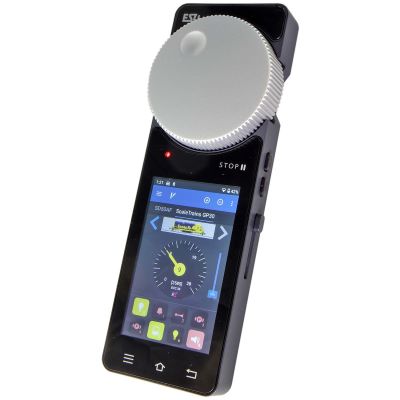
Wi-Fi handheld controller with touchscreen, rotary knob and brake slider.
View Product →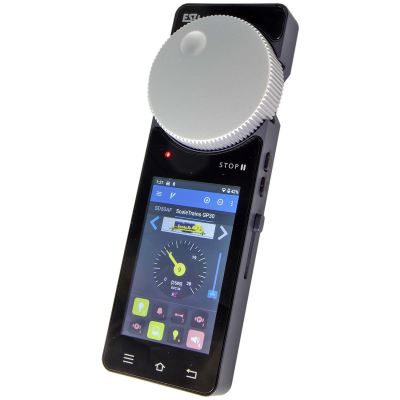
Mobile controller and access point for a dedicated model railway Wi-Fi network.
View Product →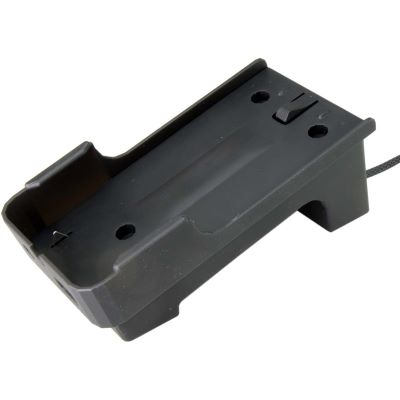
Desktop or wall holder with a charging function for Mobile Control.
View Product →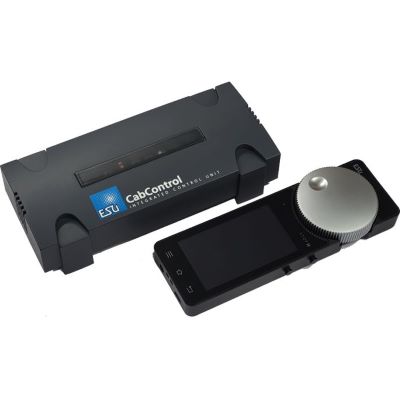
DCC command station with Wi-Fi, RailComPlus and a mobile handheld controller.
View Product →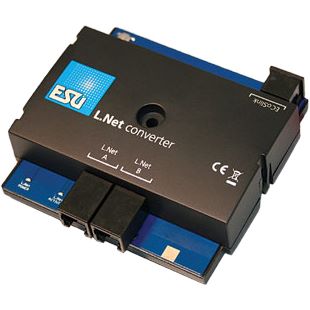
Connects suitable LocoNet handheld controllers and modules to ECoSlink.
View Product →Occupancy detection, train identification, bus distribution and additional power districts for larger layouts.
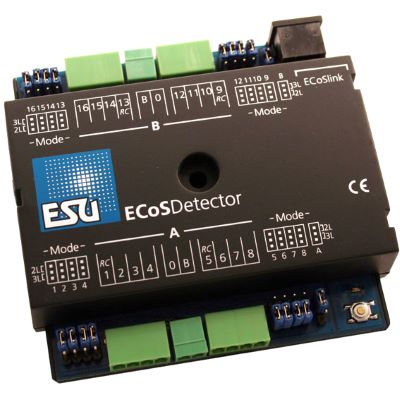
Monitors 16 sections, including four with RailCom detection.
View Product →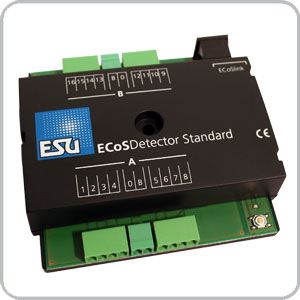
Connects contact tracks, push buttons and reed contacts through ECoSlink.
View Product →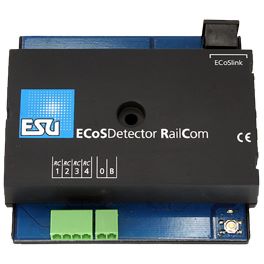
Detects occupancy and locomotive addresses in four RailCom sections.
View Product →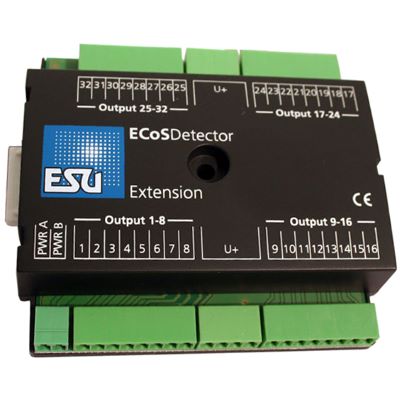
Adds 32 display and switching outputs to an ECoSDetector.
View Product →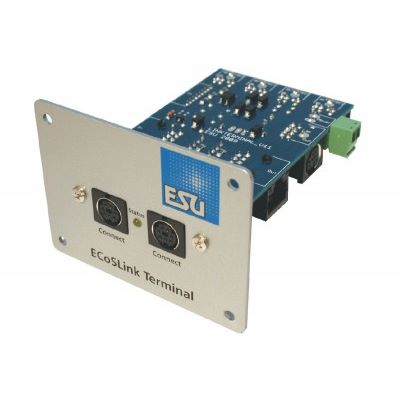
Adds further connections for boosters, feedback modules and controllers.
View Product →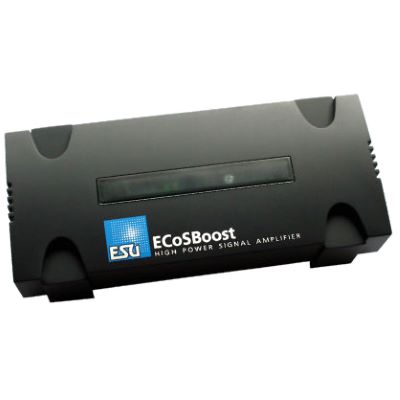
Seven amps for a separate power and short-circuit district.
View Product →Accessory decoders for stations, staging yards, semaphore signals, colour-light signals and motor-driven movements.
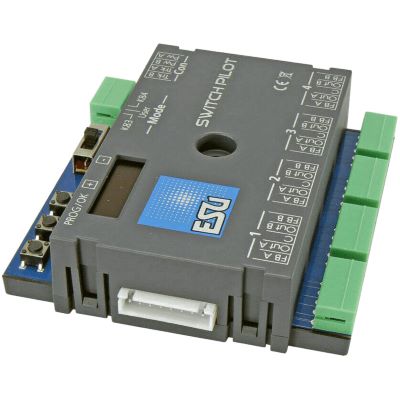
Controls turnouts, uncouplers and other accessories.
View Product →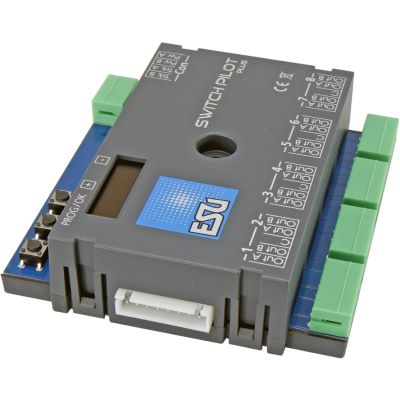
Operates up to eight electromagnetic accessories or several electrical loads.
View Product →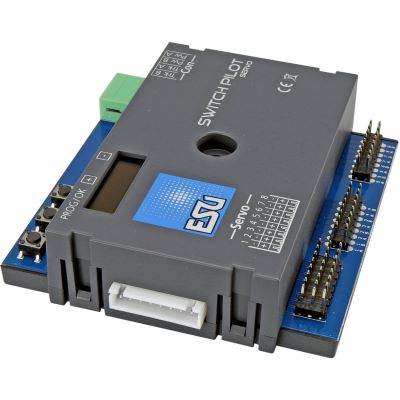
Moves up to eight servos for turnouts, barriers and signals.
View Product →
Adds relays for turnout frogs and electrical circuits to a SwitchPilot.
View Product →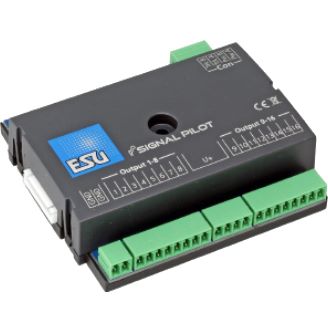
Controls complex colour-light signals through 16 freely configurable outputs.
View Product →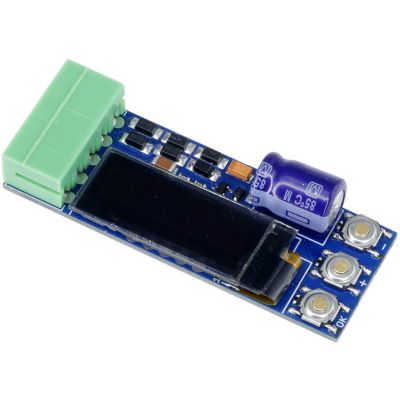
Space-saving decoder for one turnout or a comparable function.
View Product →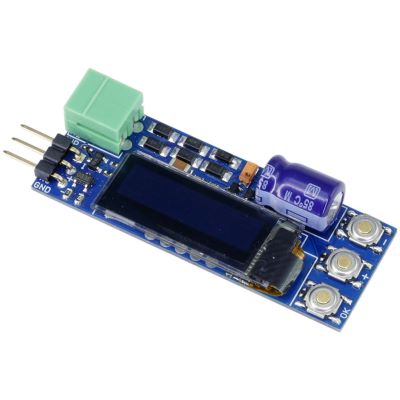
Controls one servo digitally, proportionally or through push buttons.
View Product →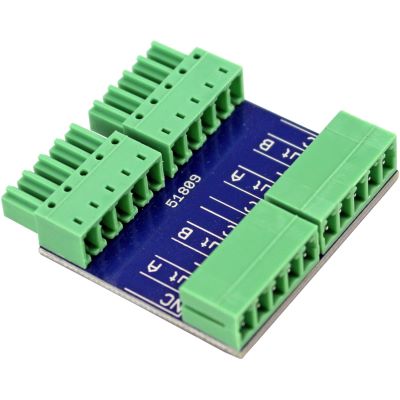
Connects colour-light signals with a common cathode to a SwitchPilot.
View Product →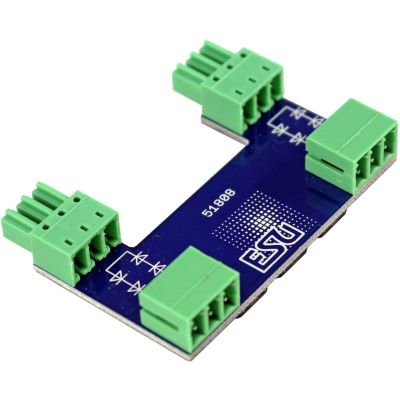
Adds controllable ABC braking sections to a SwitchPilot Extension.
View Product →Programming and testing devices for LokPilot, LokSound and powerful large-scale decoders.
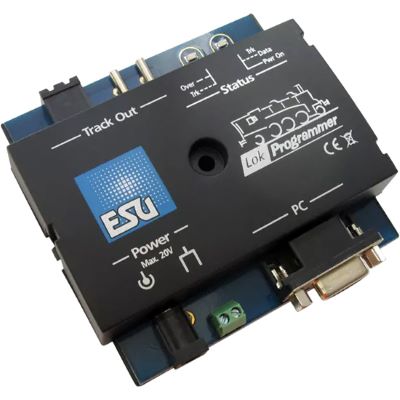
Edits decoder parameters, function mapping and sound projects on a PC.
View Product →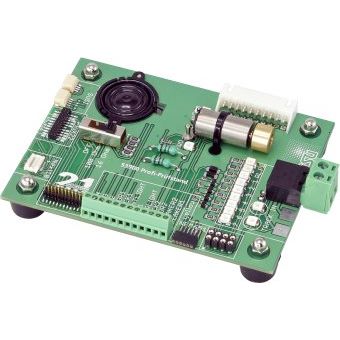
Tests motor, lighting, sound and function outputs on different decoders.
View Product →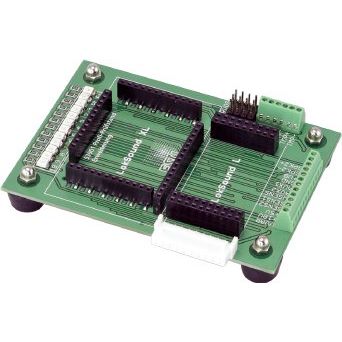
Expands the professional test stand for LokSound L and XL decoders.
View Product →The ECoS supports DCC, Märklin Motorola, Selectrix and M4. M4 is compatible with suitable mfx decoders, making the command station particularly useful for mixed vehicle fleets.
Yes. Compatible mfx vehicles are detected through M4 and can be operated with the functions they report. ESU uses the name M4 for its mfx-compatible protocol.
The basic functions are clearly arranged, although the overall feature set is considerably larger than that of a simple starter-set command station. It is particularly worthwhile for layouts planned with long-term expansion in mind.
The command station has a network connection and can be connected to compatible programs. ESU offers the Mobile Control wireless controller for tactile mobile operation.
Several compatible Wi-Fi handheld controllers can be used simultaneously. Network coverage, the access point and current firmware must suit the required number of controllers and the size of the layout.
A booster is required when the current demand increases or when several power districts are desired. Dividing the layout improves short-circuit protection and troubleshooting.
The ECoSDetector 50094 is suitable for current sensing and contacts. The Standard Detector is intended for conventional contacts. The ECoSDetector RC concentrates on RailCom train identification.
Some devices can be integrated through ECoSlink, ECoSniffer or the L.Net Converter. Check the device type, interface and current compatibility information before connecting anything.
No. Many CV settings can be changed directly through the ECoS. The LokProgrammer remains useful for sound projects, decoder firmware and particularly convenient function mapping.
Its adjustable voltage and high output make the ECoS interesting for large gauges as well. High currents nevertheless require suitable wiring, feed points and booster districts.
Further guides cover digital protocols, decoders, feedback, Wi-Fi, boosters, wiring, track planning and layout construction.