Modellbahn Keks
Welcome!
Our cookies offer you a fast, relaxed and full-featured shopping experience. Some are necessary to operate the website and its functions. Others help us to improve our services. If you agree to this, simply consent to the use of cookies for preferences, statistics and marketing by clicking on "OK". Alternatively, you can deactivate individual cookies under "Customise cookies" or all cookies, except those required for the function of our website, under "Reject all".
Digital model railway control

Roco Z21 system guide Command stations and accessories explained

Which device runs your trains, which one sets the turnouts, and which one tells you where a locomotive is in a hidden yard? Compare the Z21 products and find the accessories that work with your command station.

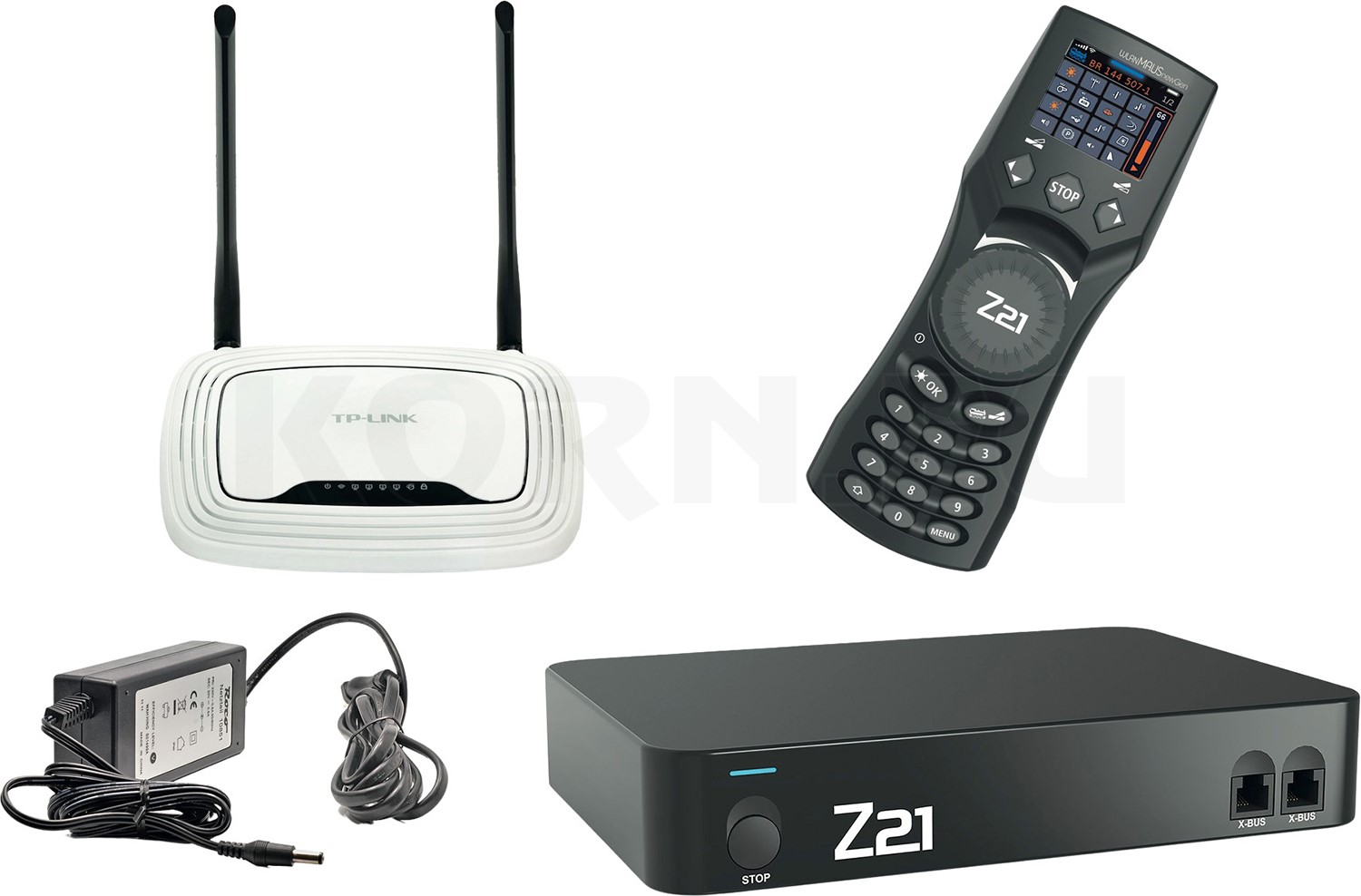
Roco Z21 Professional Digital Set with command station, WLANMAUS newGen, router and power supply
Z21 Professional Digital SetMBS195284

What would you like to do with your Z21?

On a digital layout, each device has a different job. The command station sends driving and switching commands through the rails. You enter a command on a handheld controller, and a decoder acts on it at the locomotive or turnout. A feedback module reports what is happening on the layout. A second operator can therefore join you without buying a booster. You need a booster when you want to supply a separate section of track with its own power.

Which command station do you have?

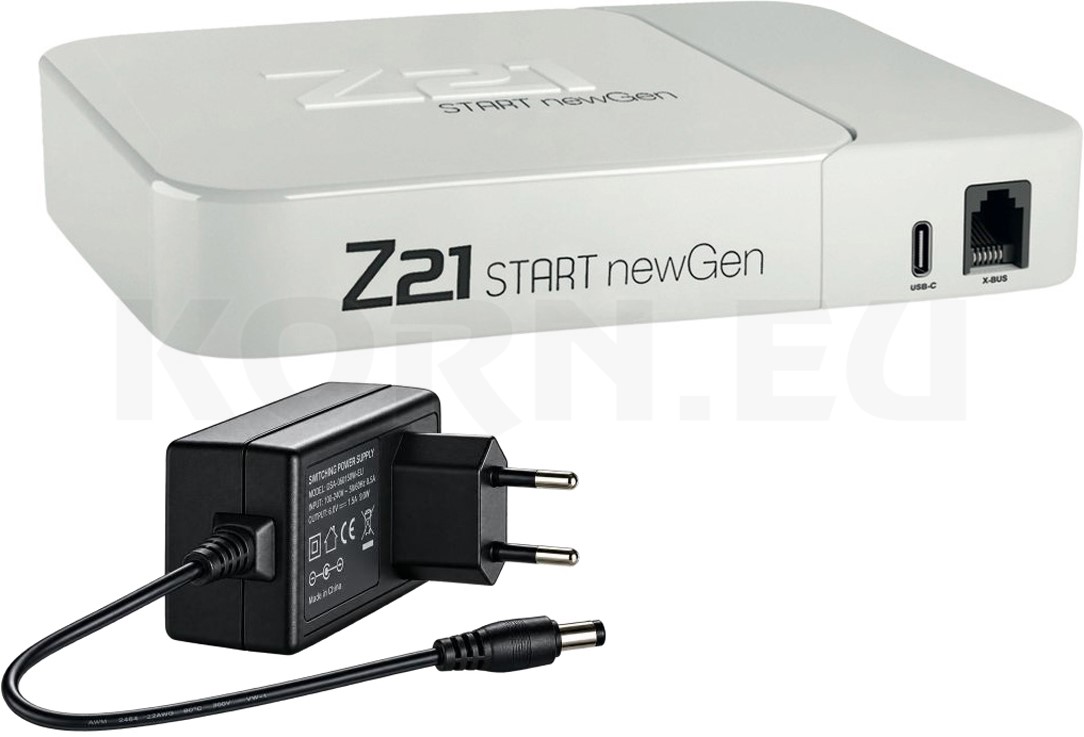
Start with the name printed on the case, then check the sockets. If you are buying a used white command station, look closely at the lettering. The classic z21 and z21start are different models. The newer Z21 START newGen has built-in Wi-Fi. When choosing accessories for a starter set, check the model name on the unit itself.

Five Z21 command stations and their connections
Command stationNetwork controlExpansion ports and track output
Classic z21start (white) On a factory-new unit, you need to unlock network control to use the app or a WLANMAUS. A wired controller works straight away. 3 A. X-BUS for handheld controllers, R-BUS for feedback modules and B-BUS for boosters. Driving and programming share one track output.
Classic z21 (white) Network control is enabled at the factory. To use a wireless controller or the app, connect the command station to a Wi-Fi router with an Ethernet cable. 3 A. X-BUS, R-BUS and B-BUS for expansion. Driving and programming share one track output.
Z21 START newGen in the Basic Digital Set MBS195283 Built-in Wi-Fi for the app and WLANMAUS. Connect directly without a separate router or unlock code. 3 A. X-BUS for the multiMAUS, USB-C for charging and a shared output for driving and programming. There are no sockets for directly connecting R-BUS, B-BUS or CAN modules.
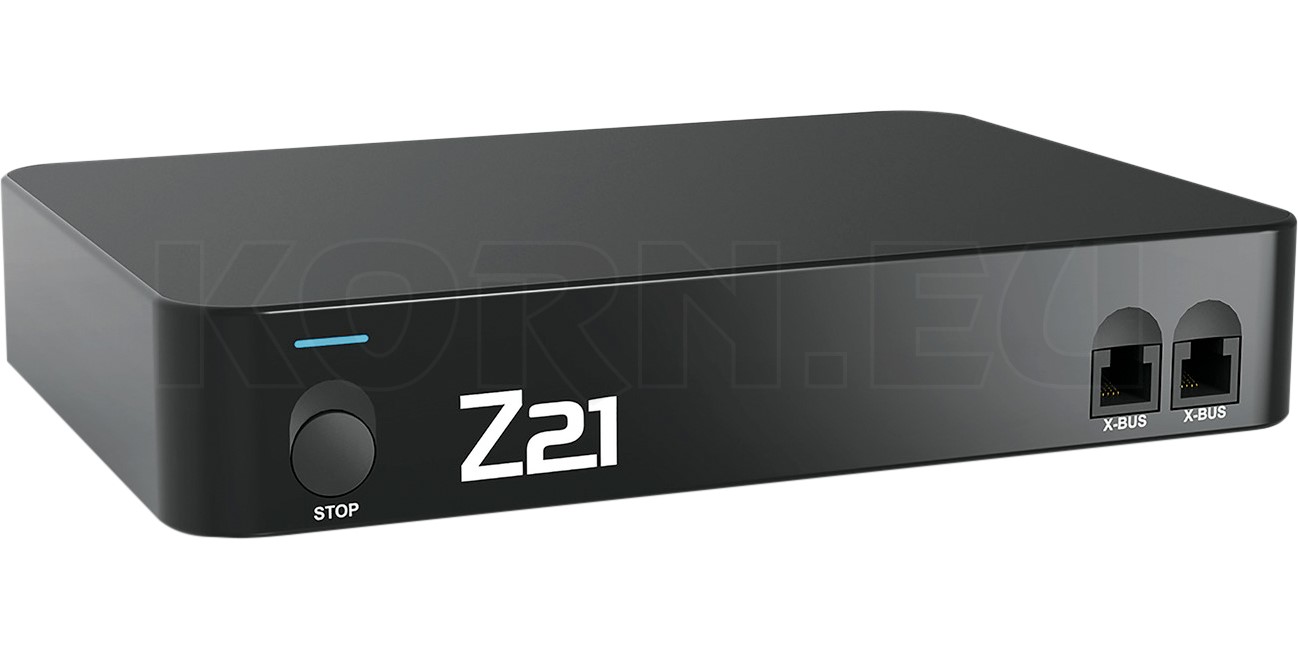
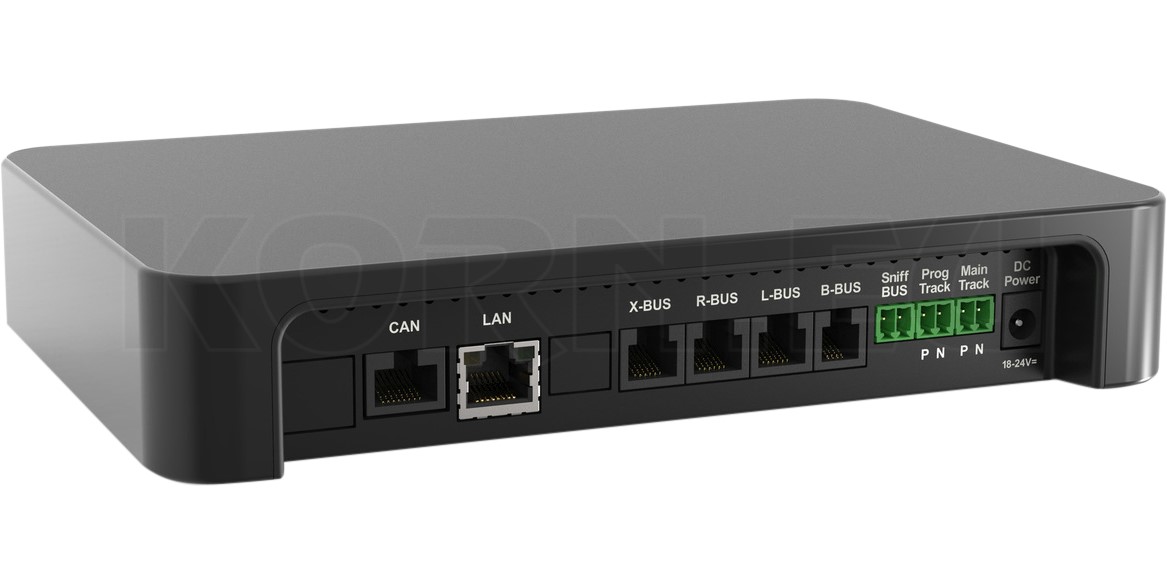
Z21 (black) MBS149467 Network control is enabled at the factory. The Wi-Fi router connects the command station to your smartphone, tablet or WLANMAUS. 3 A, adjustable track voltage and a separate programming track output. X-BUS, R-BUS, B-BUS, CAN, LocoNet and a Sniffer input for compatible older command stations.
Z21 XL Series Like the black Z21, the XL uses a router on the layout network for wireless operation. Designed for large scales, with 6 A at 20 V and a separate programming track output. Track voltage depends on the power supply. Use components rated for XL operation in the 6 A track circuit.

Roco documentation: Classic Z21 models · Z21 START newGen and manual · XL Series.

If your command station uses the same output for driving and programming, use a short, separate length of track for reading decoder settings and programming in service mode. Disconnect the layout, connect the programming track in its place and put only the locomotive you want to programme on it. On the black Z21, this track can stay connected to the dedicated programming output.

Basic Digital Set, Professional Digital Set or train starter set?

The Roco Basic Digital Set 1000001 MBS195283 includes the Z21 START newGen and a plug-in power supply. To start with the app, use your own smartphone or tablet. If you prefer a physical speed knob, add a compatible handheld controller. The older Basic Digital Set 10833 paired a z21start with a wired multiMAUS. When buying second-hand, check which power supply and controller the seller includes.

The Professional Digital Set 1000020 MBS195284 pairs the black Z21 with a WLANMAUS newGen, a Wi-Fi router and a power supply. In this set, “newGen” refers to the handheld controller. You can use the track diagram on a tablet and drive with a physical speed knob. A train starter set also gives you a choice of locomotive, rolling stock and track system. An “App Only” version is worth considering if you already keep a phone or tablet beside the layout.

Driving with a wired controller, wireless handset or app

Roco 10835 Z21 multiMAUS

Wired multiMAUS

The Z21 multiMAUS MBS171700 plugs into the X-BUS. Use its knob and buttons to select a locomotive, change speed or direction, or operate a turnout by address. A wired handset works well at a fixed shunting position. Check that the cable reaches the furthest point where you need to uncouple wagons. You can add a second handset for another operator.

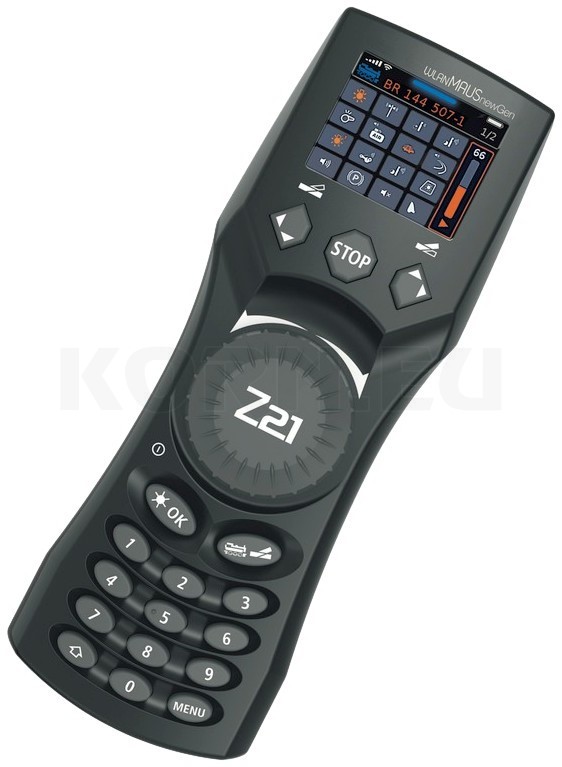
Roco 1008001 Z21 WLANMAUS newGen

WLANMAUS and WLANMAUS newGen

With the classic WLANMAUS 10813 you can walk alongside your train. The WLANMAUS newGen MBS195282 adds a 2-inch colour display, locomotive images and a continuously rotating control knob with a push-button function. Both handsets need a working Wi-Fi connection to the command station. The newGen offers three display sizes, which makes it easier to distinguish locomotives with similar names in your library.

Z21 app on a smartphone or tablet

Use the app to build a locomotive library with photos and draw a control panel for your layout. Tap a turnout symbol and the command station sends a command to the accessory address assigned to it. A tablet at the station works well alongside a handheld controller out on the line. When you add a symbol, test it where you can see the turnout and check that the displayed route matches the actual position.

Wi-Fi package and unlock code

Roco 10814 Wi-Fi package for the Z21 app

For the older z21start, the Wi-Fi package 10814 MBS167432 includes a preconfigured router and the unlock code. The unlock code 10818 MBS167433 is the option to choose if you have your own suitably configured router. If the z21start is already unlocked, you just need the network connection. The Z21 START newGen creates its own Wi-Fi network, so a smartphone or WLANMAUS can connect to it directly.

Turnouts and colour light signals need different decoders

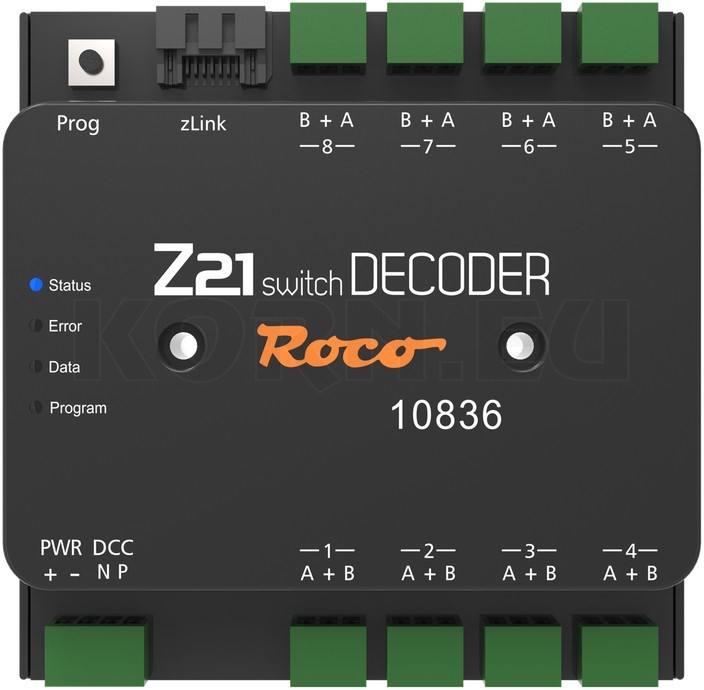
Roco 10836 Z21 switch DECODER

Operating twin-coil turnout motors

The Z21 switch DECODER MBS167782 has 16 individually usable outputs arranged in eight pairs. It can operate eight turnouts fitted with suitable twin-coil motors. Individual outputs can also switch compatible lamps or other loads. Select the operating mode for each pair to suit the motor connected to it. For a servo-operated turnout, choose a servo decoder or a controller specifically designed for the servo.

Roco 10837 Z21 signal DECODER

Controlling colour light signals

The Z21 signal DECODER MBS184320 controls the aspects of two to four signals using 16 outputs. A multi-aspect main signal needs more outputs than a simple block signal. Choose the signal type first and count the lamp connections. Preset signal aspects save you switching each lamp individually. For LED signals, Roco specifies a common positive connection and a suitable series resistor for each LED. Check which resistors are already fitted to your signal.

A small station example. Six twin-coil turnouts use six output pairs on one switch DECODER. For two departure signals, choose a signal DECODER profile that supports the required aspects. Give each turnout and signal a name on the track diagram and write its digital address next to it. If the wrong turnout moves later, you can check whether you selected the wrong symbol or wired the motor to the wrong output.

Roco documentation: switch DECODER · signal DECODER.

Feedback in a hidden staging yard: DETECTOR or DETECTOR X16?

Feedback modules compared by section count and information reported
ModuleWhat does it report?Connection and use
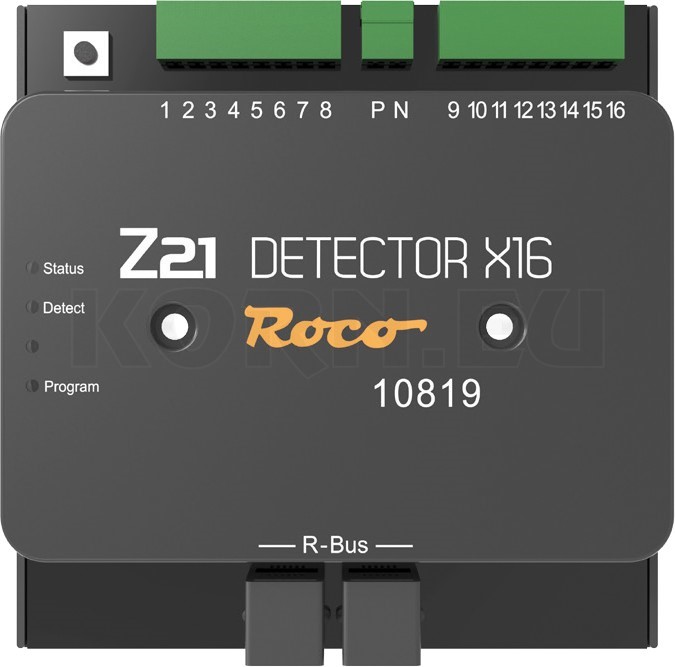
Roco 10819 Z21 DETECTOR X16Z21 DETECTOR X16 MBS167394 Reports up to 16 separate track sections as clear or occupied. R-BUS. Choose this module when the control system needs to know which sections are clear. It does not report locomotive addresses.
Roco 10808 Z21 track occupancy detectorZ21 DETECTOR with RailCom MBS157073 Reports up to eight sections as clear or occupied. With RailCom, it can also report the address of a suitably equipped locomotive in each section. R-BUS or CAN for occupancy detection. To identify a locomotive in a particular section, use the CAN bus on the black Z21 and enable RailCom on the locomotive.

Roco documentation: DETECTOR X16 · DETECTOR with RailCom.

A current-sensing occupancy detector picks up anything drawing current in the monitored section. This could be a locomotive, a coach with lighting or a suitably equipped wheelset. An unlit wagon that draws no current can go undetected. This matters when the locomotive has cleared the section but the last wagon of a long freight train is still on the turnouts.

Dividing six storage tracks into detection sections

If each of six storage tracks has an entry section and a stopping section, you have twelve sections to monitor. One DETECTOR X16 covers all twelve and leaves four inputs for the approach or a future extension. To read locomotive addresses via RailCom in all twelve sections, you need compatible locomotive decoders and two 10808 DETECTOR modules, each with eight inputs, connected via CAN. The first arrangement assumes an R-BUS connection. The second uses the black Z21.

To stop trains automatically in a hidden staging yard, you also need a control system set up for the task. The detector reports occupancy. You set the stopping point, route, train length and departure behaviour in the control system. Test one storage track with a short train and then a long train being propelled from the rear before dividing up the remaining tracks in the same way.

Four boosters for different power districts

A command station may provide enough power for a long single-track branch line. A shorter layout with several sound-equipped locomotives running and passenger trains with lighting may reach the limit sooner. Test it with the rolling stock you actually run. If trains cut out at just one rail joint, check the power feed and rail joiner there first.

Boosters compared by number of districts and output current
BoostersTrack currentConnection and typical use
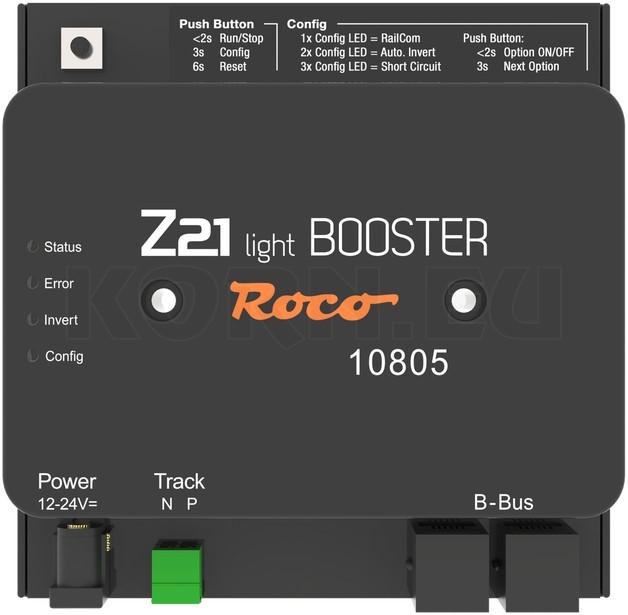
Roco 10805 Z21 light BOOSTERZ21 light BOOSTER MBS158497 1 × 3 AConnects to the B-BUS to power one additional district. Output voltage depends on the power supply.
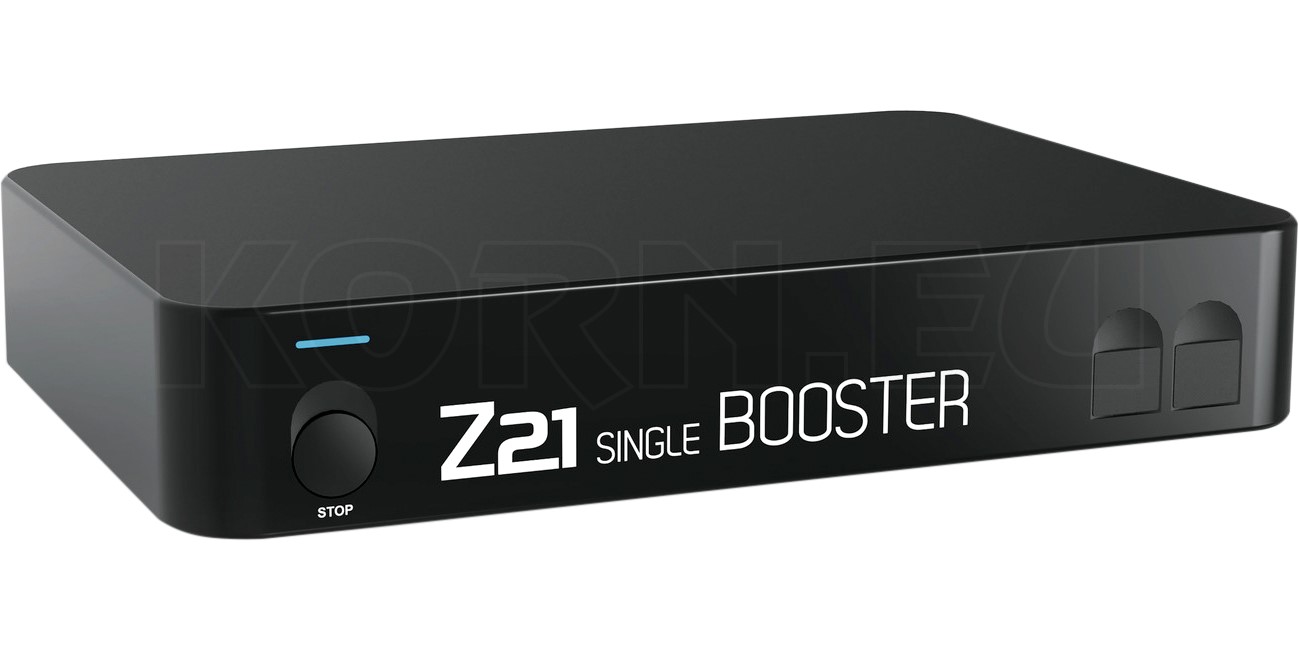
Roco 10806 Z21 single BOOSTERZ21 single BOOSTER MBS157071 1 × 3 AB-BUS or CAN. A CAN connection to the black Z21 enables configuration and additional RailCom functions.
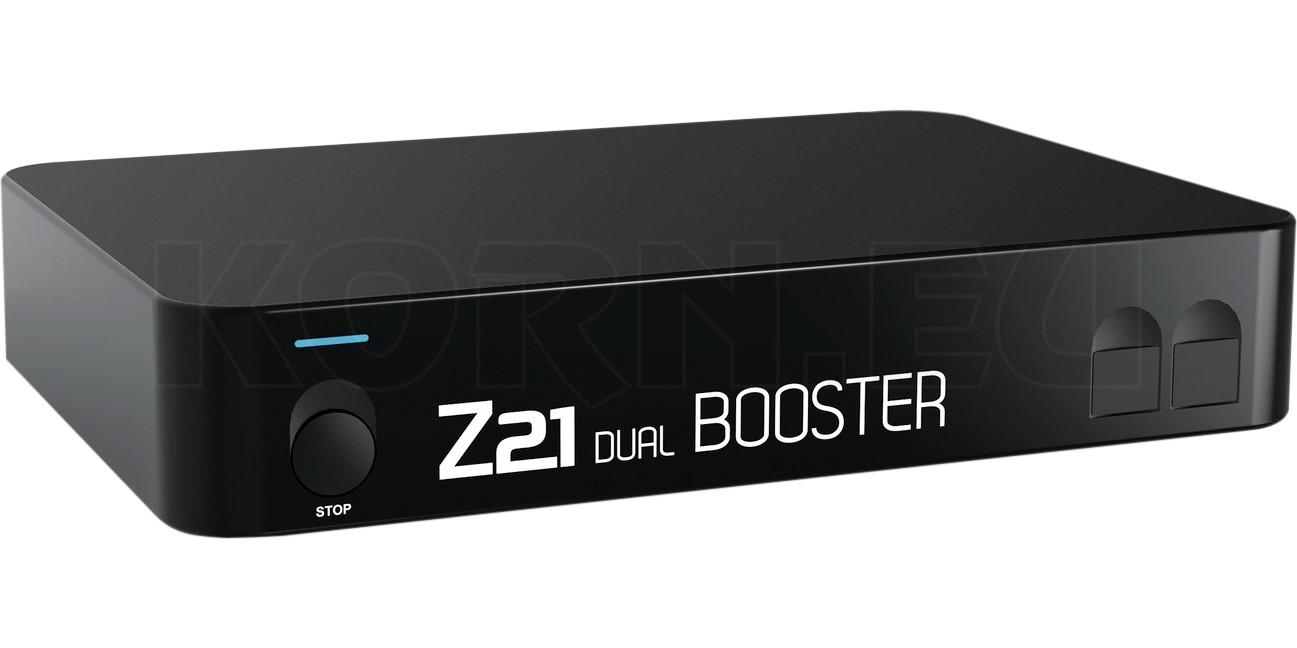
Roco 10807 Z21 dual BOOSTERZ21 dual BOOSTER MBS157072 2 × 3 ATwo separate outputs. With a CAN connection you can set the voltage for each district independently.
Roco 10869 Z21 XL BOOSTERZ21 XL BOOSTER MBS173293 1 × 6 A at 20 VFor large scales and circuits rated for this output. Interfaces include B-BUS, CAN and CDE. Roco recommends the 10857 120 W power supply.

Roco documentation: light BOOSTER · single BOOSTER · dual BOOSTER · XL BOOSTER.

A station and a stretch of main line where trains run in full view can each have their own power district. With the dual BOOSTER, each output feeds a separate district. Plan the insulating gaps, wiring, power supply and bus connection using the manuals for your equipment. Mark the feeds on your track plan. If a short circuit develops on the main line, the drawing will help you trace it to the right district.

Reversing loops, CAN connections and device settings

Roco 10797 Z21 multi LOOP

Using the multi LOOP for a reversing loop

When a two-rail line loops back onto itself, opposite rail polarities meet at the junction. The Z21 multi LOOP MBS167393 switches the polarity of the isolated section as the train passes through. Depending on the track plan, you can use sensor tracks, track contacts or short-circuit detection. Mark the insulating gaps at the design stage. Leave enough room between them for your longest train with vehicles that can electrically bridge a gap.

Roco 10804 Z21 CAN HUB

CAN HUB, CDE adapter and connecting cables

The Z21 CAN HUB MBS184322 distributes the CAN bus and, with a suitable supply, provides additional power for devices on the bus. This is helpful when feedback modules and boosters are spread across several parts of a layout. The 10789 CDE adapter connects compatible existing boosters with a CDE interface to Roco’s booster bus. The booster connecting cable MBS121975 carries the control signal. The booster’s own power supply provides the energy for the additional track district.

Roco 10838 Z21 pro LINK

Using pro LINK and software to configure equipment

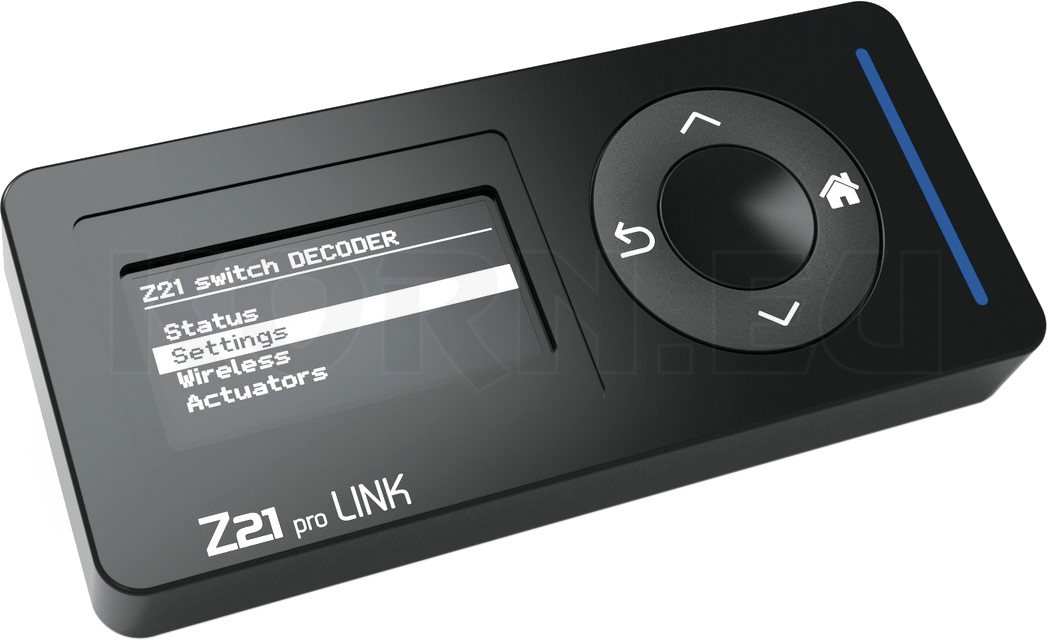
The Z21 pro LINK MBS184319 connects via zLink to a module fitted with the matching socket. To configure the module, use the display and buttons on the pro LINK or open its interface in a web browser. This is handy when an accessory decoder is already mounted under the layout. Check for a zLink socket before buying. A pro LINK does not add a CAN or R-BUS port to an entry-level command station.

Which software works with which generation?

Use the Z21 app to run trains and operate the control panel. Depending on the device, the Z21 Maintenance Tool handles configuration, diagnostics and firmware updates for the classic system. The Z21 Updater App can unlock the older z21start. For the Z21 START newGen and WLANMAUS newGen, Roco offers the Z21 Suite for Windows, macOS and Linux.

Connecting for the first time

Connect the handset and command station to the same layout network. Select a known locomotive address and test the lights and direction of travel first. You can see straight away whether the locomotive responds. Then add other controllers, turnout symbols and accessory addresses one at a time.

When the wrong turnout responds

Operate the turnout by number on the handheld controller, then try the symbol in the app. If the number works, check the address assigned to the symbol. If the handset already moves a different turnout, check the decoder address, the output pair and the addressing settings on your command station.

Frequently asked questions

Can I use the Z21 for N, TT, H0 or a garden railway?

For N, TT, H0 and narrow gauge, check the installed locomotive decoder, the permitted track voltage and the current draw. This also applies to H0e and H0m. For locomotives with higher current demands in scales 0, 1 and II/G, Roco offers the XL Series. For Z scale, pay particular attention to the voltage the locomotive can accept and whether the command station can supply it. Check the manuals for both.

Can a new WLANMAUS control an older Z21?

The WLANMAUS newGen is a handheld controller for the Z21 system. The command station needs active network control and a Wi-Fi network the handset can reach. On a classic z21start, check first whether network control is unlocked. Buying a wireless handset does not activate that feature.

Does a second handheld controller give me more power?

A second controller lets another person drive a locomotive or operate turnouts. Available track current still depends on the command station and any booster districts. Two people can start with two controllers and the existing track supply.

What do I need to set a single route through several turnouts?

To operate compatible turnout motors, you need a suitable accessory decoder and a controller. If you want the system to check that the route is clear before setting it, add detection sections and a control system that uses their occupancy reports. The signal aspect alone cannot tell you whether a wagon is still standing in the route.

Find Roco Z21 products by function