Select the system
Define the track system, protocol and command station.

From the first digital command station to a fully automated large layout: discover the basics, protocols, Wi-Fi control, command stations, decoders, interfaces, sound, feedback, boosters and systematic assistance with common vehicle problems.
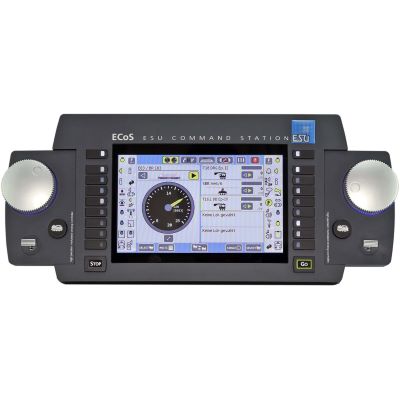
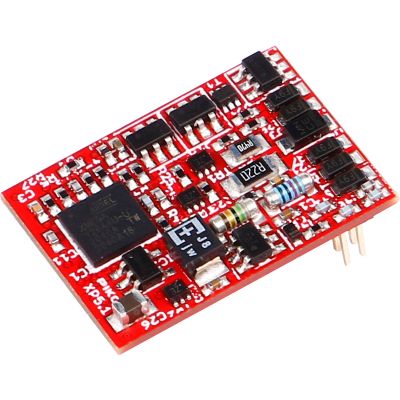
A digital command station transmits power and control commands through the track. Locomotive decoders recognise their addresses and control the motor, lighting, sound and other functions. Accessory decoders operate turnouts and signals, feedback modules detect occupied track sections, and boosters provide additional power for larger layout districts.
A small digital layout can be operated entirely by hand. Smartphones, Wi-Fi, feedback, routes and computer control are added only when greater convenience or automation is required. Digital technology can therefore grow gradually with the project.
Compatibility is decisive. The command station and decoder need a common protocol. Feedback modules, boosters and handheld controllers must use a compatible digital bus. Vehicle decoders also require the correct interface, adequate motor capacity and suitable function outputs.
Begin with a command station, one reliably operating digital locomotive and a straightforward test circuit. Add accessory modules, feedback, boosters and automation only after the basic operation is stable.
Distinguish between the command station, decoder, booster, feedback and digital bus.
Open the basics → 02Understand DCC, mfx, Motorola, Selectrix and RailCom.
Compare protocols → 03Compare beginner, large-layout and smartphone-controlled systems.
Explore command stations → 04Understand decoders, interfaces, sound and programming.
Open the decoder guide → 05Switch accessories, add feedback, distribute power and automate operation.
Plan the layout expansion →Depending on your task, the topic finder links to the basics, command-station comparison, decoder guide or troubleshooting page.
When a vehicle connection is unknown, begin with the interface comparison. For a large layout, estimate the total current before planning boosters and power districts.
If a decoder becomes very hot or produces an unusual smell, electrical safety takes priority. Switch off the track voltage before opening the appropriate troubleshooting guide.
Select your current task.
Understand command stations, decoders, accessory control, feedback and power.
Open guideSystem structure, operation and initial purchasing decisions.
Open the basics → Control centreUnderstand commands, the track signal, addresses and connections.
Understand command stations → VehicleControl the motor and vehicle functions digitally.
Explain locomotive decoders → Functions without a motorSwitch lighting and auxiliary functions in coaches.
Explain function decoders → Layout accessoriesOperate turnouts, signals and electrical loads digitally.
Explain accessory decoders → DetectionReport occupied tracks and contact states to the control system.
Explain feedback → PowerSupply additional power and separate short-circuit districts.
Explain boosters → System connectionUnderstand LocoNet, s88N, XpressNet, R-Bus and CAN.
Explain digital buses →Compare DCC, mfx, Motorola and Selectrix.
Compare protocols → Open standardAddresses, speed steps, CVs and accessory commands.
Open DCC guide → Automatic registrationRegister and manage compatible Märklin locomotives conveniently.
Open mfx guide → Existing layoutsUnderstand older Märklin digital technology correctly.
Open Motorola guide → Compact systemDriving, switching and feedback on existing layouts.
Open Selectrix guide → Bidirectional communicationReceive decoder information through compatible DCC systems.
Open RailCom guide → NetworkingConnect the router, app, computer and command station.
Open network guide → Mobile controlCompare apps, Wi-Fi controllers and operating concepts.
Open smartphone guide →Compare protocols, power, operation and system buses.
Open comparison → Decision supportSelect a system according to the requirements of your layout.
Open selection guide → Compact startStraightforward operation and practical expandability.
Open beginner systems → More powerPlan boosters, buses, feedback and automation.
Open large-layout systems → App controlCompare Wi-Fi, apps and mobile handheld controllers.
Open smartphone systems → All systemsCompare brands, functions and intended user groups.
Open command-station overview →CS3, mfx, routes and Märklin system buses.
Open Märklin system → RocoWi-Fi, apps, multiMAUS and R-Bus.
Open Z21 system → PIKOConnect Wi-Fi handheld controllers, boosters and SmartDecoders.
Open PIKO system → ESUCombine ECoS, ECoSlink, LokPilot and LokSound.
Open ESU product range → UhlenbrockLocoNet, multi-protocol operation and modular control.
Open Intellibox guide → LenzDCC, XpressNet, ABC and RailCom.
Open Lenz system → ZIMOCommand stations, handheld controllers, decoders and sound technology.
Open ZIMO system → MassothDiMAX, wireless control and high-output G-gauge technology.
Open Massoth guide → Specialist DCC systemsUnderstand LocoNet and international DCC solutions.
Open DCC system guide →Understand locomotive, sound, function and accessory decoders.
Open decoder guide → Motor controlCompare the motor current, protocol and outputs.
Open locomotive-decoder guide → Driving and soundMatch the project, loudspeaker and decoder dimensions.
Open sound-decoder guide → Coach functionsSwitch lighting and auxiliary functions without a motor.
Open function-decoder guide → Complete comparisonIdentify the contact count, standard and range of functions.
Open interface comparison → Classic H0 plugCheck the orientation and pin assignment correctly.
Open eight-pin guide → CompactUnderstand direct plugs for N and TT vehicles.
Open six-pin guide → NEM 658Compact PluX connection for vehicle decoders.
Open PluX16 guide → Numerous functionsConnect the motor, lighting, sound and auxiliary functions.
Open PluX22 guide → NEM 662Understand the compact, keyed decoder interface.
Open Next18 guide → MTC circuit boardDistinguish between logic-level and amplified outputs.
Open 21MTC guide → StandardUnderstand the six-pin standard assignment in detail.
Open NEM 651 guide → StandardAssign the eight-pin motor and lighting connections.
Open NEM 652 guide → Expansion modulesConnect sound and expansion modules digitally.
Open SUSI guide →Match the impedance, power rating and sound enclosure.
Open loudspeaker guide → ConversionConnect the motor, track pickups and lighting safely.
Open installation guide → CV basicsRead, write and document decoder values.
Open programming guide → Factory settingsCarry out a manufacturer-specific reset safely.
Open reset guide → AddressingManage short, long and automatically assigned addresses.
Open address guide → Driving dynamicsAdjust acceleration and braking time realistically.
Open delay guide → Slow-speed operationImprove jerking, load changes and motor profiles.
Open motor-control guide → AUX outputsSet dimming, LEDs and lighting patterns.
Open lighting guide → Button assignmentAssign buttons, AUX outputs and sound slots freely.
Open mapping guide → Sound memoryTransfer and save manufacturer-specific projects safely.
Open sound-project guide → Stay aliveCheck the charging circuit, polarity and bridging time.
Open buffer-storage guide →Check the motor current, short circuits and outputs.
Resolve overheating → No responseCheck the power, address, protocol and programming locks.
Open diagnostic guide → Direction of travelCorrect CV 29, motor wires and lighting.
Correct the direction →Define the track system, protocol and command station.
Check the decoder, address, lighting and driving behaviour.
Digitise turnouts, signals and layout lighting.
Detect contacts and track occupancy reliably.
Separate booster and short-circuit districts correctly.
Integrate routes, block operation and control software.
| Gauge | Typical protocols | Common interfaces | Special requirements |
|---|---|---|---|
| Z and N | Primarily DCC | Next18, NEM 651 and micro decoders | Very limited space and restricted heat dissipation |
| TT | DCC and multi-protocol | Next18, PluX12 and PluX16 | Check compact decoders and vehicle circuit boards |
| H0 two-rail | DCC, RailCom and multi-protocol | PluX22, 21MTC, NEM 652 and Next18 | Wide selection of command stations and decoders |
| H0 centre-conductor | mfx, Motorola and DCC | 21MTC, PluX22 and OEM circuit boards | Consider the pickup shoe and vehicle design |
| 0 and 1 | DCC and multi-protocol | Large-scale decoders and screw terminals | Higher motor and function currents |
| G and IIm | DCC and garden-railway systems | Large-scale circuit boards and wired connections | Outdoor operation, long wiring runs and high power |
Check the protocol, digital bus, output power, interface, motor current and installation dimensions before making a selection.
Touchscreen command station for comprehensive digital systems.
View product
Multi-protocol command station with the LocoNet system bus.
View product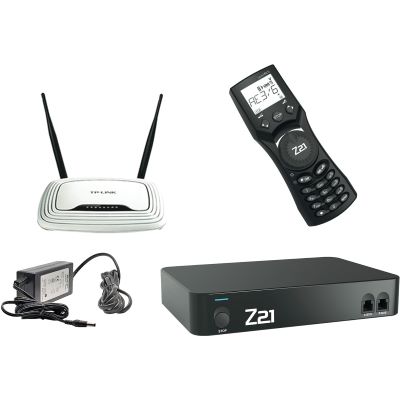
Network-enabled DCC system with Wi-Fi operation.
View product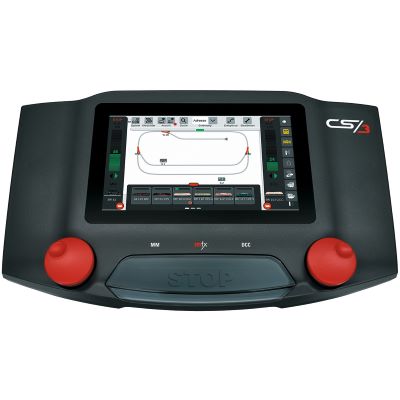
Comprehensive command station for mfx, DCC and Märklin layouts.
View product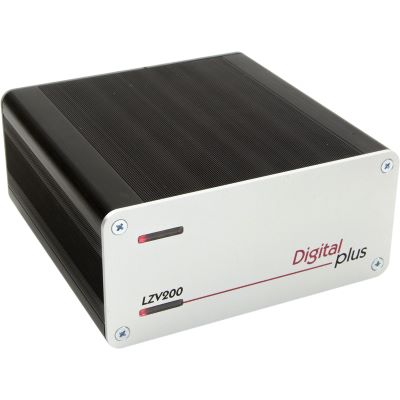
DCC command station with an integrated power amplifier.
View product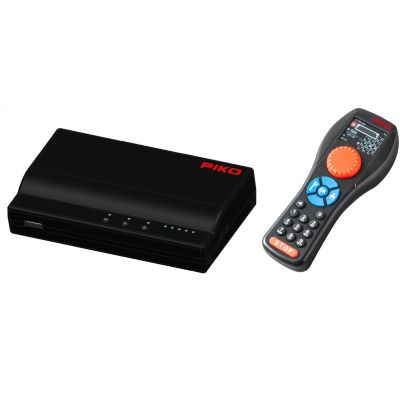
Wireless digital system for garden railways.
View product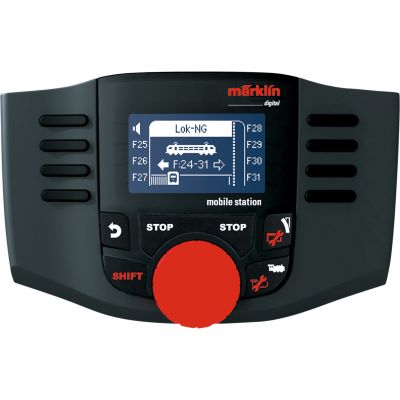
Compact handheld controller for Märklin digital operation.
View product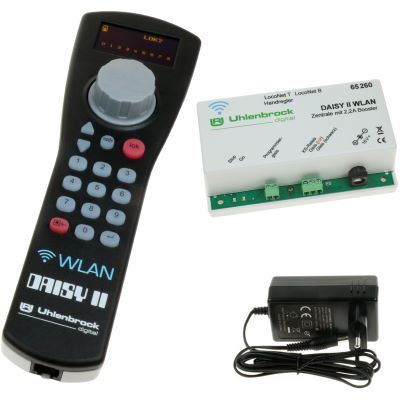
Wireless DCC set for compact layouts.
View product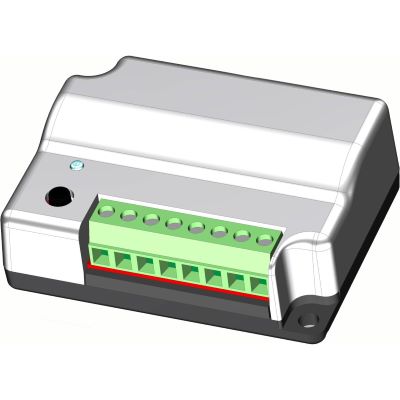
Accessory decoder for turnouts and solenoid accessories.
View product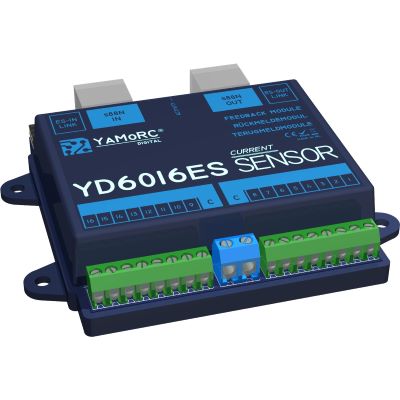
Sixteen-channel feedback module for compatible s88N systems.
View product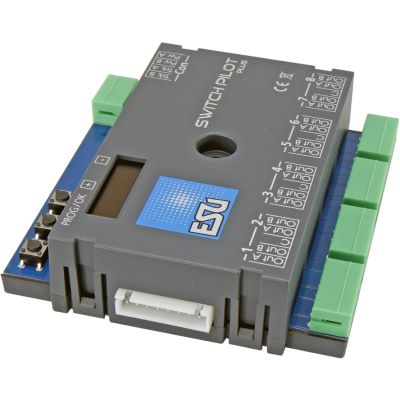
Eight-output accessory decoder with OLED configuration.
View product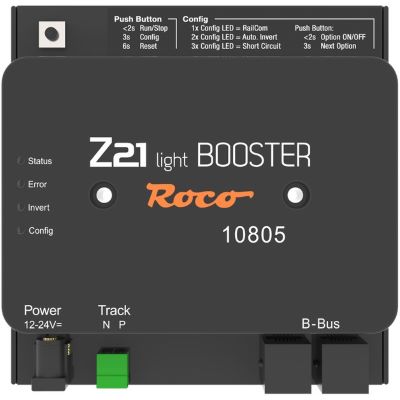
Additional power for a separate Z21 supply district.
View product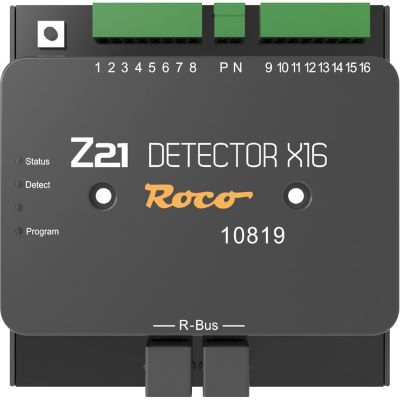
Track-occupancy detector for the R-Bus system.
View product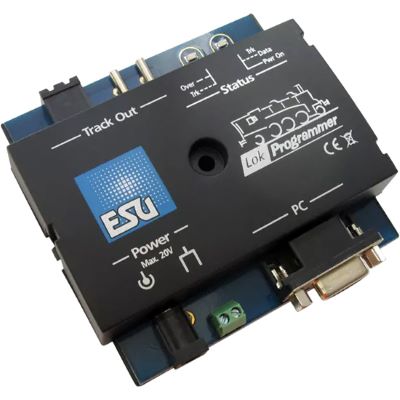
Edit ESU decoders and sound projects.
View product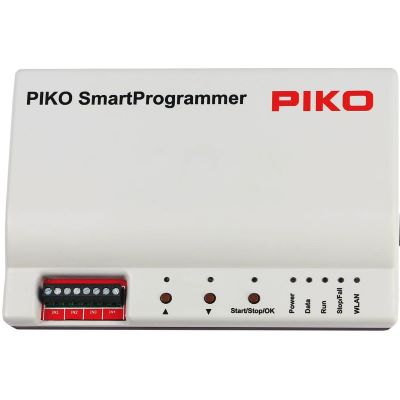
Configure SmartDecoders and transfer sound.
View product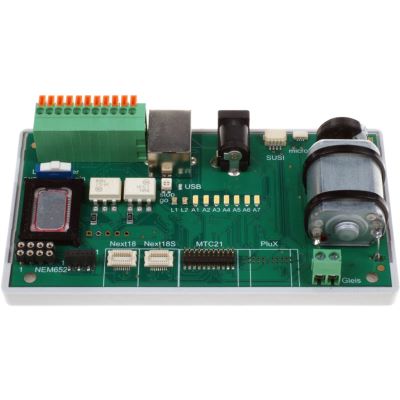
Test decoders and interfaces outside the locomotive.
View product
Multi-protocol decoder with a PluX22 interface.
View product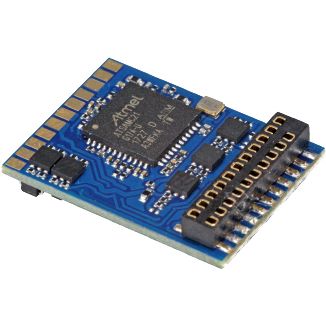
Multi-protocol decoder for 21MTC vehicle circuit boards.
View product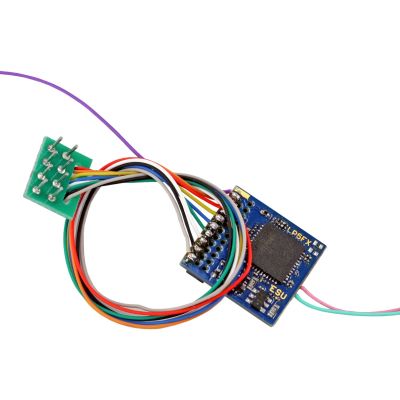
Lighting and auxiliary functions without a motor output.
View product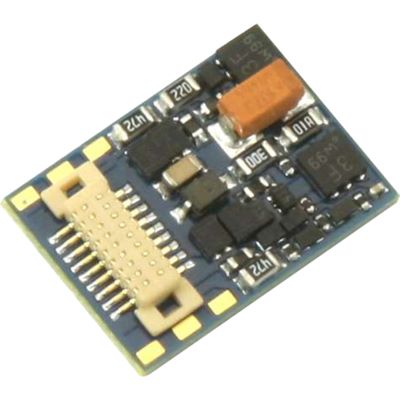
Compact multi-protocol decoder with Next18.
View product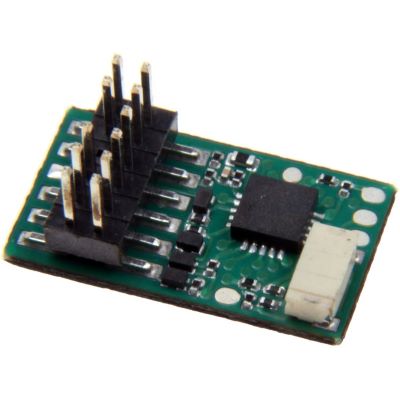
Vehicle decoder for compatible TT locomotives.
View product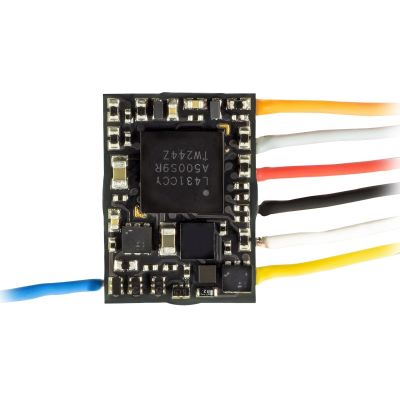
Very small decoder with a direct NEM 651 plug.
View product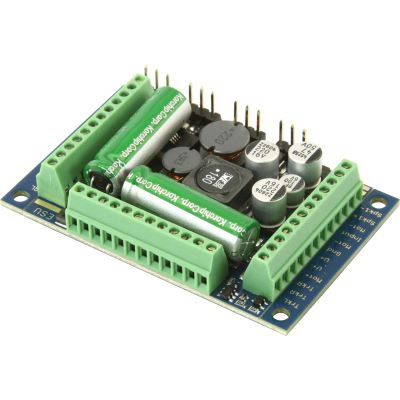
High-output sound decoder for large vehicles.
View product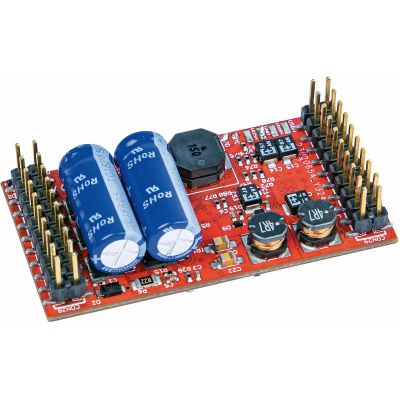
Blank large-scale sound decoder.
View productYou need a digital command station with a power supply, a handheld controller or other user interface, track and at least one locomotive with a compatible decoder.
Yes. Each locomotive has its own decoder address and responds only to the driving and function commands intended for it.
No. DCC is a digital protocol rather than a track-power system. It is frequently used on two-rail layouts but can also be used with compatible centre-conductor systems.
DCC is a widely used cross-manufacturer standard. mfx is closely associated with Märklin and supports automatic registration with compatible equipment.
A booster is required when the current demand exceeds the command station's output or when the layout must be divided into separate supply and short-circuit districts.
An accessory decoder executes a command. A feedback module detects a state and returns that information to the control system.
Yes, when the command station provides a compatible network or Wi-Fi connection and a suitable app or web interface.
Frequently, yes, provided that the protocol, digital bus, electrical specifications and interfaces are explicitly compatible.
No. Digital operation can remain entirely manual. Automatic routes require feedback, compatible modules and control software.
The interface, installation space, motor current, protocol and required function outputs are decisive. A sound decoder also requires a compatible loudspeaker connection.
Further guides covering gauges, power systems, layout planning, maintenance and prototypes are available in the central model railway guide.